G37 Smart Digital Dash Cluster – Apple CarPlay & Android Auto | MyVQParts
Customer Reviews
Choose options
Customer Reviews
Customer Reviews
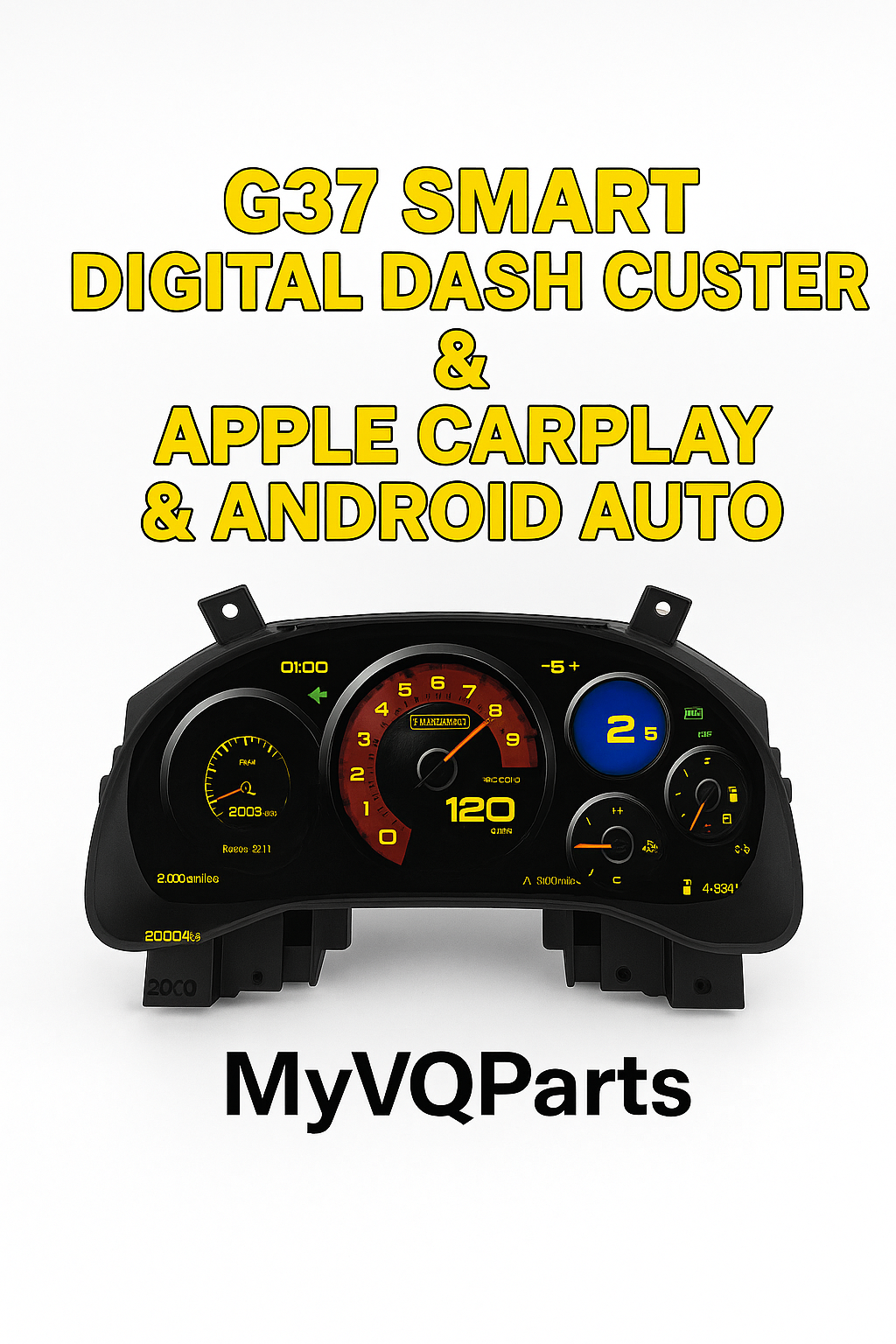
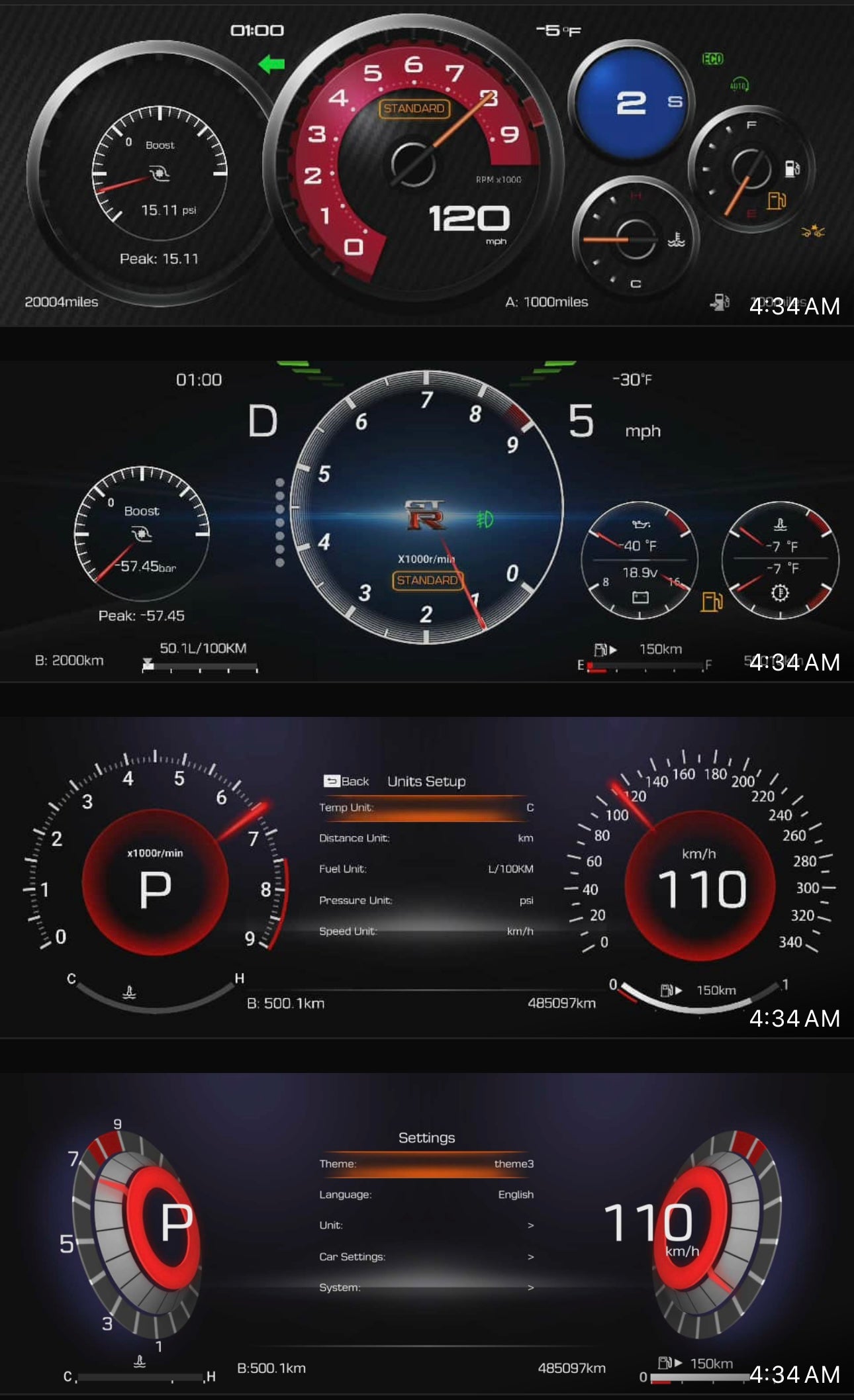
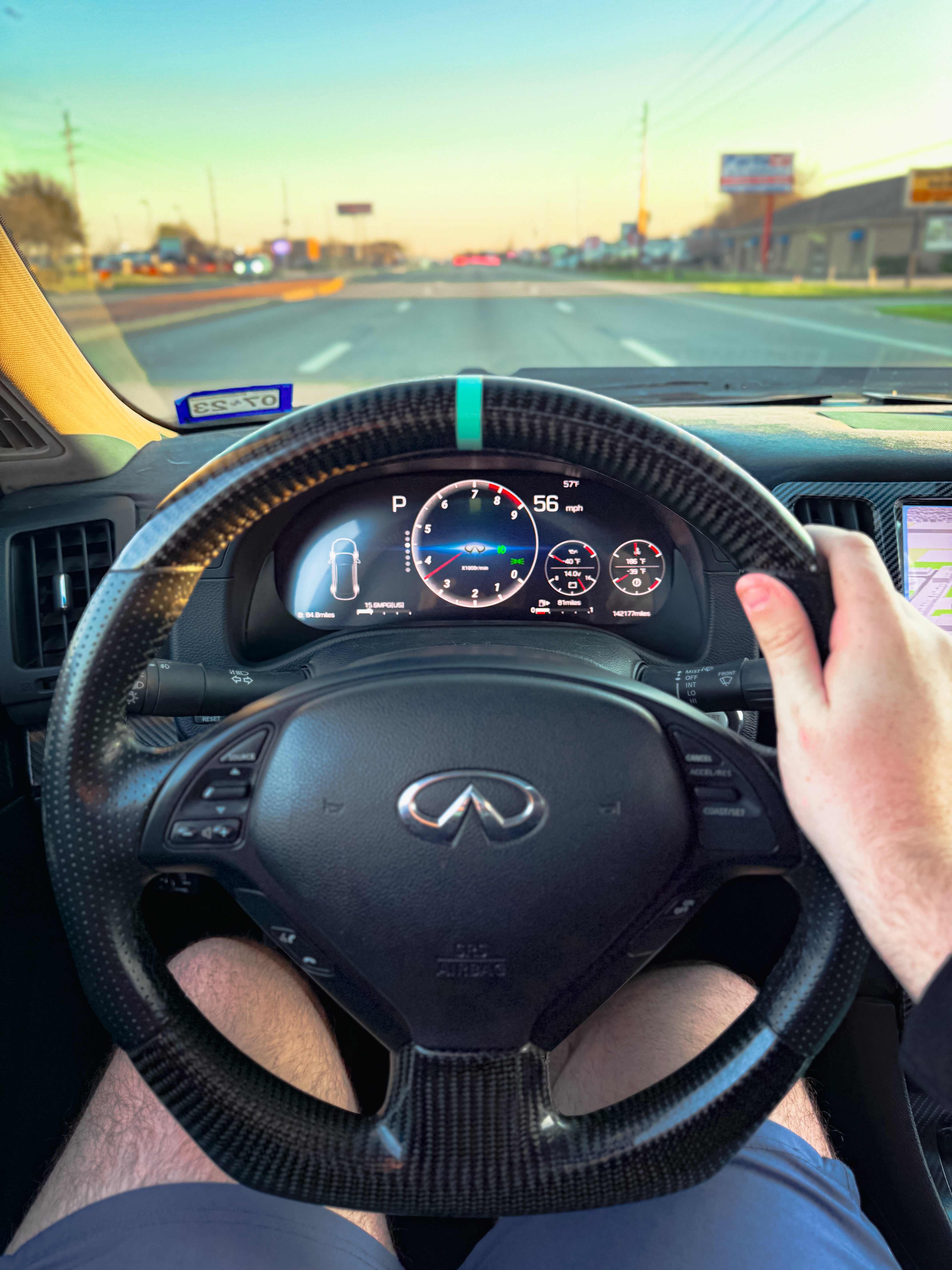
Transform your G37 interior with the MyVQParts Smart Digital Dash Cluster. Say goodbye to outdated analog gauges and upgrade to a modern LCD digital display that blends OEM+ style with cutting-edge functionality. This plug-and-play cluster adds wireless Apple CarPlay, Android Auto, and all your factory readouts in one sleek unit.
Key Features:
• Fully digital LCD instrument cluster
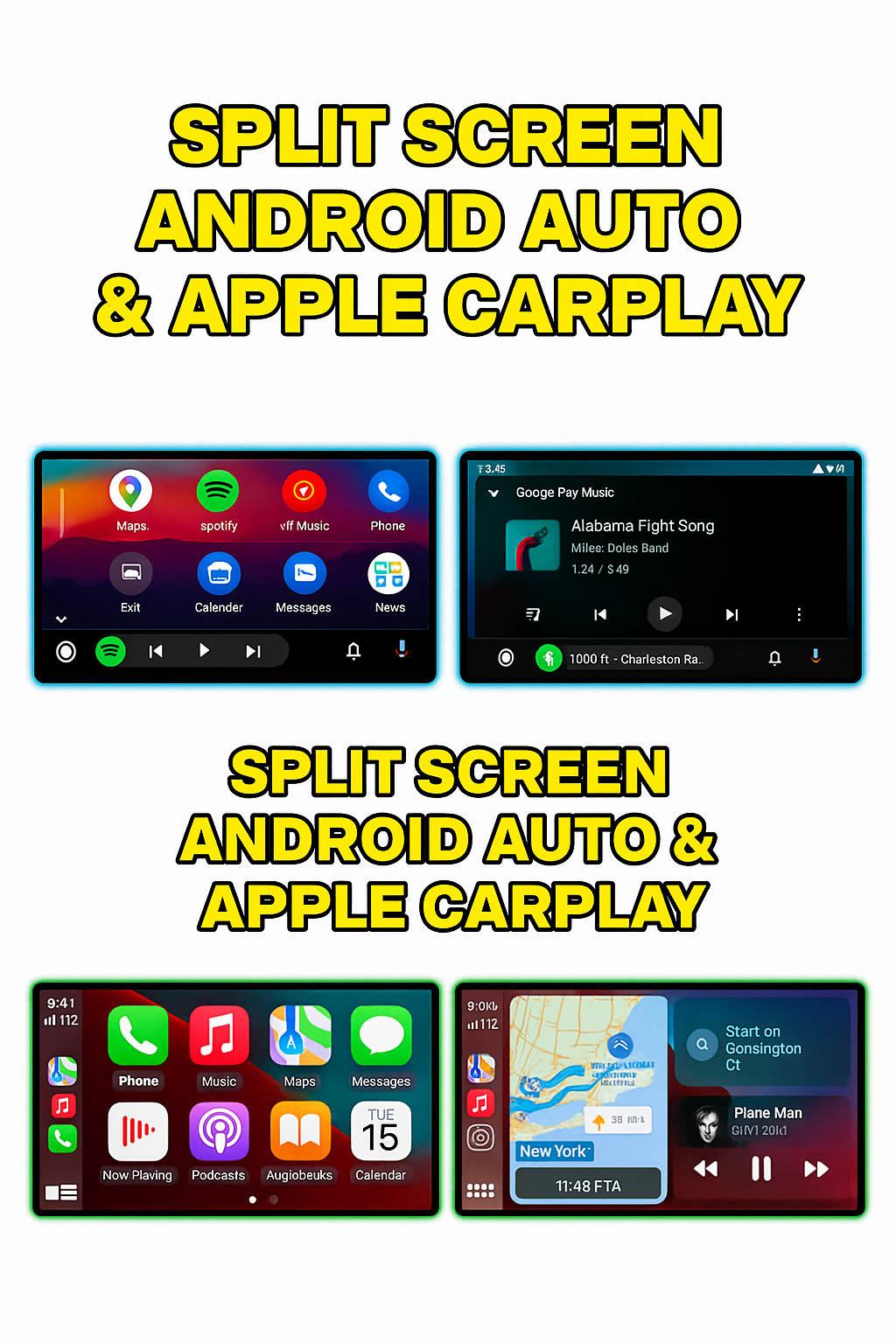
• Built-in wireless & wired Apple CarPlay + Android Auto
• 5 digital themes to match your style
• Plug-and-play OBD sync with odometer reading retention
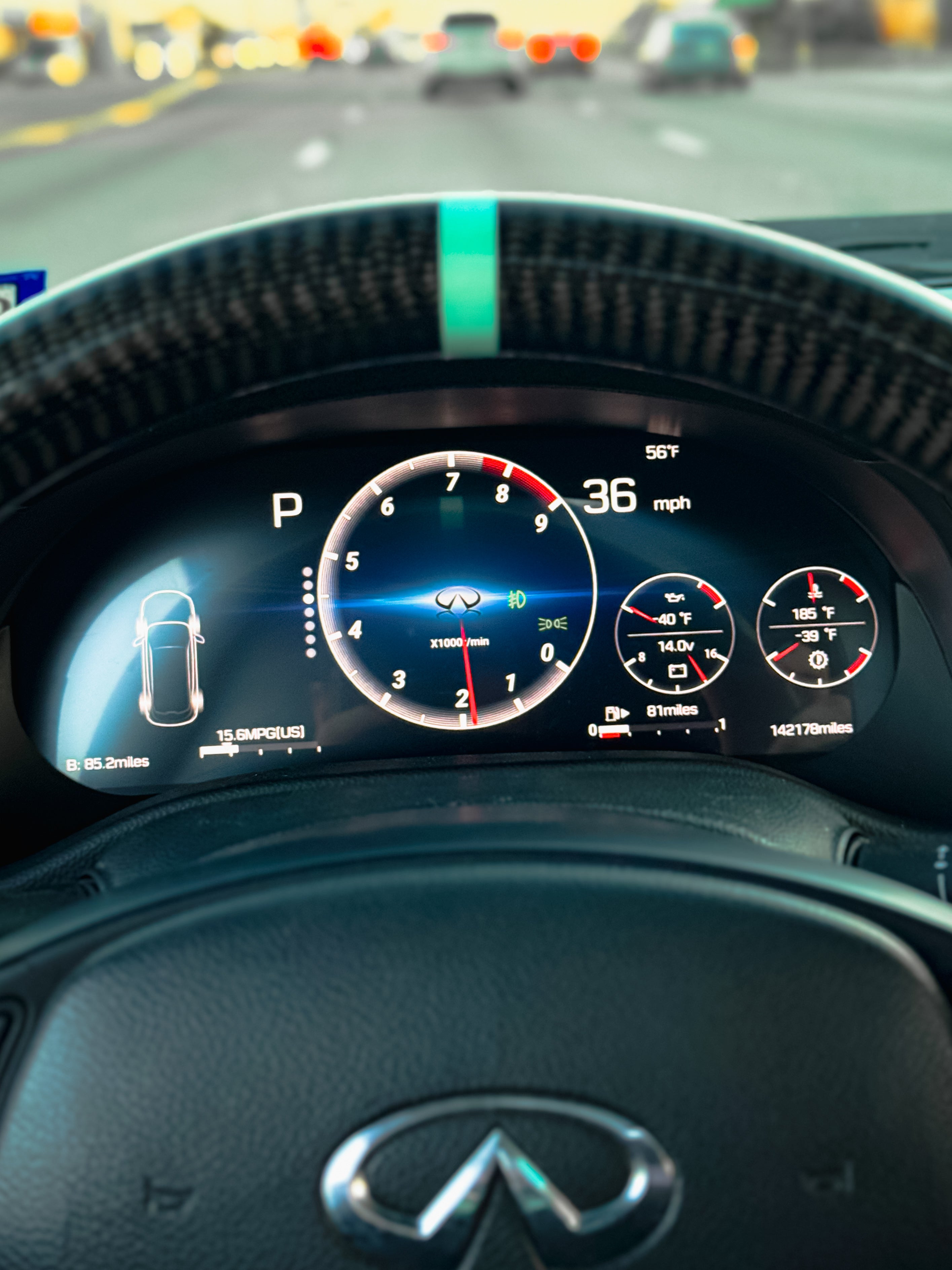
• Gear selection display & engine temp/pressure readouts
• Battery voltage, RPM, speed, fuel, and full gauge readings
• Supports both automatic & manual transmissions
• KMs or MPH display toggle
• No lag, no delay – real-time feedback
• Multi-language interface
• Bluetooth & Wi-Fi connectivity
• Clean OEM fitment with vehicle-specific harness
Compatible Vehicles:
• Infiniti G37 Coupe & Sedan (2008–2015)
Whether you’re building a show car or just want to modernize your daily, this cluster gives your cabin a premium, tech-forward look and feel.
Frequently Asked Questions
Is this G37 Smart Digital Dash Cluster – Apple CarPlay & Android Auto | MyVQParts compatible with my G37?
Compatible with: 2008–2015 G37. Contact us at support@myvqparts.com after ordering if you need fitment confirmation.
What is your shipping and return policy?
We offer fast shipping on all orders. Free shipping on all orders — no minimum. Returns accepted within 30 days for unused items in original packaging. Visit MyVQParts for full policy details.
How to Install: G37 Smart Digital Dash Cluster – Apple CarPlay & Android Auto | MyVQParts
- Disconnect the negative battery terminal before starting.
- Remove the factory head unit using the appropriate trim tools for your vehicle model.
- Disconnect the factory wiring harnesses.
- Connect the included wiring adapter harnesses to the new unit.
- Slide the new screen into the dash cavity and verify fitment.
- Reconnect the battery and power on the unit to test.
- Follow the on-screen setup wizard to configure Apple CarPlay, Android Auto, and navigation.
- Secure the unit with the included mounting hardware.
- Professional installation recommended for complex wiring configurations.
Questions? Email us at support@myvqparts.com or visit our contact page.