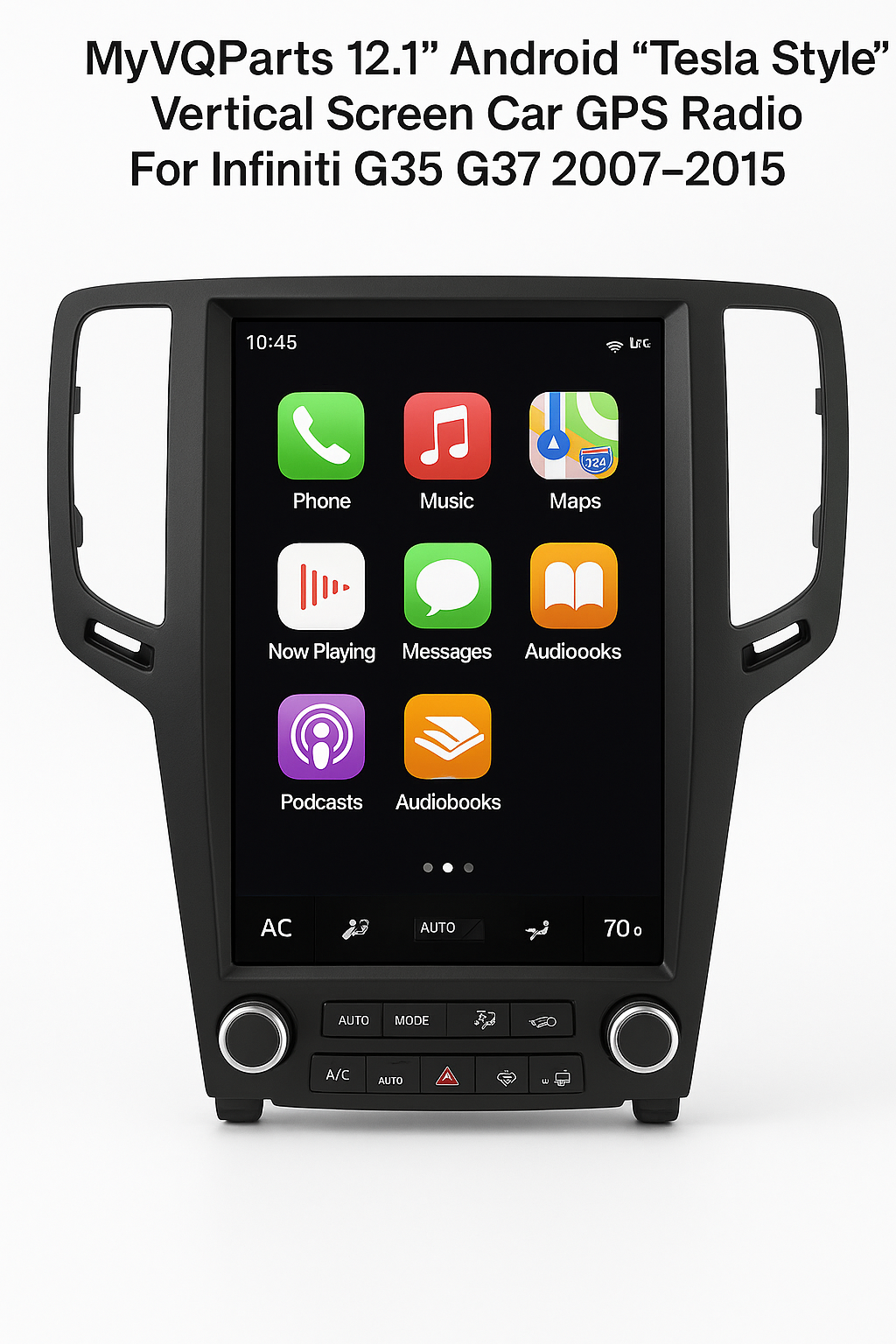
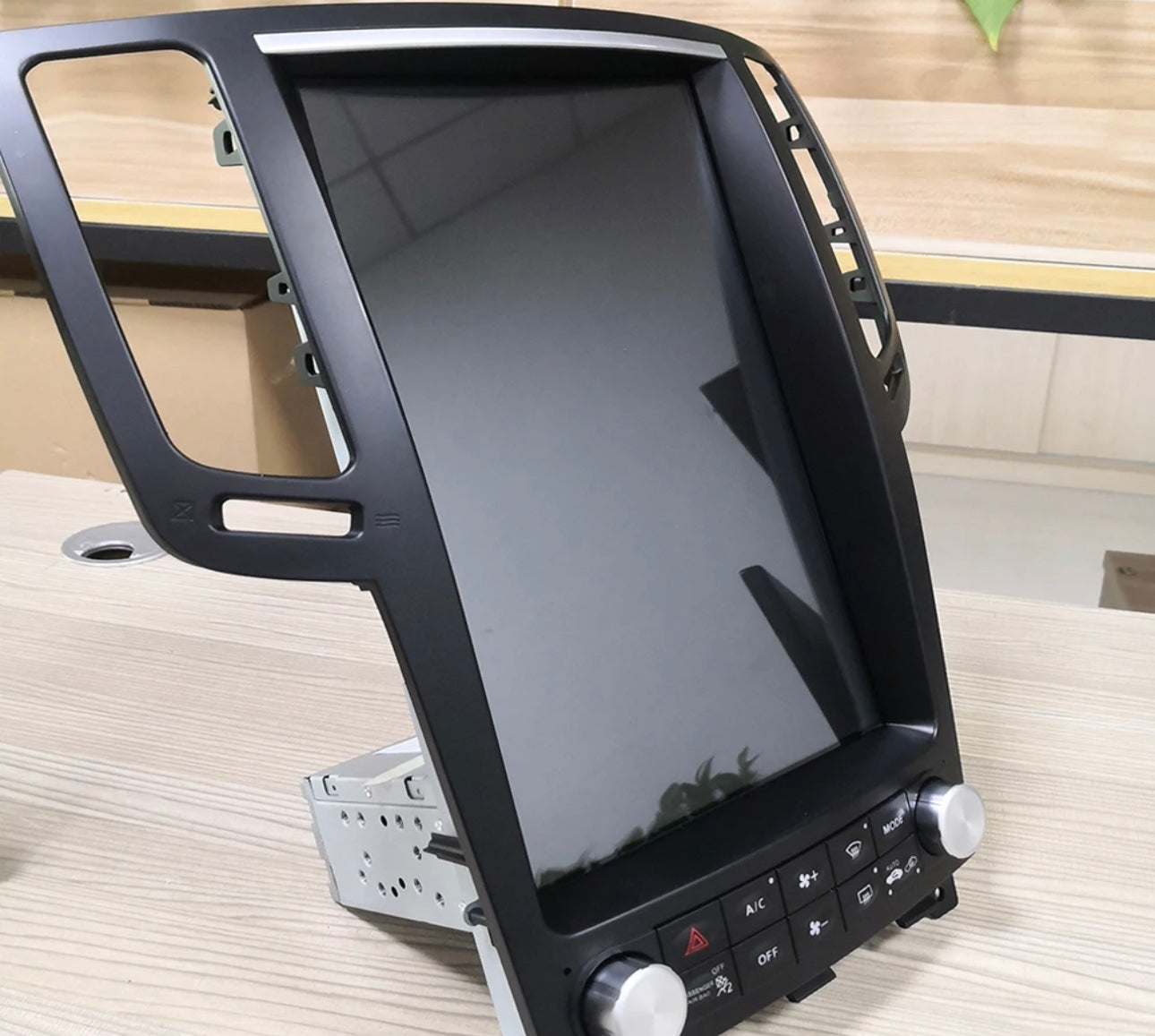
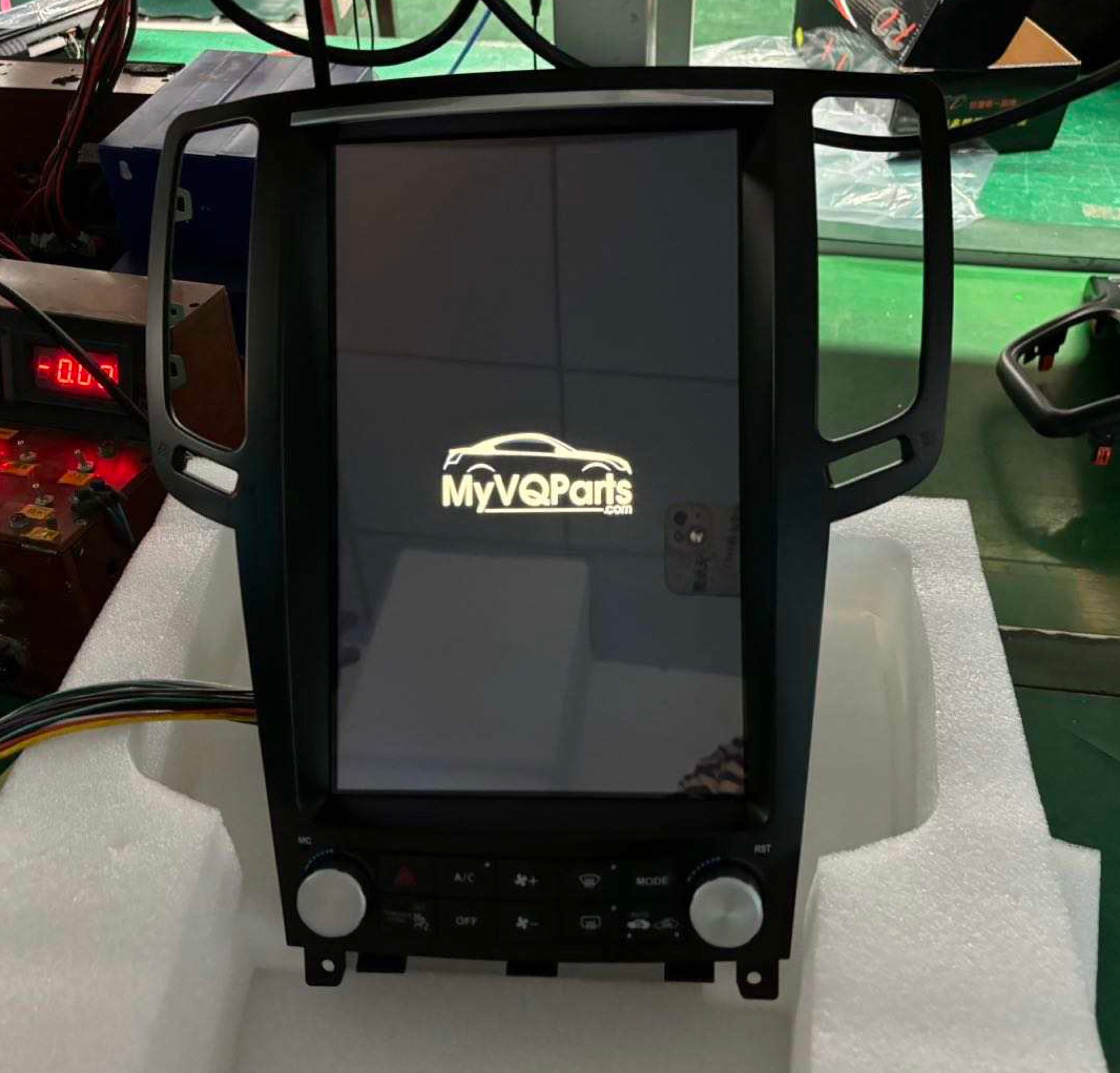
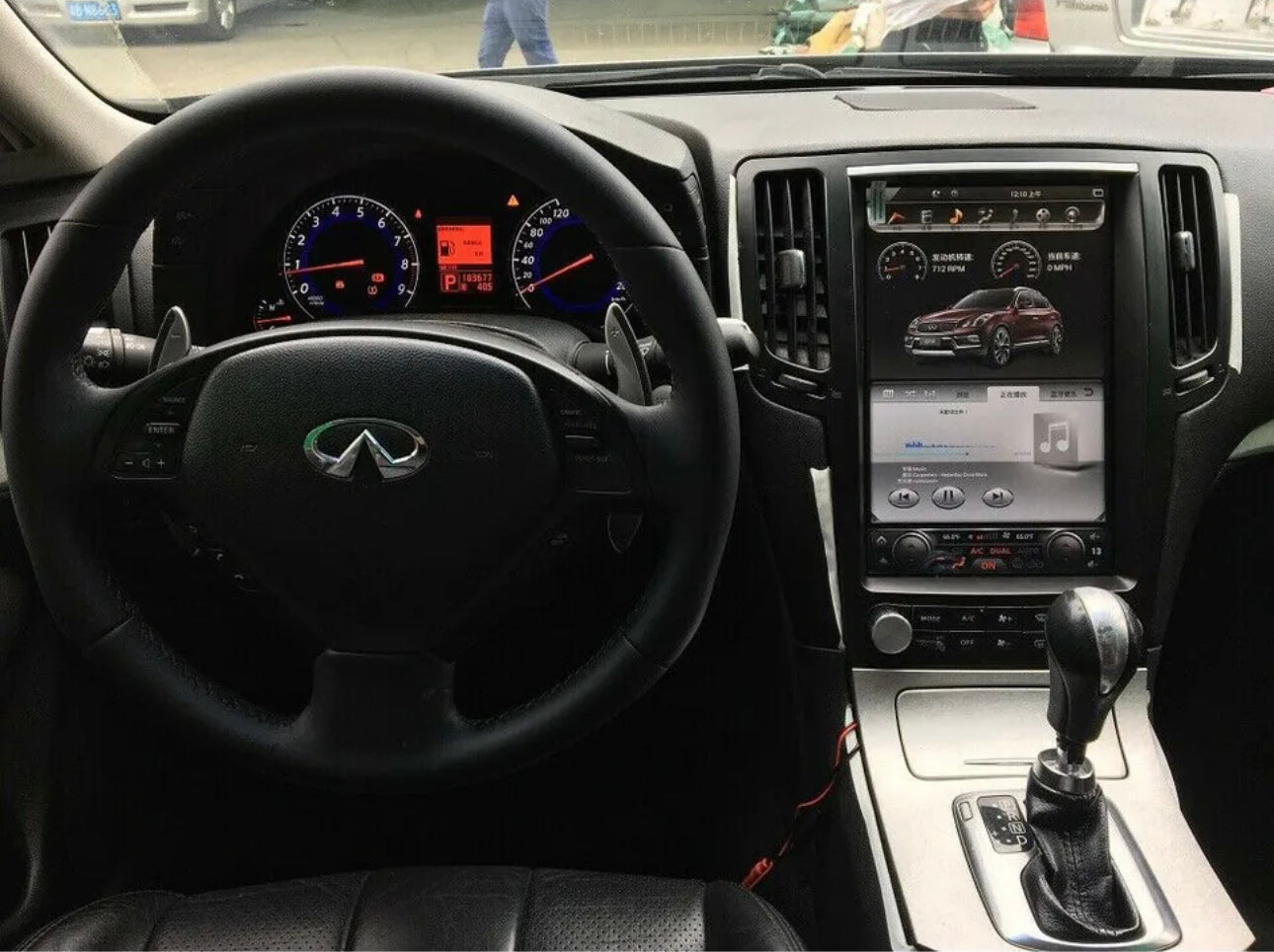
MyVQParts 12.1" Android “Tesla Style” Vertical Screen Car GPS Radio For Infiniti G35 G37 2007-2015
In Stock
— Ships within 1–3 business days
Quantity:
As low as $57/mo
with
Affirm
Klarna
Afterpay
No hard credit check
$227/mo
3 months
$114/mo
6 months
$57/mo
12 months
Customer Reviews
Choose options
In Stock
— Ships within 1–3 business days
Quantity:
As low as $57/mo
with
Affirm
Klarna
Afterpay
No hard credit check
$227/mo
3 months
$114/mo
6 months
$57/mo
12 months
Customer Reviews
In Stock
— Ships within 1–3 business days
Quantity:
As low as $57/mo
with
Affirm
Klarna
Afterpay
No hard credit check
$227/mo
3 months
$114/mo
6 months
$57/mo
12 months
Customer Reviews
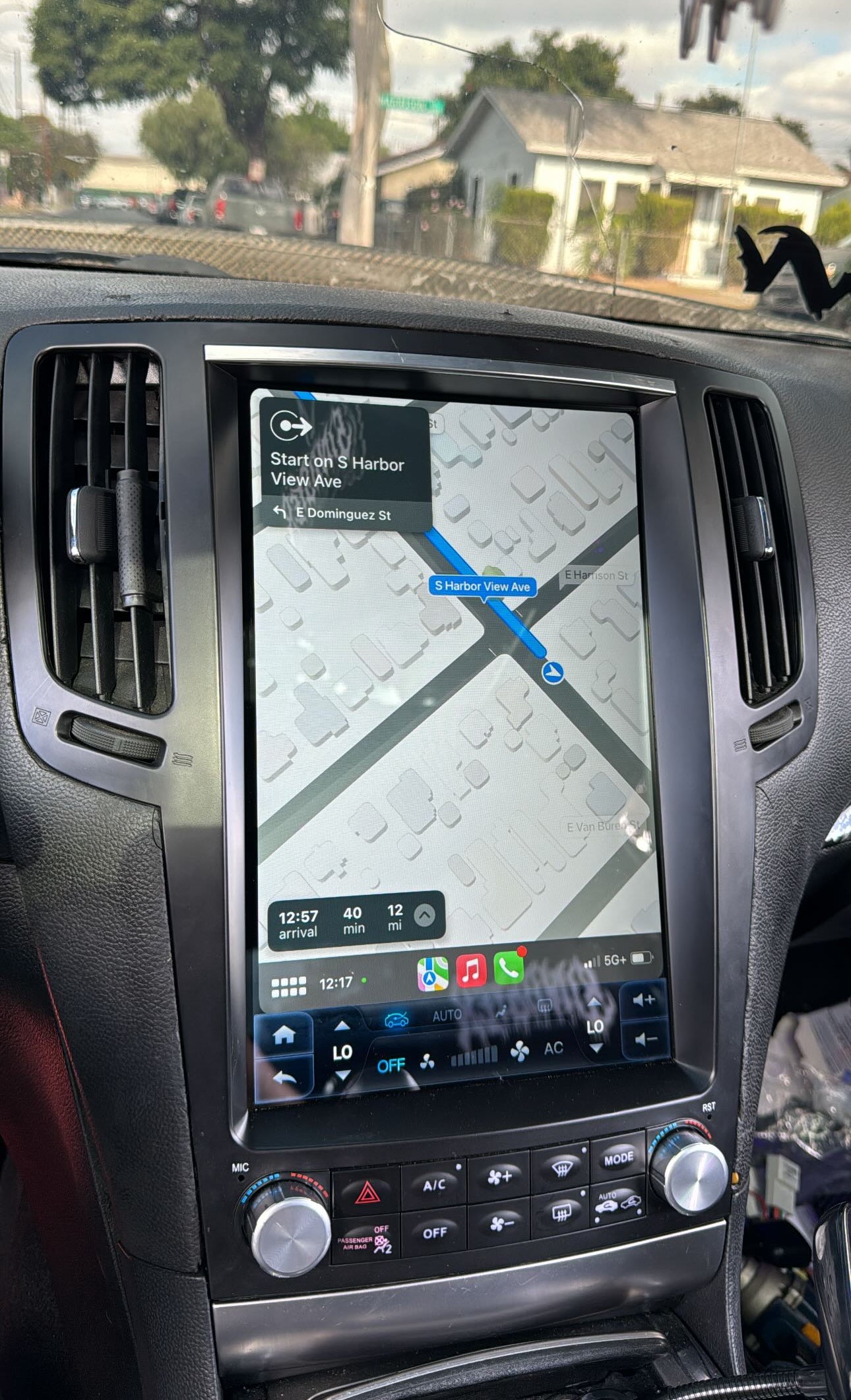
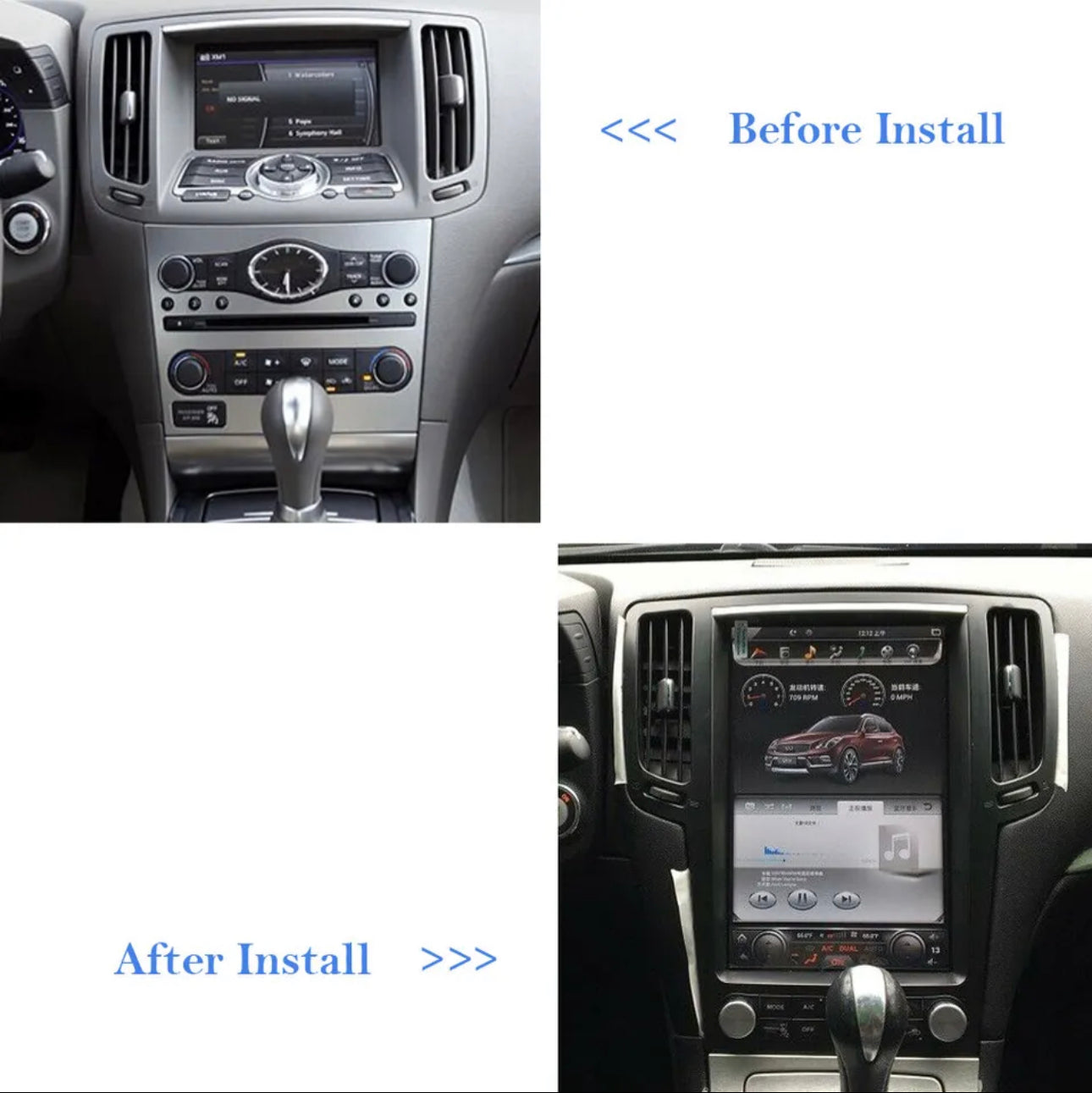
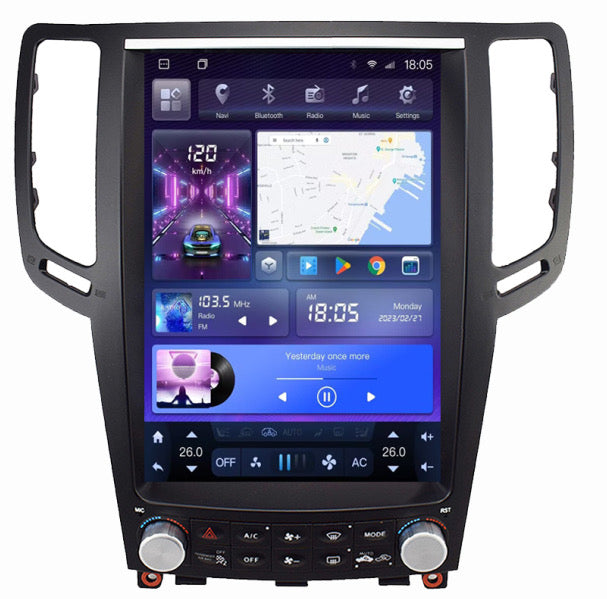
Upgrade your Infiniti G35 or G37 (2007-2015) with the ultimate infotainment system: the 12.1” Android “Tesla Style” Vertical Screen Car GPS Radio. Featuring a sleek, vertically oriented design, this system brings modern convenience and cutting-edge features right to your dashboard. Stream your favorite content from YouTube or Netflix, and enjoy the ultimate driving entertainment experience.
Frequently Asked Questions
Is this MyVQParts 12.1" Android “Tesla Style” Vertical Screen Car GPS Radio For Infiniti G35 G37 2007-2015 compatible with my G35/G37?
Compatible with: 2007-2015 G35, G37. Contact us at support@myvqparts.com after ordering if you need fitment confirmation.
What is your shipping and return policy?
We offer fast shipping on all orders. Free shipping on all orders — no minimum. Returns accepted within 30 days for unused items in original packaging. Visit MyVQParts for full policy details.
How to Install: MyVQParts 12.1" Android “Tesla Style” Vertical Screen Car GPS Radio For Infiniti G35 G37 2007-2015
- Disconnect the negative battery terminal before starting.
- Remove the factory head unit using the appropriate trim tools for your vehicle model.
- Disconnect the factory wiring harnesses.
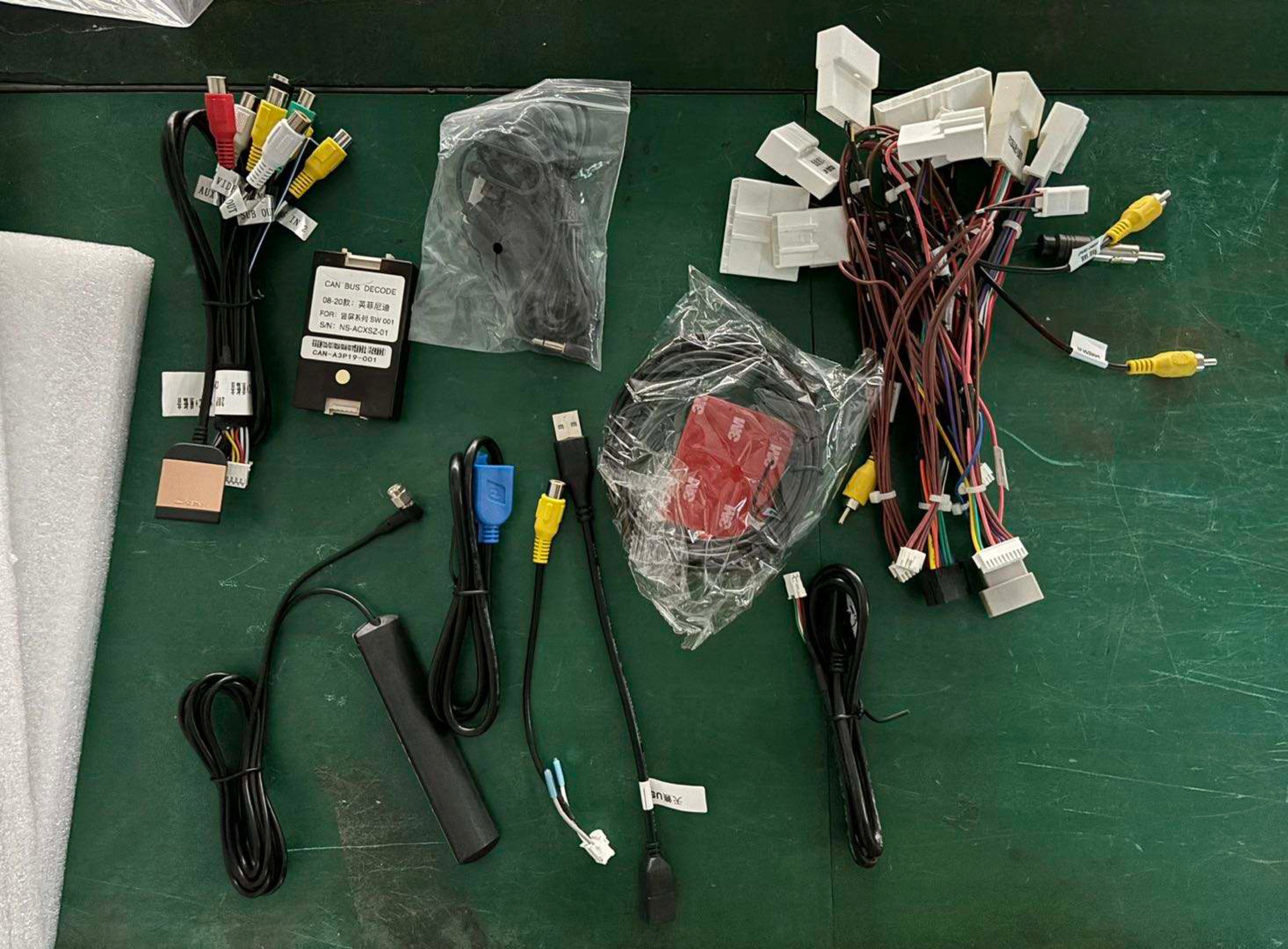
- Connect the included wiring adapter harnesses to the new unit.
- Slide the new screen into the dash cavity and verify fitment.
- Reconnect the battery and power on the unit to test.
- Follow the on-screen setup wizard to configure Apple CarPlay, Android Auto, and navigation.
- Secure the unit with the included mounting hardware.
- Professional installation recommended for complex wiring configurations.
Questions? Email us at support@myvqparts.com or visit our contact page.
📸 Tag us on Instagram! Share your build using #myvqparts or tag @myvqpartsshop to get featured!