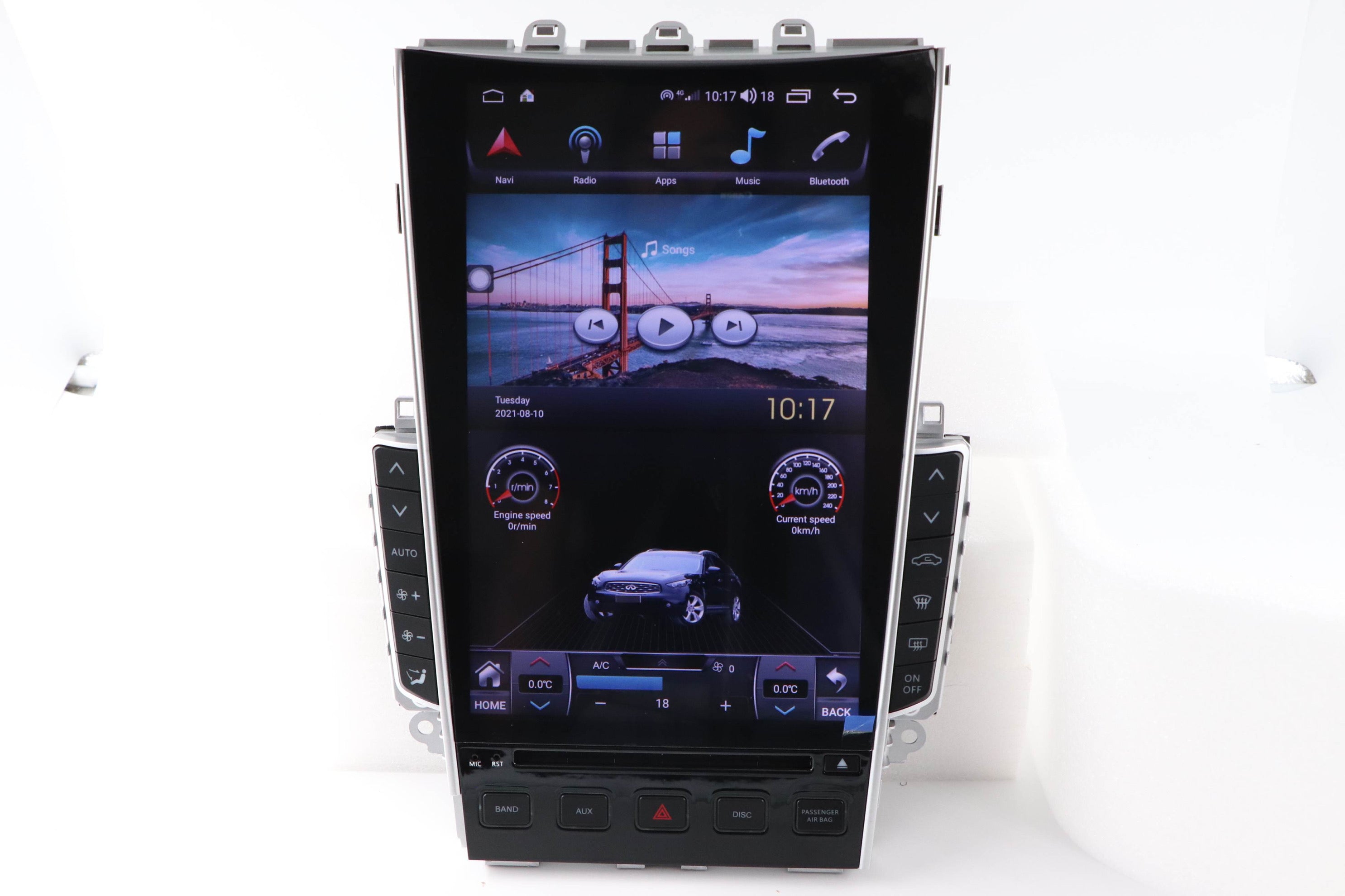
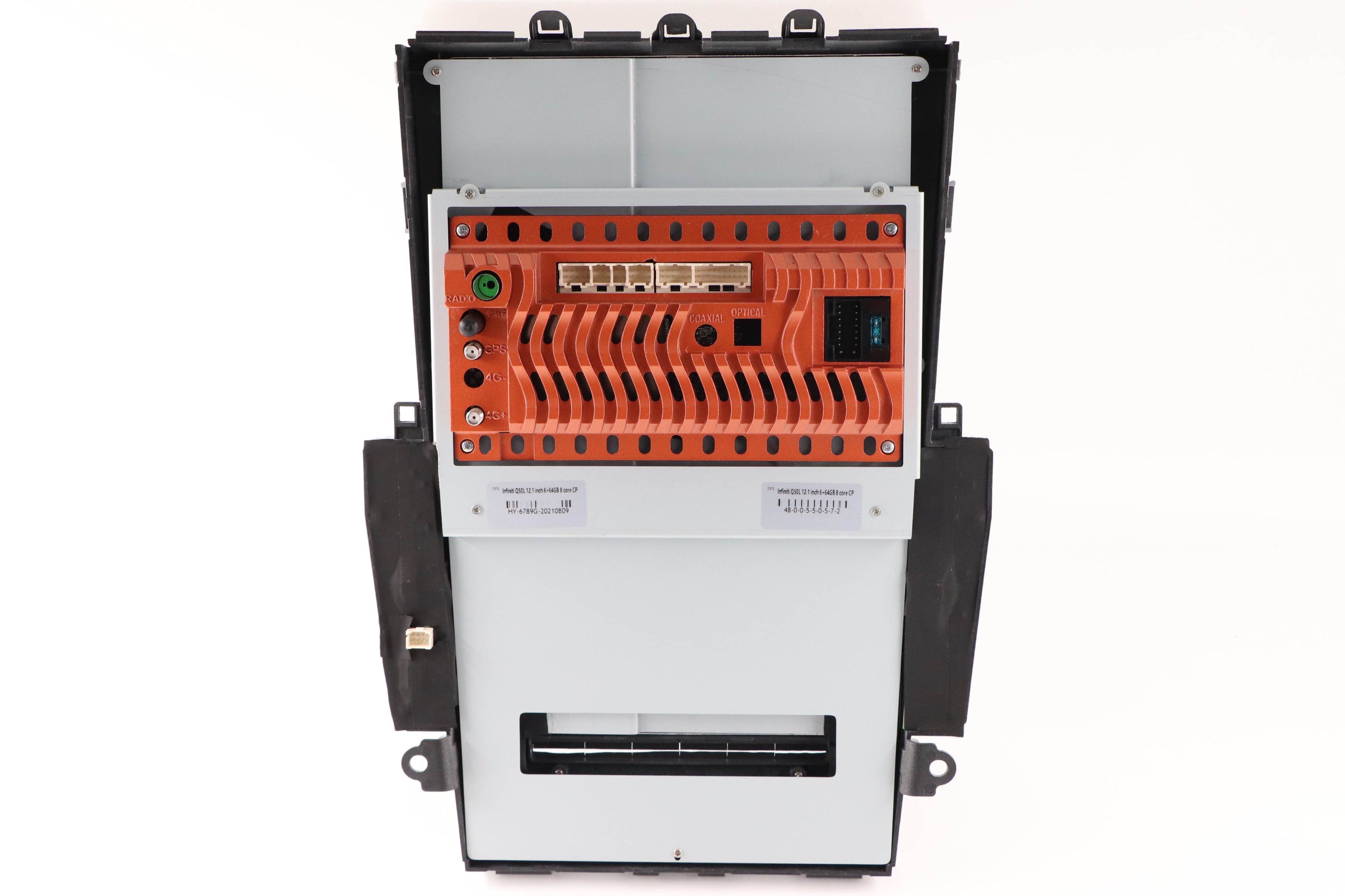
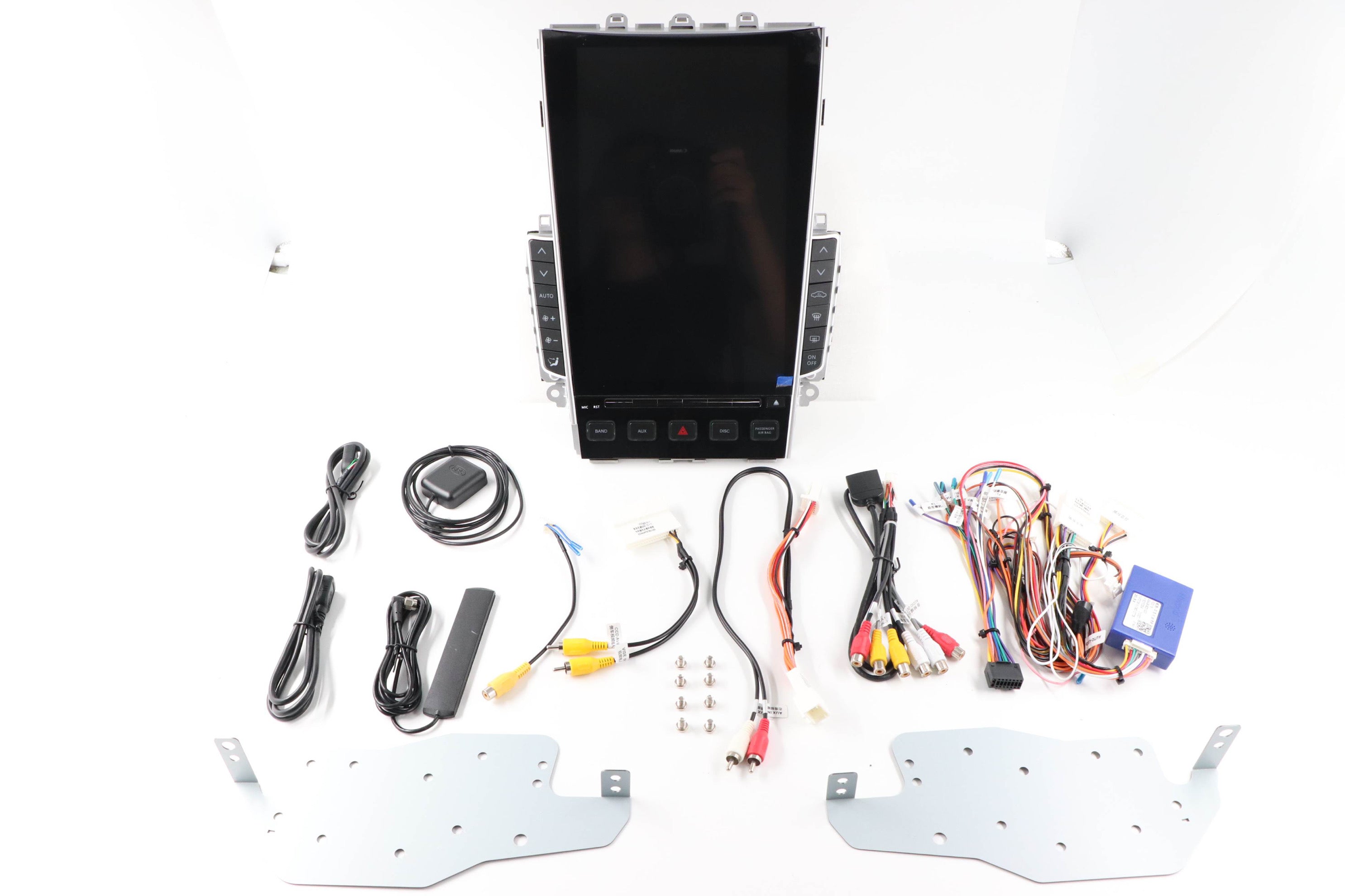
MyVQParts 2015-2023 Infiniti Q50/Q60 Apple “Tesla Style” Multimedia Screen with CarPlay/Android Auto
Storage size
Customer Reviews
Choose options
Storage size
Customer Reviews
Storage size
Customer Reviews
*NEWEST AVAILABLE VERSION*
MyVQParts 2015-2019 Infiniti Q50/Q60 Apple “Tesla Style” Multimedia Screen with CarPlay/Android Auto
Upgrade your Infiniti Q50/Q60 with the latest in-car technology. The MyVQParts 2015-2019 Infiniti Q50/Q60 Apple “Tesla Style” Multimedia Screen features CarPlay/Android Auto compatibility for seamless integration with your smartphone. Enjoy a sleek, modern design and enhanced functionality for a truly elevated driving experience.
Important Reminder!!
To ensure your Tesla-style screen works seamlessly with your vehicle, AFTER PLACING your order, please email us the following:
1. Make and model year of your car
2. Whether your car has 2 or 4 doors
3. Pictures of your current infotainment screen and surrounding buttons (entire area where Tesla screen would go) on the settings/info menu
4. Whether your current system is touchscreen or not
📧 Send to: support@myvqparts.com
✅ Once we receive your info, we’ll process your order ASAP.
Frequently Asked Questions
Is this MyVQParts 2015-2023 Infiniti Q50/Q60 Apple “Tesla Style” Multimedia Screen with CarPlay/Android Auto compatible with my Q50/Q60?
Compatible with: 2015-2023/2015-2019 Q50, Q60. Contact us at support@myvqparts.com after ordering if you need fitment confirmation.
What is your shipping and return policy?
We offer fast shipping on all orders. Free shipping on all orders — no minimum. Returns accepted within 30 days for unused items in original packaging. Visit MyVQParts for full policy details.
How to Install: MyVQParts 2015-2023 Infiniti Q50/Q60 Apple “Tesla Style” Multimedia Screen with CarPlay/Android Auto
- Disconnect the negative battery terminal before starting.
- Remove the factory head unit using the appropriate trim tools for your vehicle model.
- Disconnect the factory wiring harnesses.
- Connect the included wiring adapter harnesses to the new unit.
- Slide the new screen into the dash cavity and verify fitment.
- Reconnect the battery and power on the unit to test.
- Follow the on-screen setup wizard to configure Apple CarPlay, Android Auto, and navigation.
- Secure the unit with the included mounting hardware.
- Professional installation recommended for complex wiring configurations.
Questions? Email us at support@myvqparts.com or visit our contact page.