
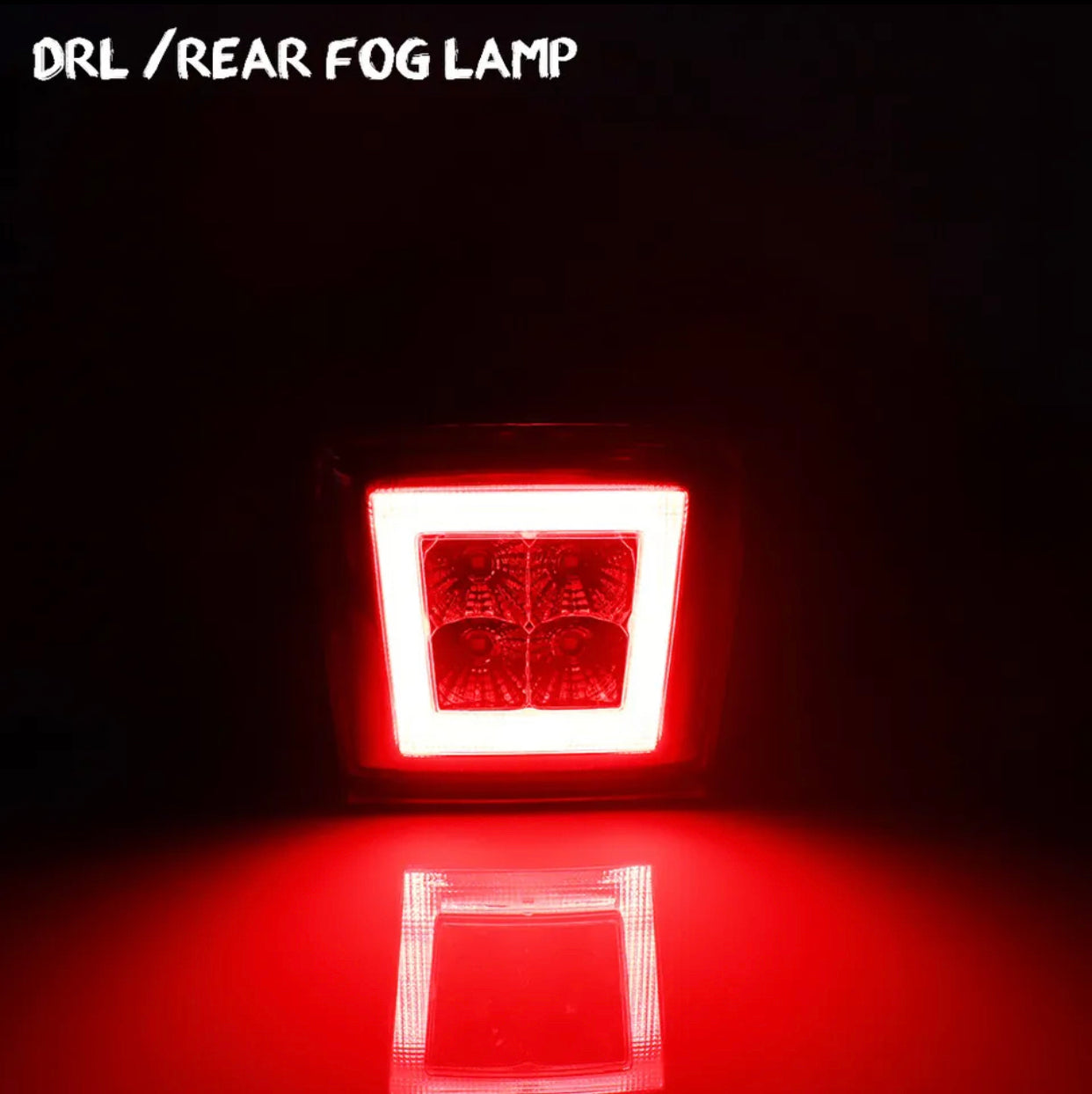
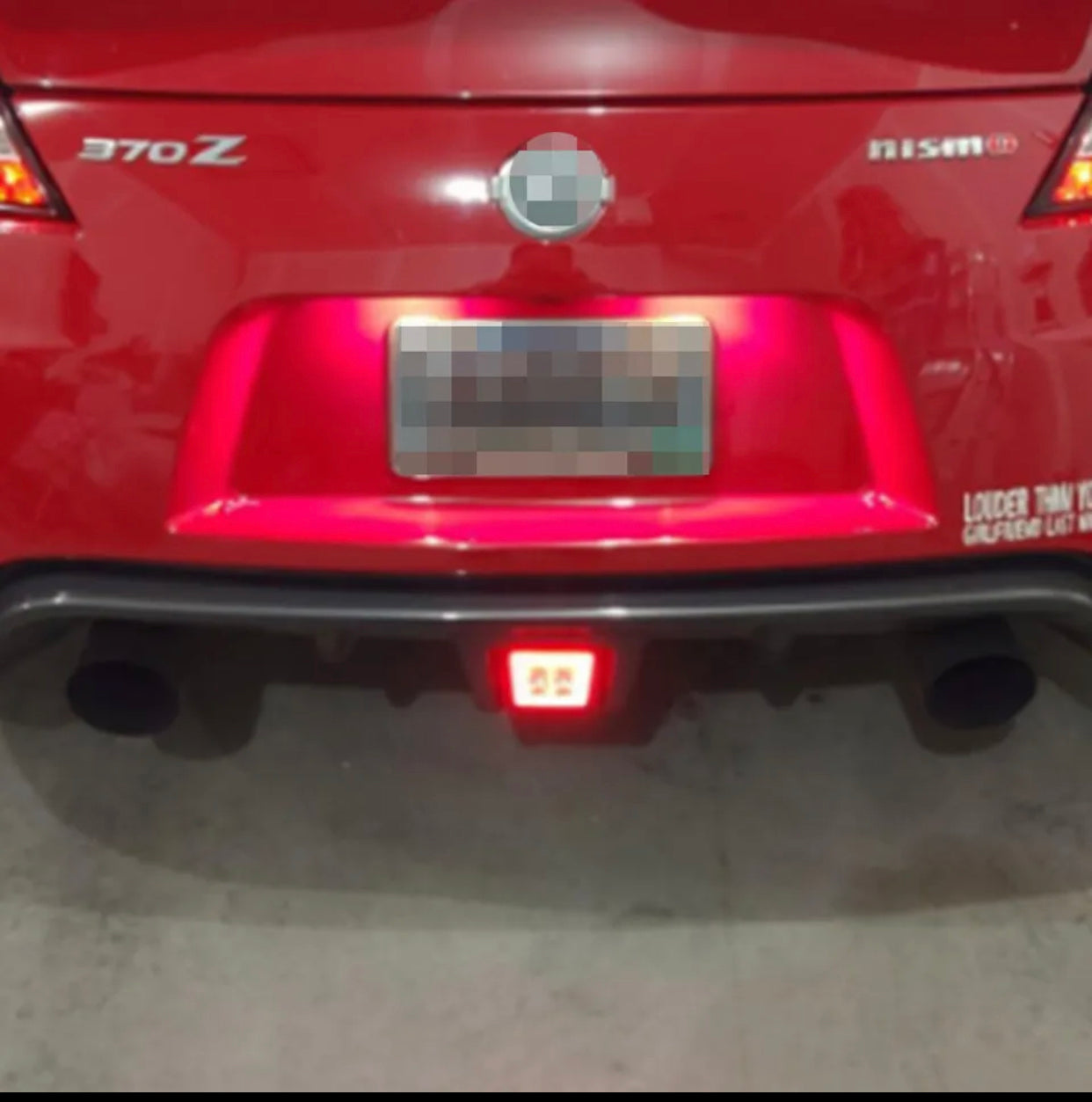
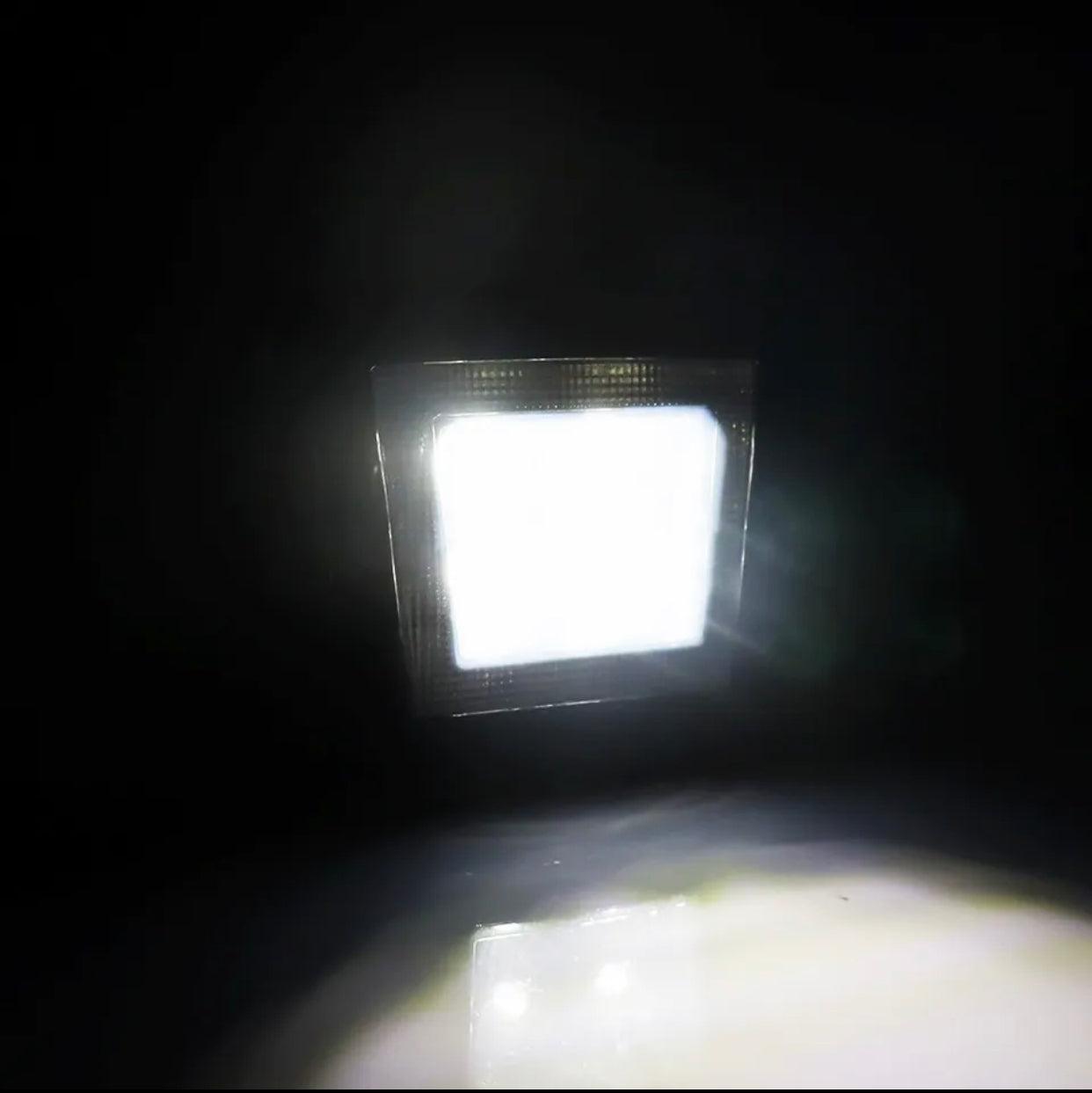
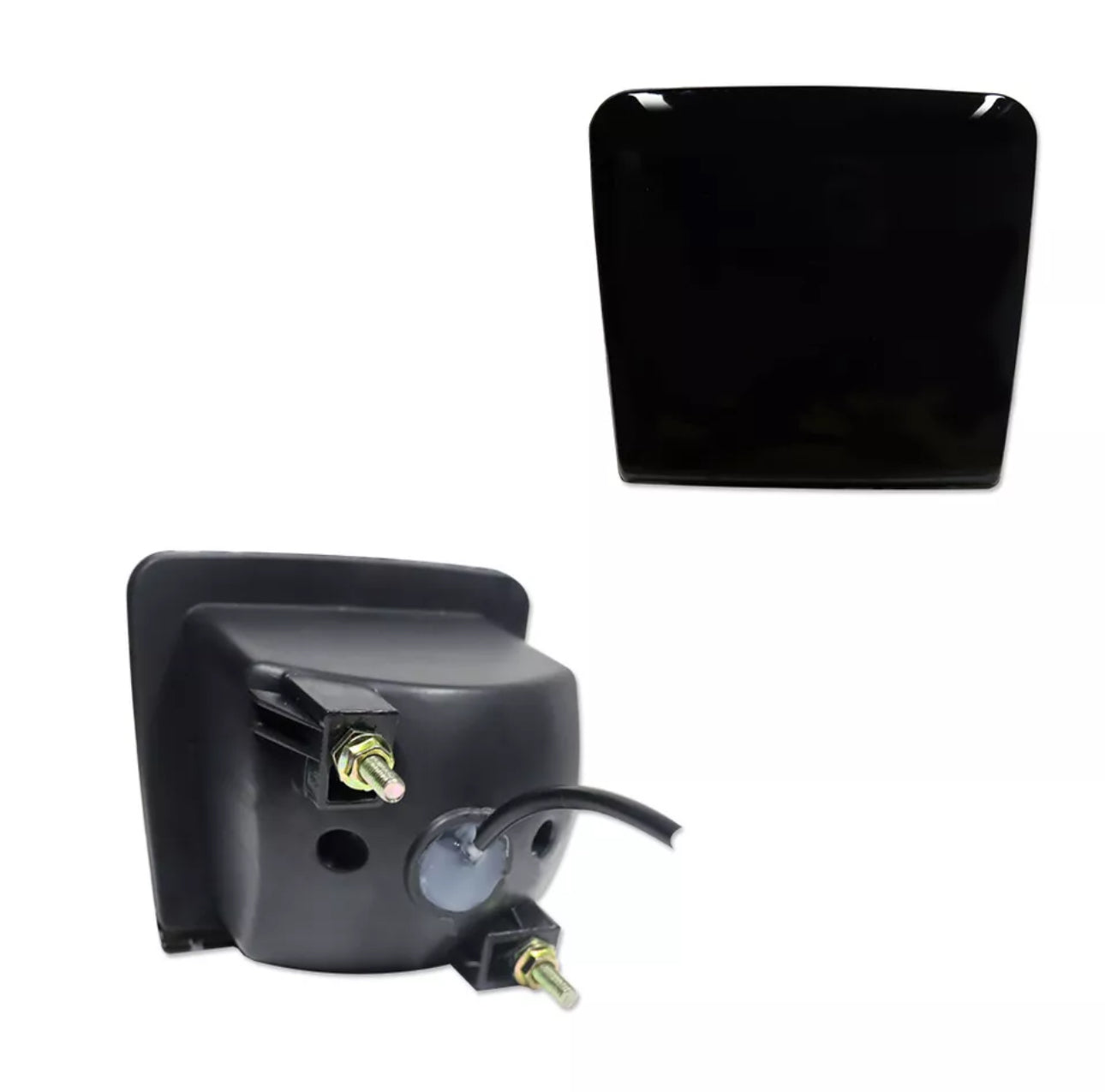
3 in 1 Red Lens Rear Foglight Tail Brake Light Assembly For 2009-up Nissan 370Z
In Stock
— Processed in 1–3 business days
Live tracking updated once shipped
Color:
Color
Quantity:
Customer Reviews
Choose options
In Stock
— Processed in 1–3 business days
Live tracking updated once shipped
Color:
Color
Quantity:
Customer Reviews
In Stock
— Processed in 1–3 business days
Live tracking updated once shipped
Color:
Color
Quantity:
Customer Reviews
Upgrade your Nissan 370Z with this 3 in 1 Red Lens Rear Foglight Tail Brake Light Assembly. Not only do you get a rear foglight and tail light, but also a brake light - all in one convenient package. Perfect for enhancing visibility and safety while driving.
Frequently Asked Questions
What vehicles is this compatible with?
Compatible with: 370Z. Contact us at support@myvqparts.com after ordering if you need fitment confirmation.
What is your shipping and return policy?
We offer fast shipping on all orders. Free shipping on all orders — no minimum. Returns accepted within 30 days for unused items in original packaging. Visit MyVQParts for full policy details.
How to Install: 3 in 1 Red Lens Rear Foglight Tail Brake Light Assembly For 2009-up Nissan 370Z
- Identify the installation location and access route for wiring.
- Remove any necessary trim panels or bumper covers to access the mounting area.
- Connect the wiring harness to the vehicle's existing connector or splice into the appropriate circuit (refer to included instructions).
- Mount the light assembly using the included hardware.
- Test full functionality before reassembling any panels.
- Reinstall all panels and verify there are no loose wires.
Questions? Email us at support@myvqparts.com or visit our contact page.
📸 Tag us on Instagram! Share your build using #myvqparts or tag @myvqpartsshop to get featured!