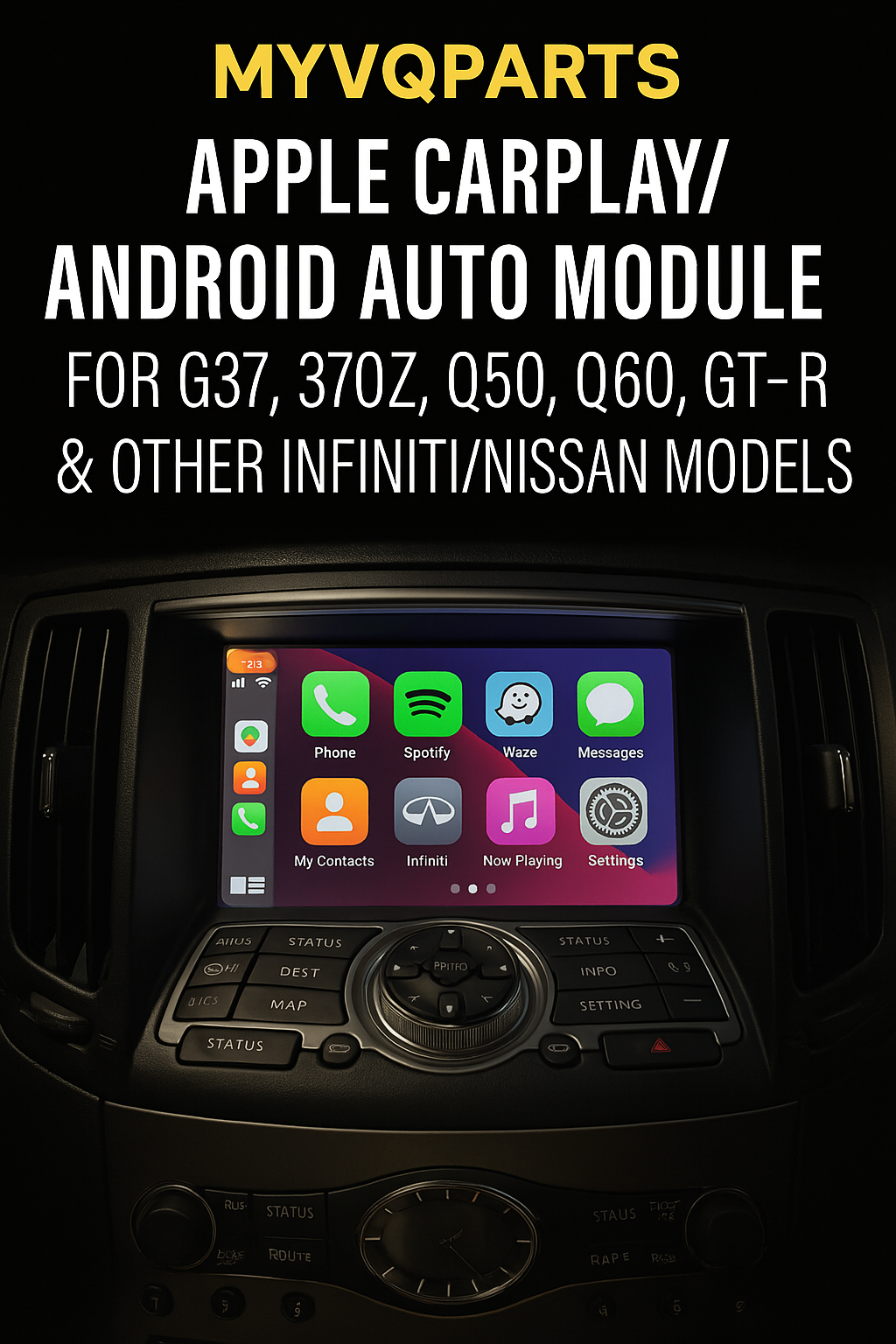
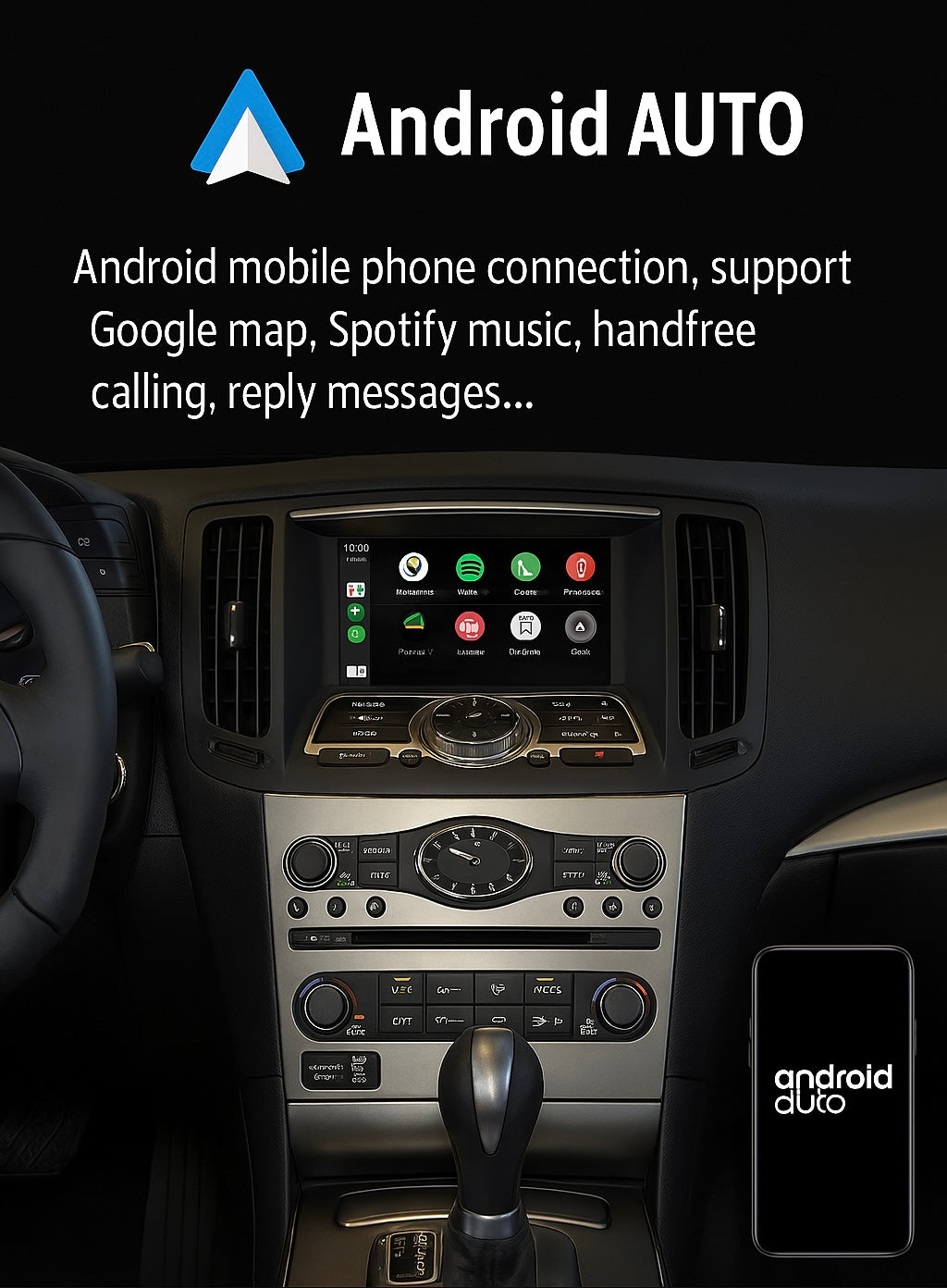
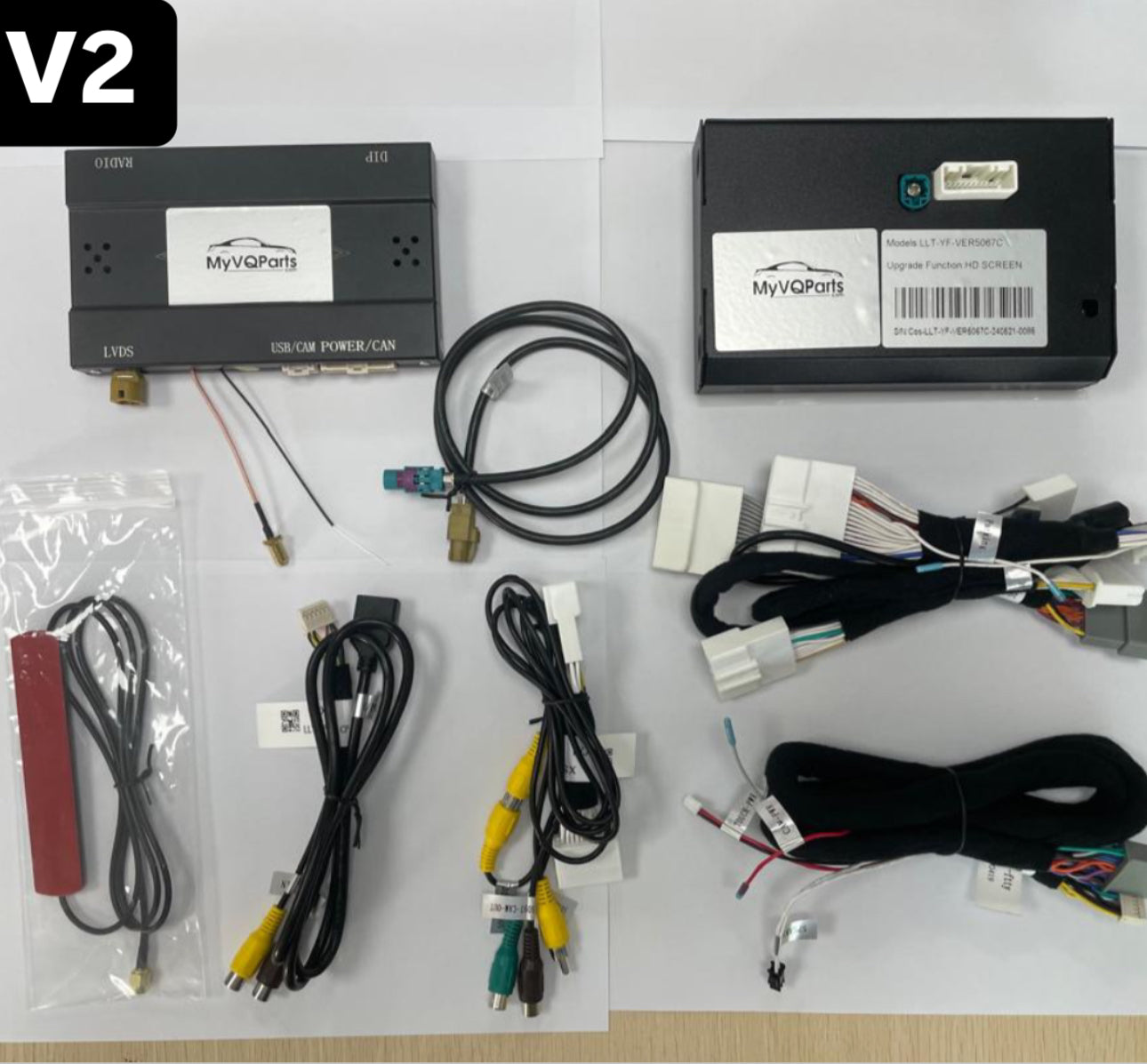
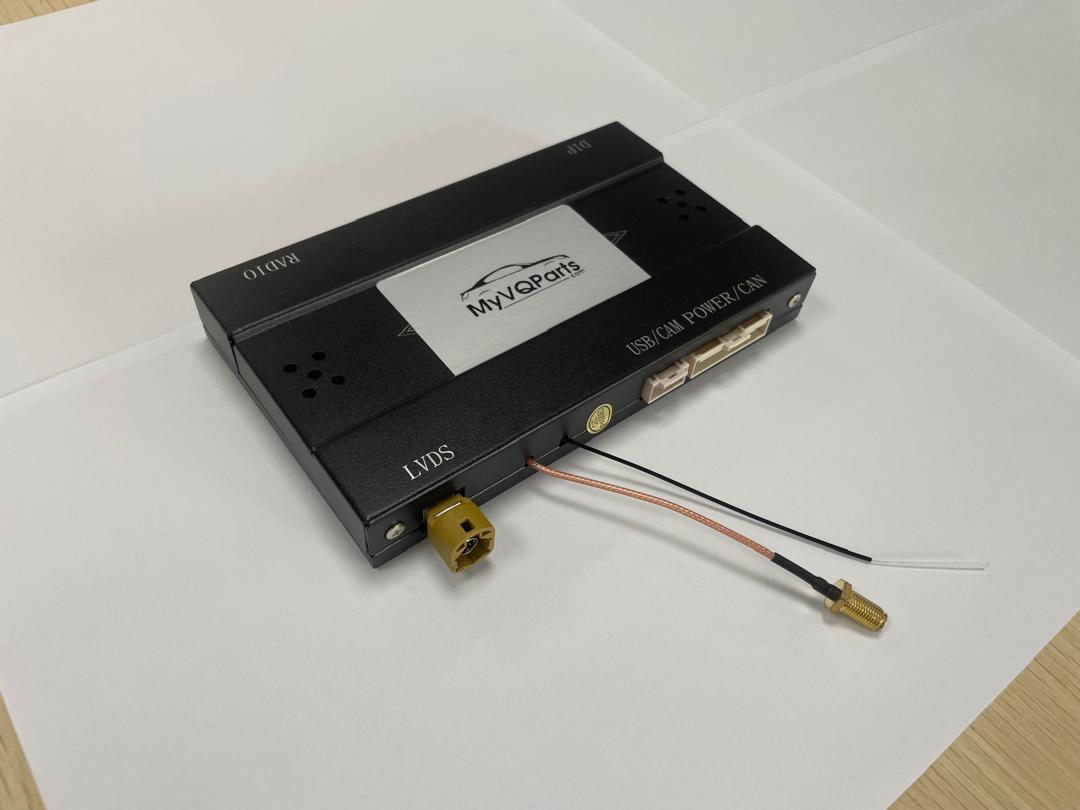
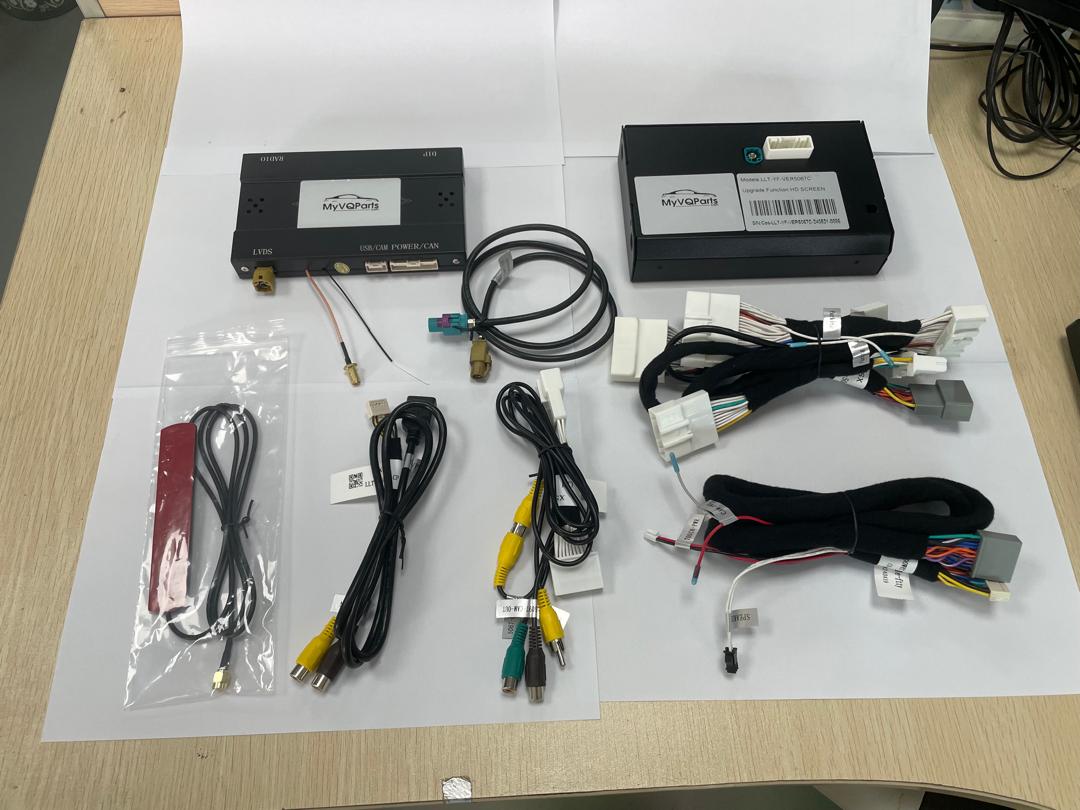
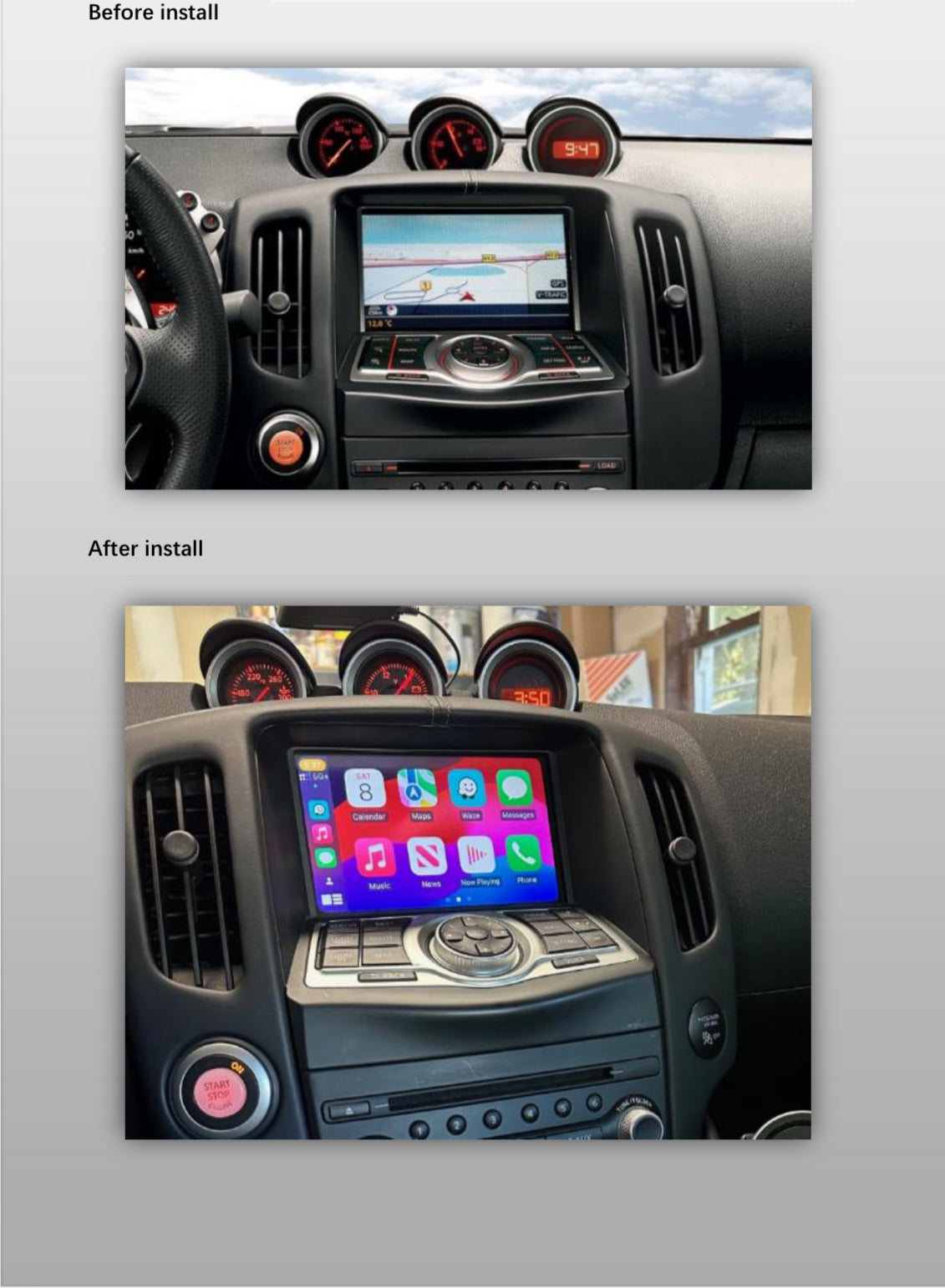
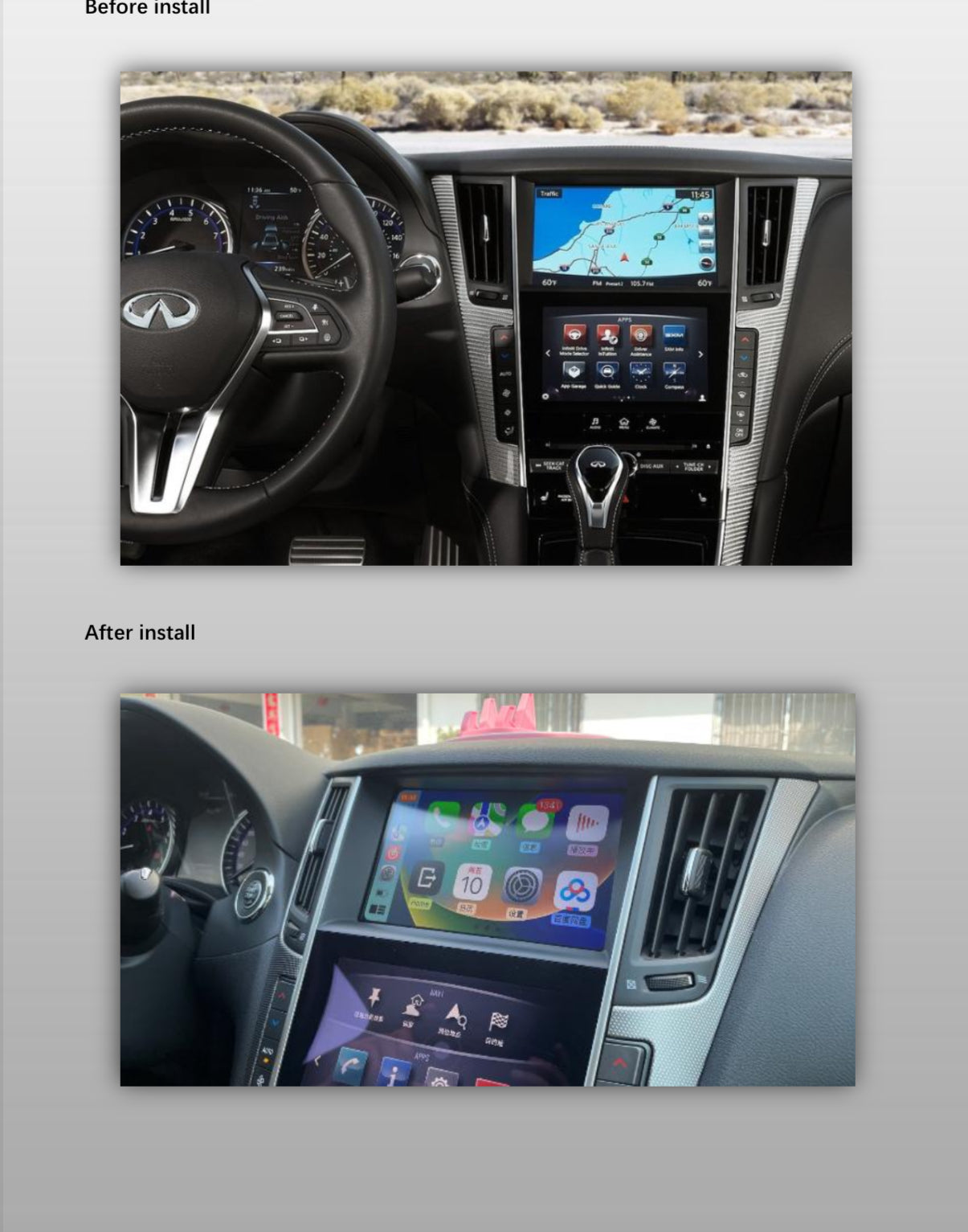
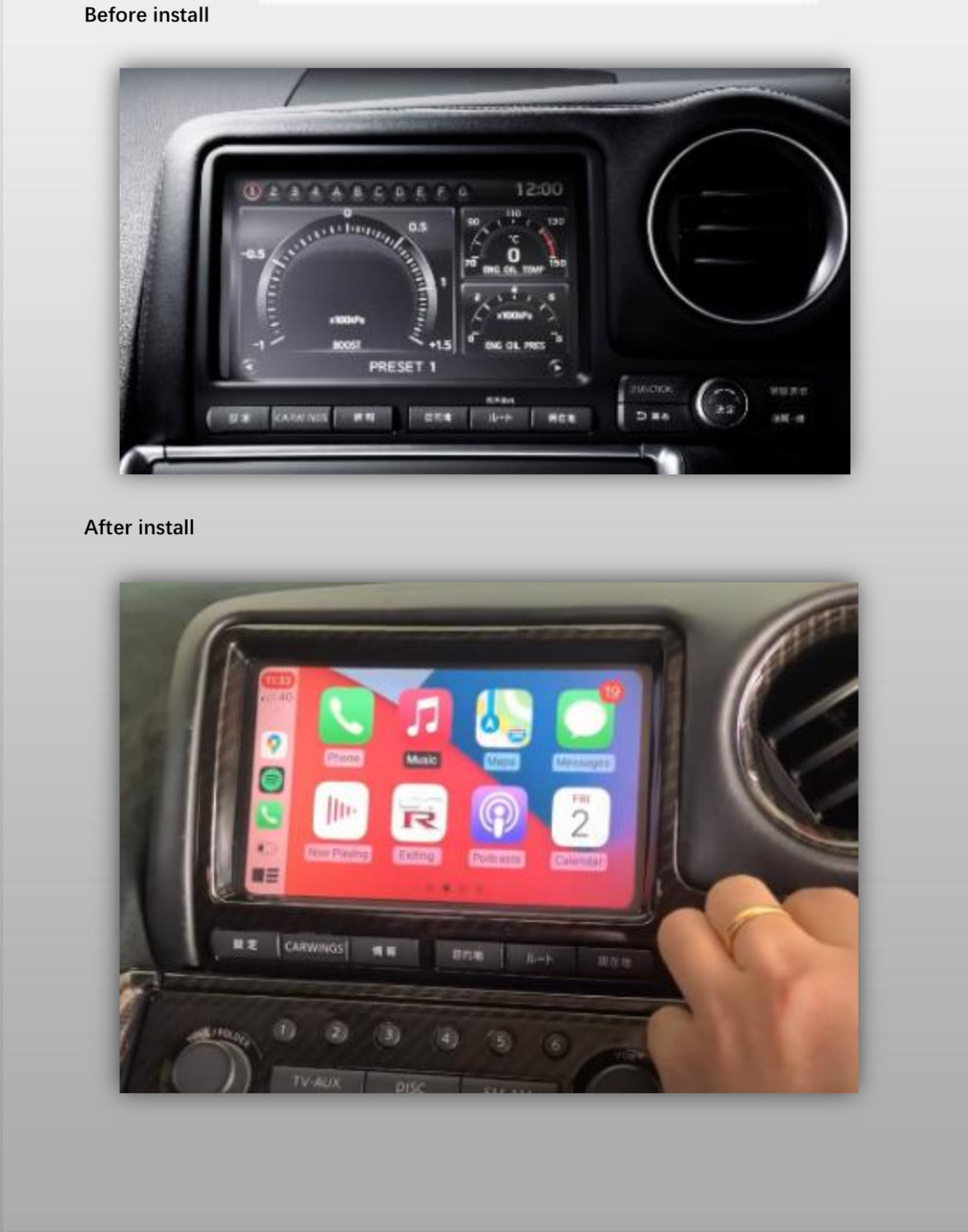
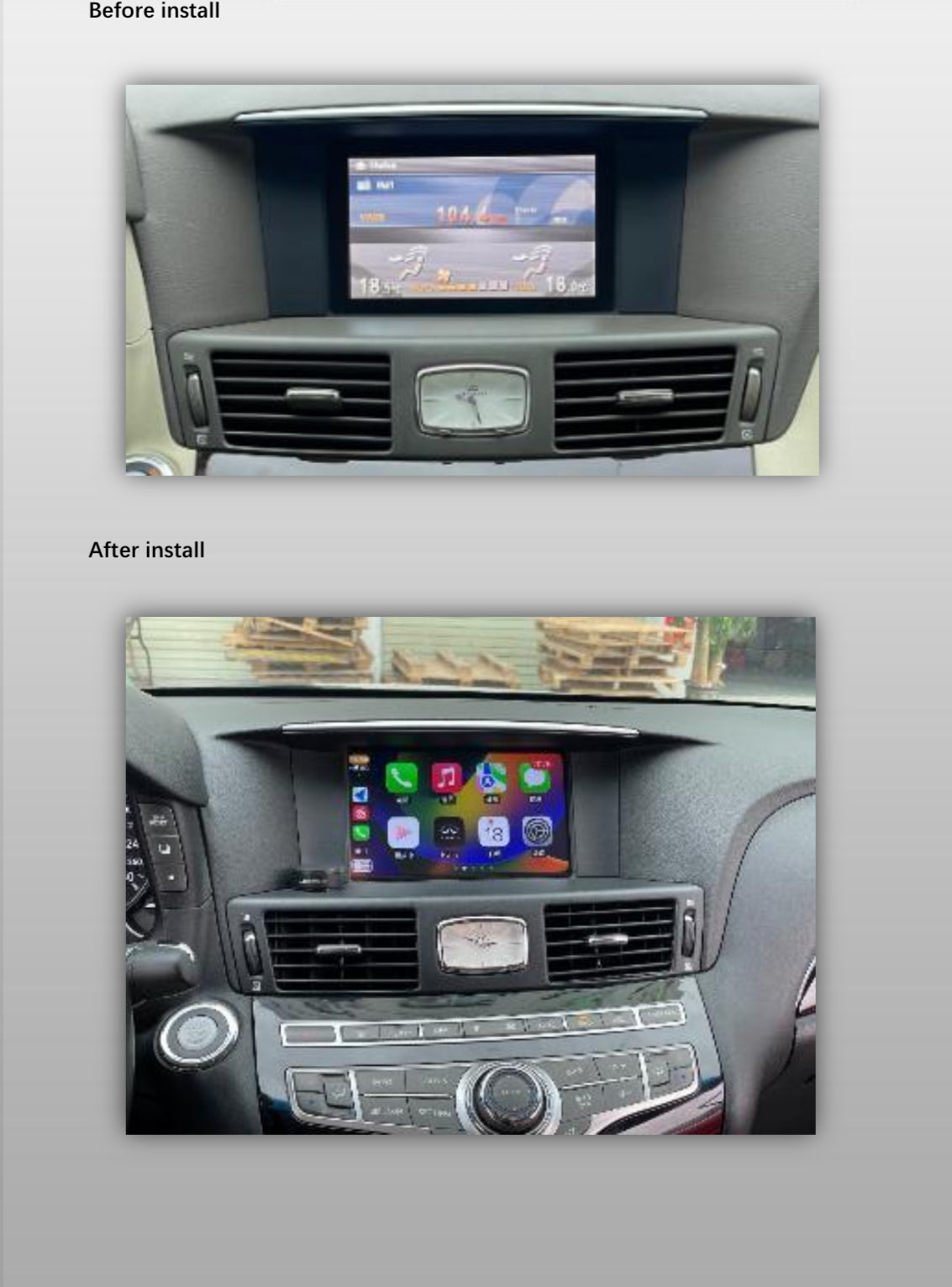
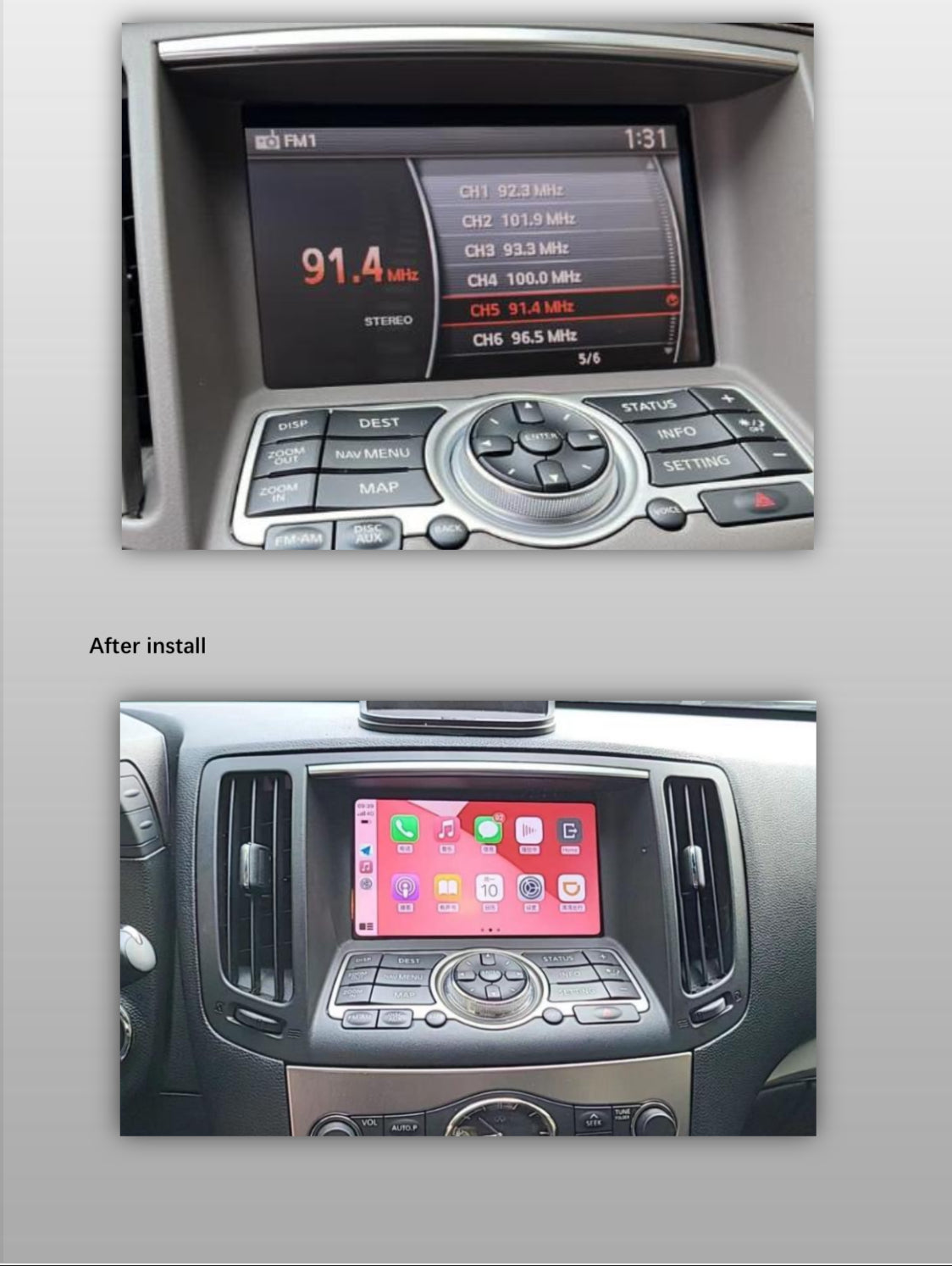
MyVQParts Apple CarPlay/Android Auto Module for G37, 370Z, Q50, Q60 GTR & Other Infiniti/Nissan Models
Version
Customer Reviews
Choose options
Version
Customer Reviews
Version
Customer Reviews
⭐️ Our Guarantee of Compatibility ⭐️
We guarantee 100% compatibility for our CarPlay and Android Auto modules with your vehicle if it’s listed as compatible. After placing your order, our after-sales team will promptly contact you to confirm your car’s details, ensuring the module is perfectly tailored for your vehicle. If we cannot match the module to your car for any reason, we will not ship the product and will work with you to find a solution.
Compatible Infiniti Models:
- G35 (2007-2008)
- G37
- G25
- Q50 (V3 does not come with new screen uses OEM)
- Q60 (V3 does not come with new screen uses OEM)
- FX35
- FX37
- FX50
- Q70
- QX70
- QX60
- QX80
- M25
- M35h
- M37
Compatible Nissan Models:
- 370Z
- GTR
- Patrol
- Pathfinder
- Quest
- Elgrand
- Armada
- Murano
- Navara
- Teana
- Maxima
- Skyline
Experience the Next Generation of Connectivity
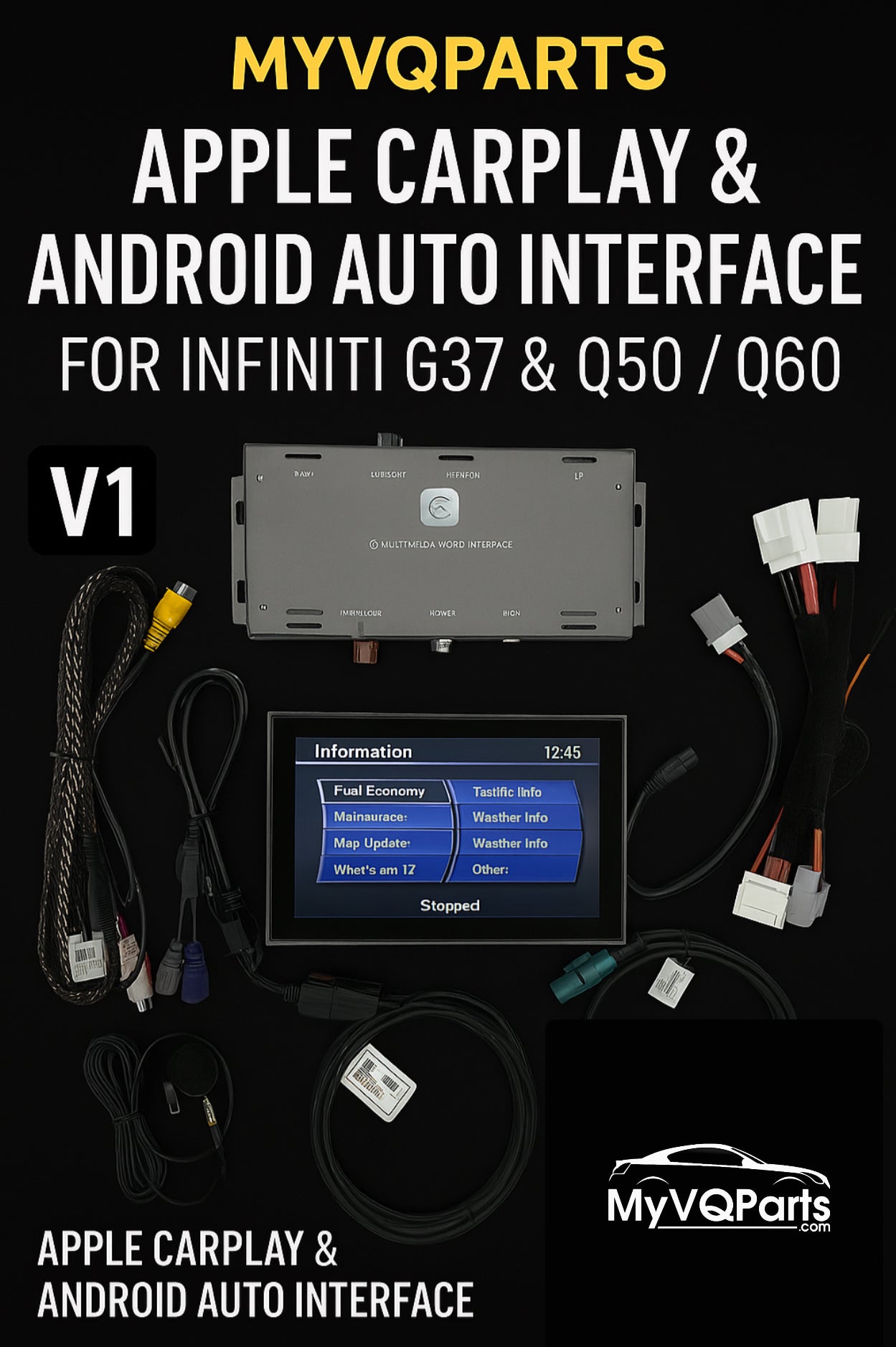
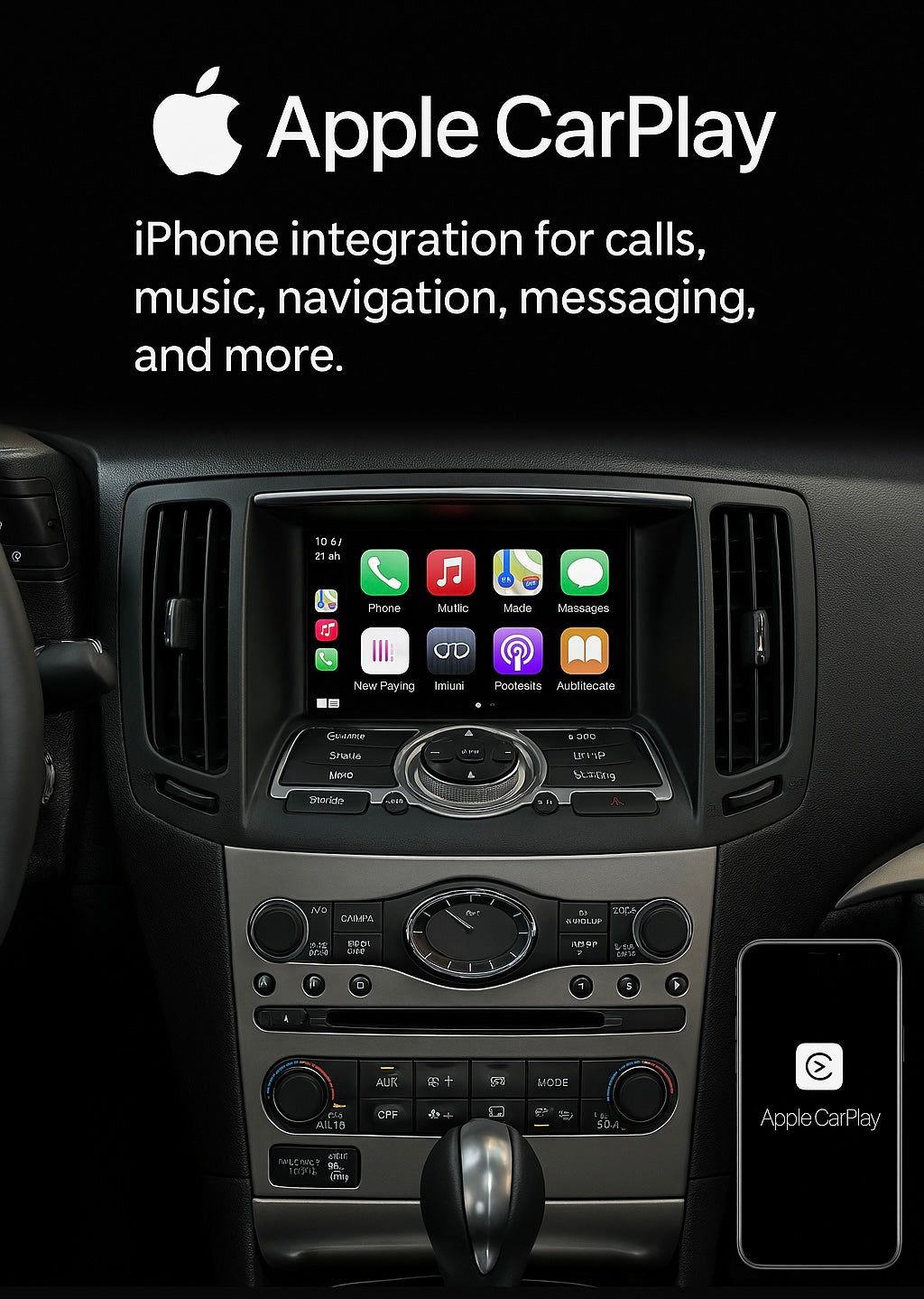
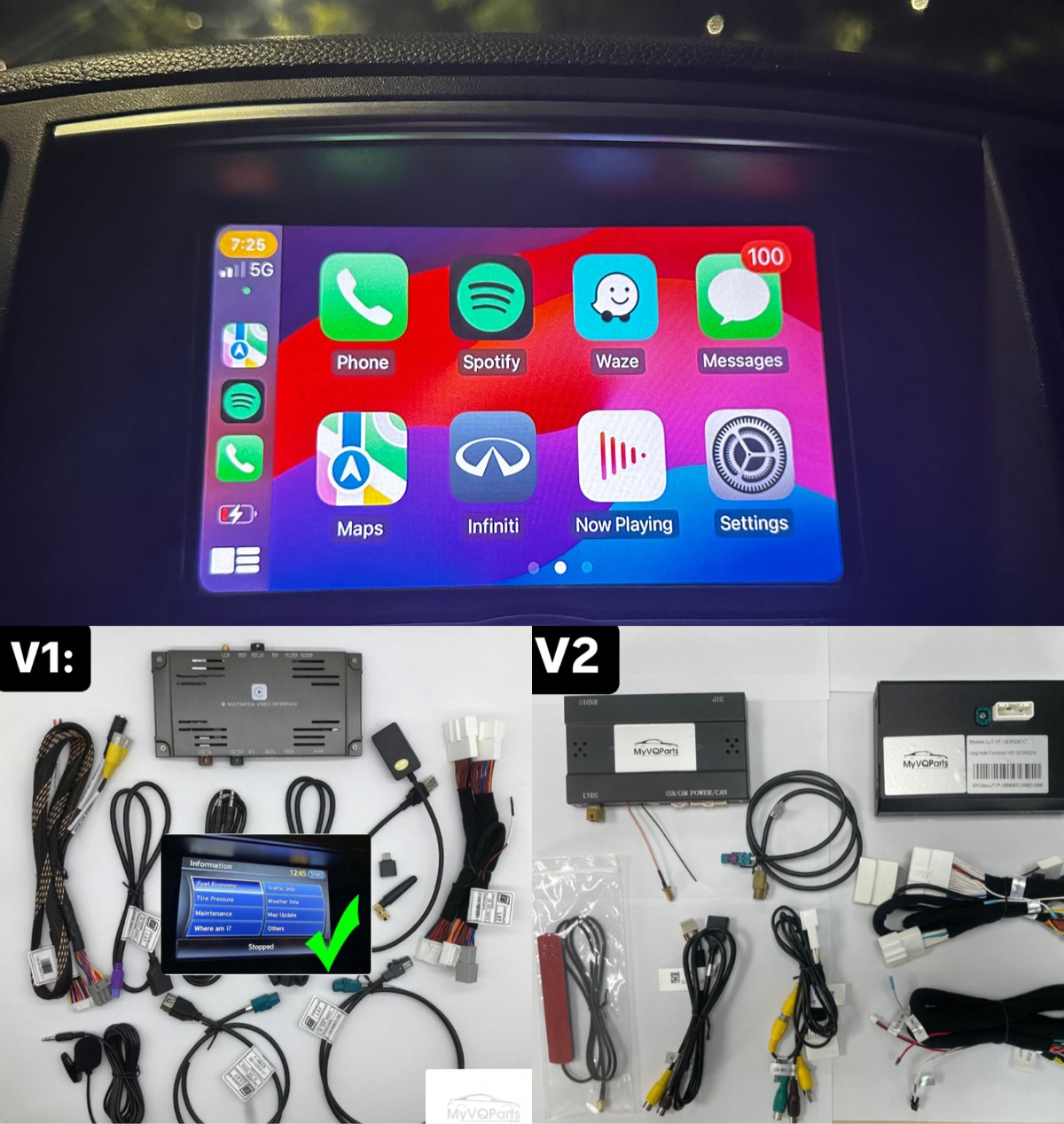
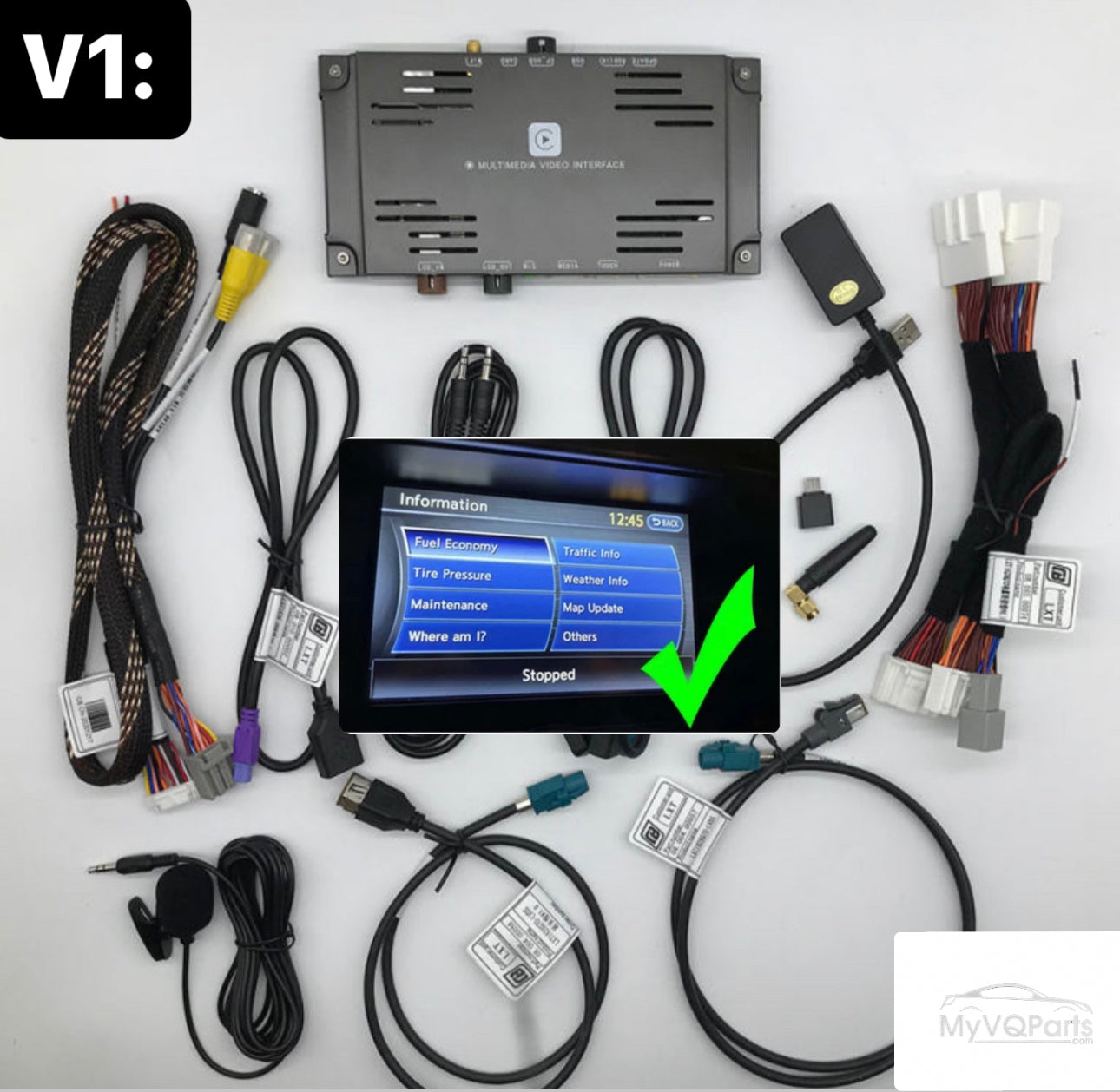
V1 - Apple CarPlay and Android Auto Module
(For 2011+ Infiniti G37, Q50, Q60, FX35, FX37, and Nissan 370Z with Touch Screen)
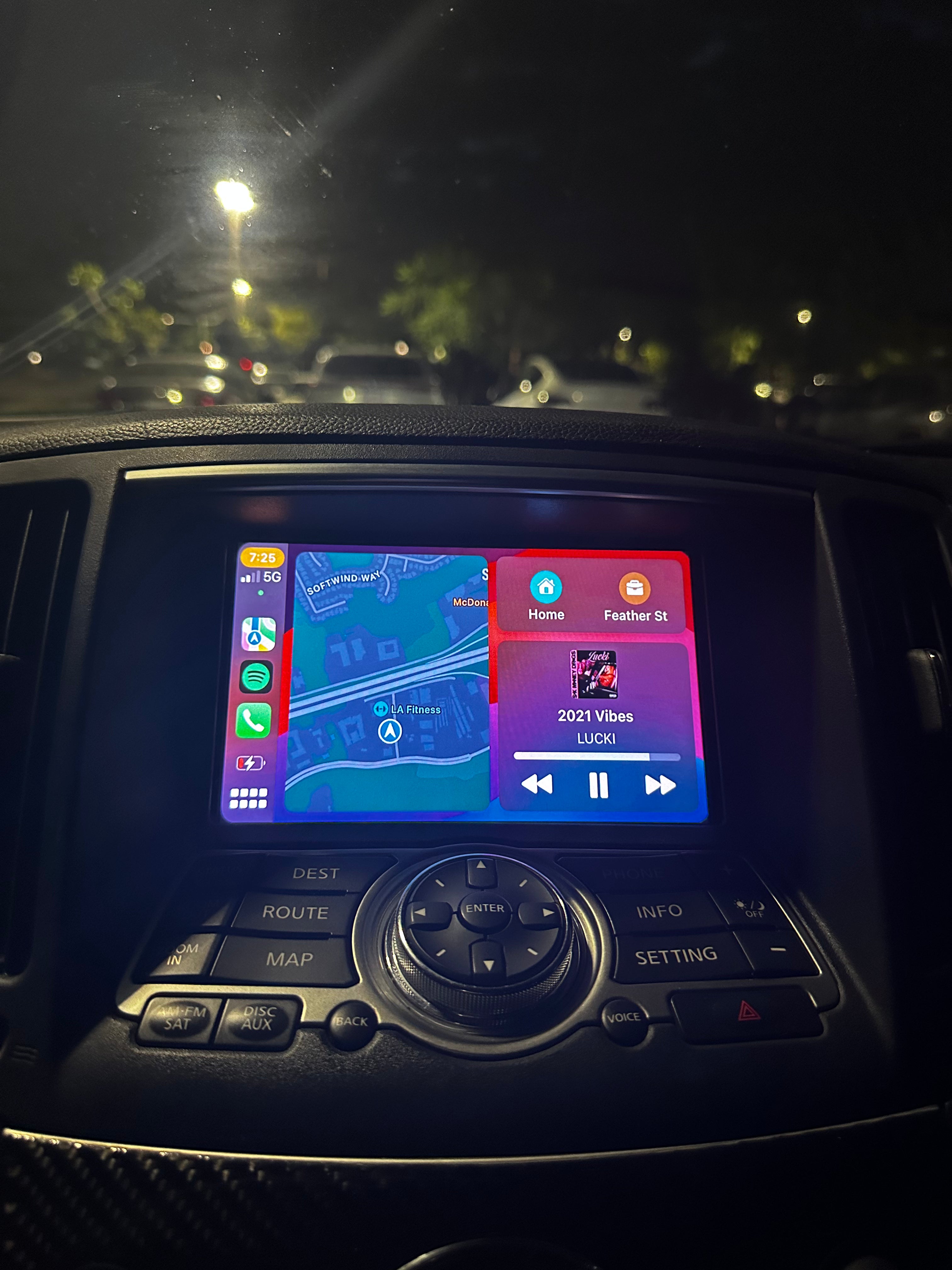
• Wireless/Wired Connectivity: Bluetooth, Wi-Fi, or USB for seamless smartphone integration.
• Simple Controls: Access your media with original car buttons, touchscreen, or voice commands (“Hey Siri…” or “OK Google”).
• Camera Integration: Supports original rear cameras, radar sensors, and additional camera installations.
• HD Interface: Smooth transitions and high-resolution display.
Note: A 1-1.5 second audio delay may occur when switching songs on Spotify with iPhone.
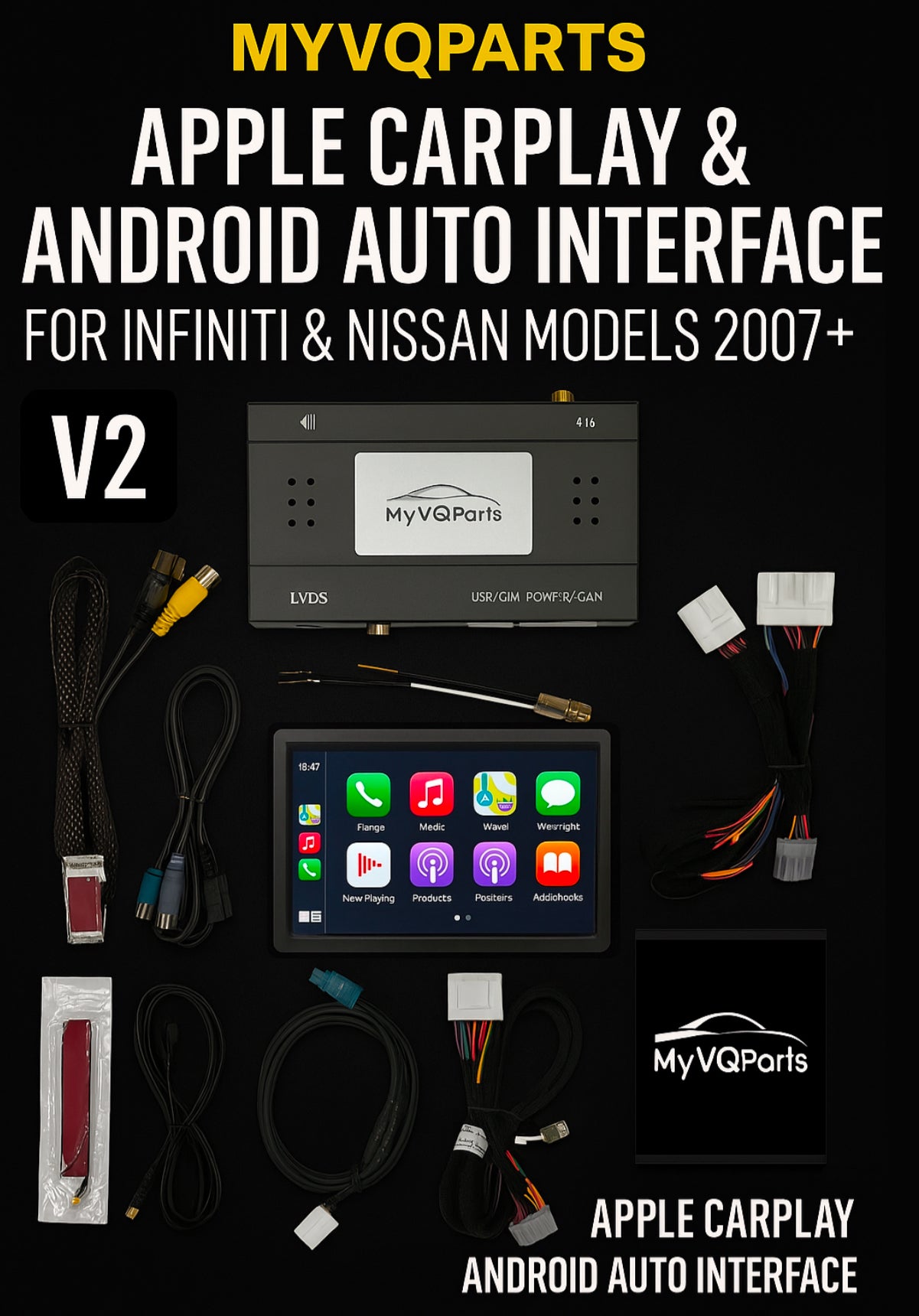
V2 - Apple CarPlay and Android Auto Module with HD Screen
(For 2007-2015+ Infiniti G35, G37, FX35, FX50, M37, and Nissan 370Z, Navara, Patrol, and more)
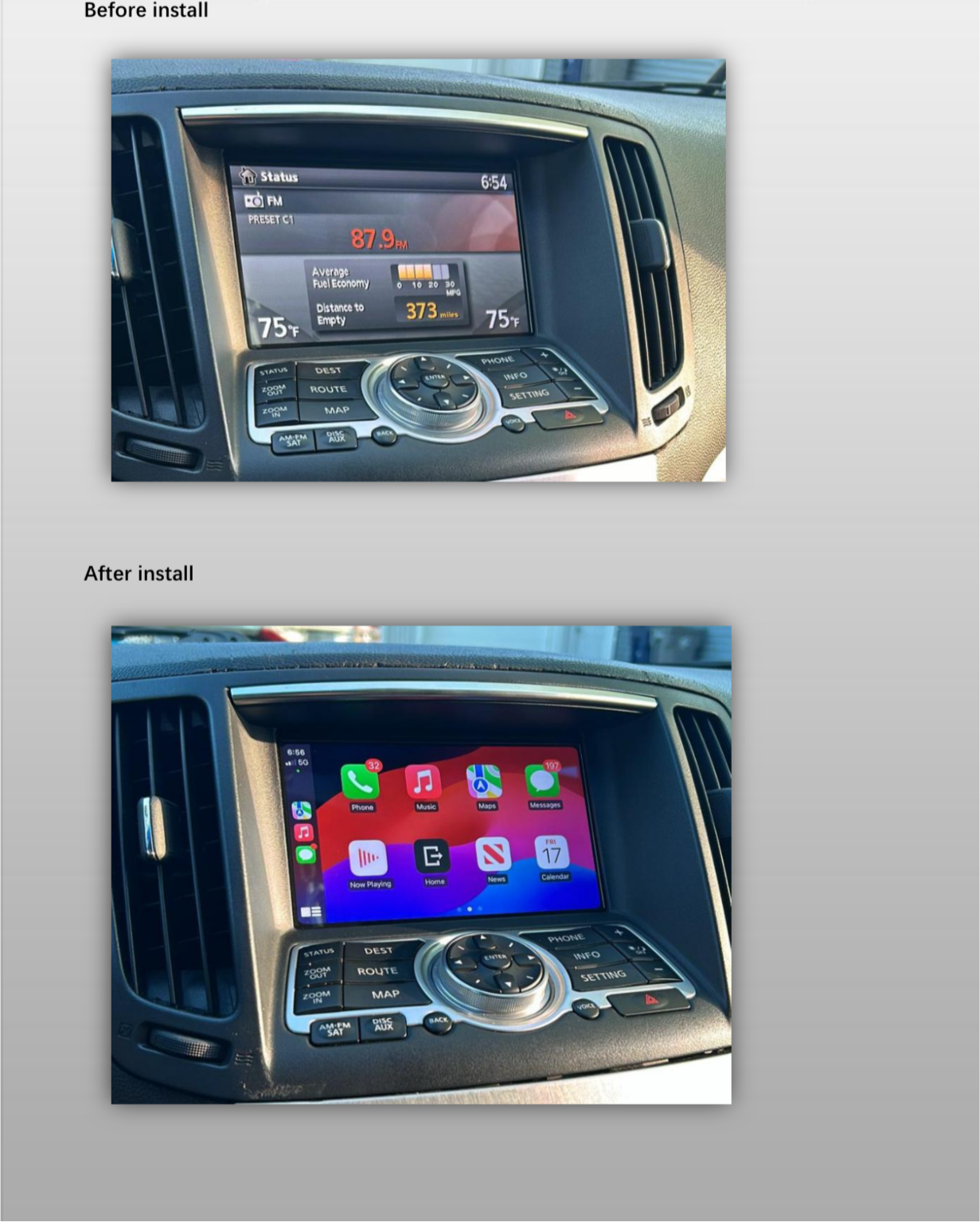
• HD Screen Upgrade: Stunning HD screen with all OEM functions.
• Tailored Fit: Perfectly designed for older Infiniti and Nissan models (2007-2015+).
• Comprehensive Functionality: All features from the V1 module, including wireless connectivity and camera support.
• Digital Instructions: Sent to your email after purchase. Check junk/spam folders if not received.
Note: V2 adds touch screen functionality only in CarPlay mode, not OEM mode.
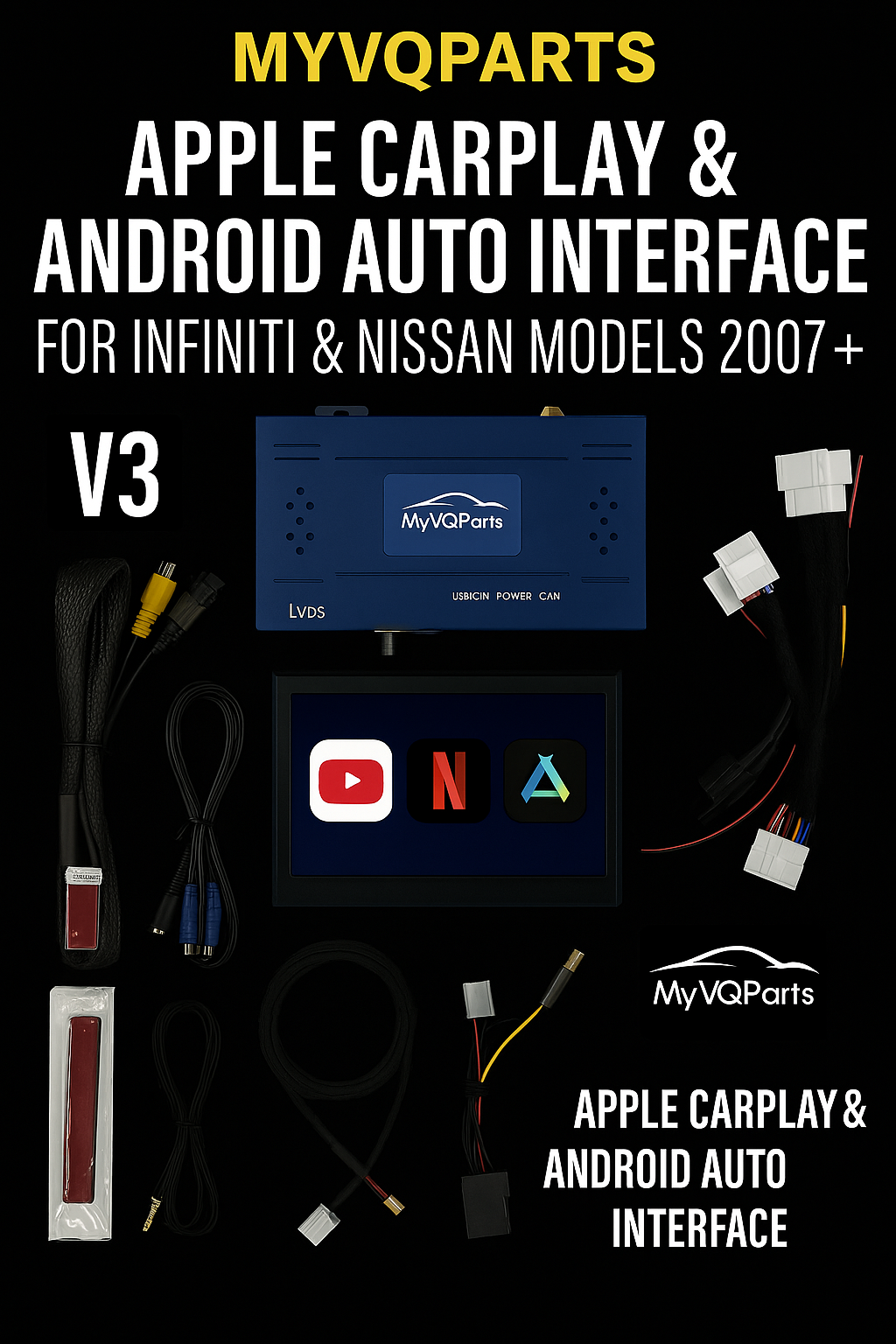
V3 - Apple CarPlay, Android Auto, and HD Screen with Android OS
(For 2007-2015+ Infiniti and Nissan models)
• Android 9 or 11 OS: Includes YouTube, Netflix, and internet access for enhanced entertainment.
• HD Screen Upgrade: Beautiful visuals combined with powerful Android OS capabilities.
• Comprehensive Integration: Retains all V2 features, including wireless connectivity and camera support.
Universal Features for V1, V2, and V3
• Plug-and-Play Installation: No permanent vehicle modifications required.
• Dynamic Parking Guidelines: Parking lines move with your steering wheel for precision.
• USB Media Playback: Play videos or music directly from a USB stick.
Installation and Compatibility
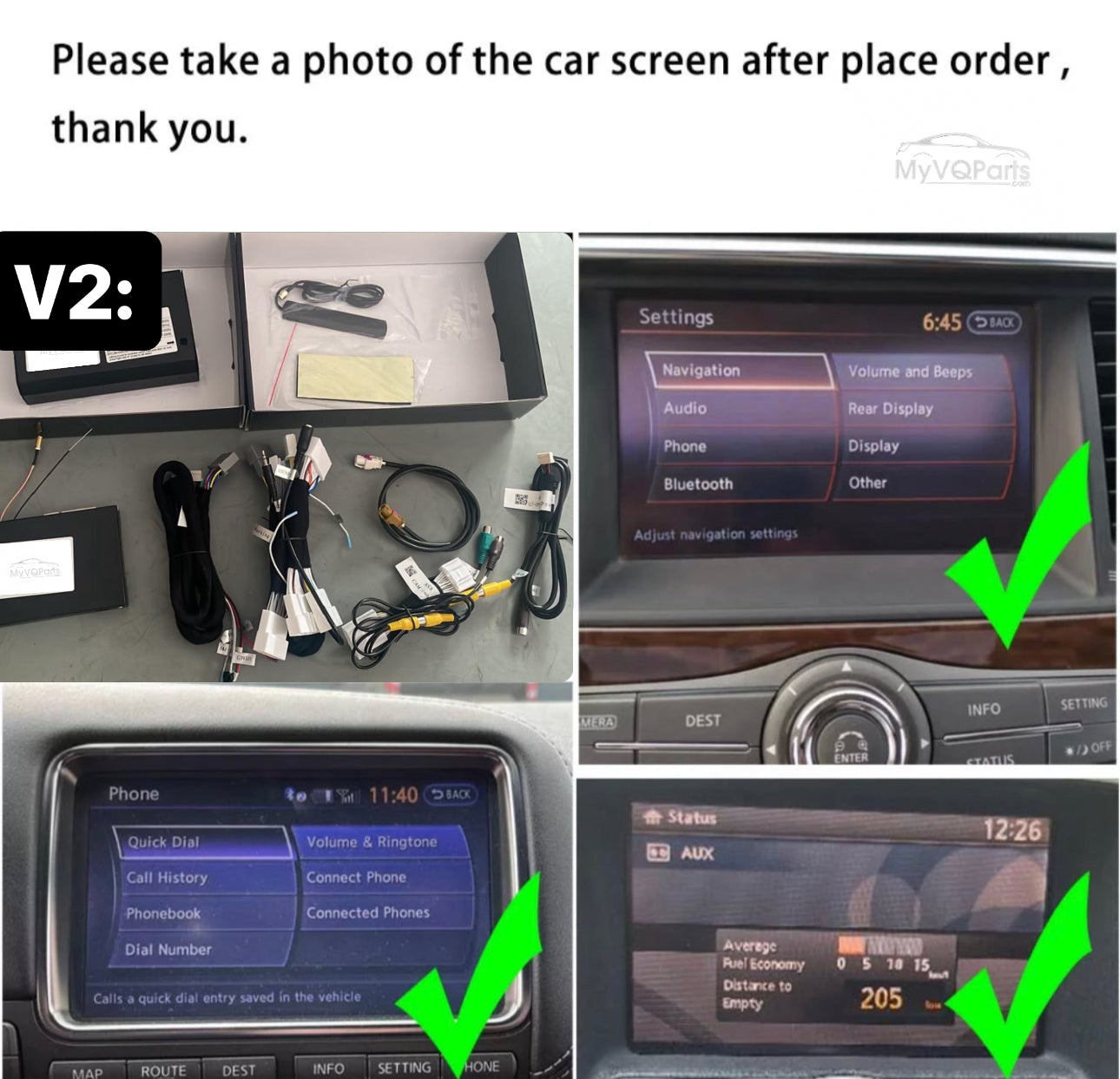
Professional installation is highly recommended for optimal performance. To confirm compatibility, send us a photo of your car’s main menu screen after placing your order.
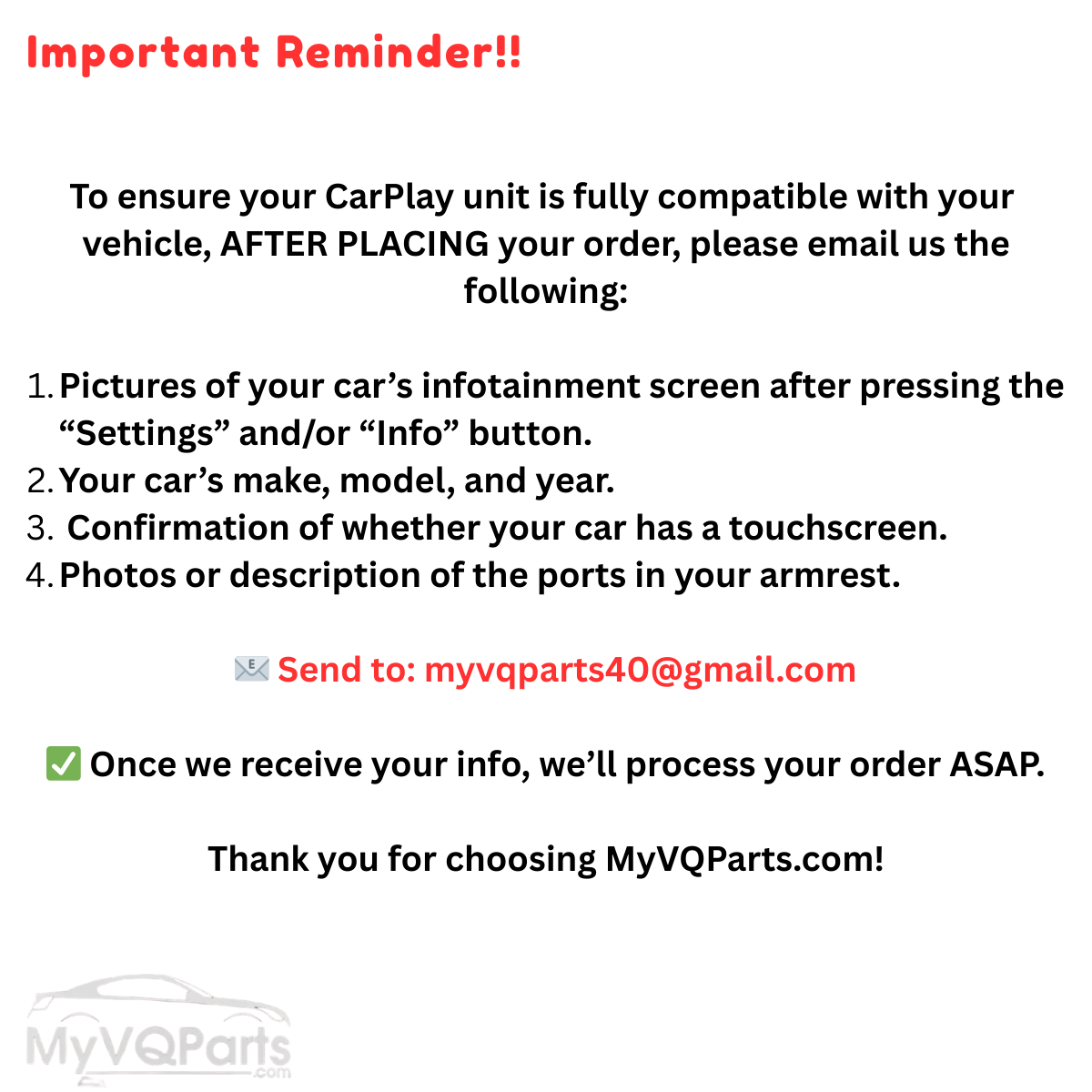
Important Reminder!!
To ensure your CarPlay unit is fully compatible with your vehicle, AFTER PLACING your order, please email us the following:
1. Pictures of your car’s infotainment screen after pressing the “Settings” and/or “Info” button.
2. Your car’s make, model, and year.
3.Confirmation of whether your car has a touchscreen.
4. Photos or description of the ports in your armrest.
📧 Send to: support@myvqparts.com
✅ Once we receive your info, we’ll process your order ASAP.
Frequently Asked Questions
Is the MyVQParts Apple CarPlay module compatible with my car?
Compatible with: 2007-2008/2007-2015 G35, G37, 370Z, Q50, Q60, Q70, GTR, FX35, FX37, FX50, QX60, QX70, QX80, M25, M37, Maxima, Murano. Contact us at support@myvqparts.com after ordering if you need fitment confirmation.
What is your shipping and return policy?
We offer fast shipping on all orders. Free shipping on all orders — no minimum. Returns accepted within 30 days for unused items in original packaging. Visit MyVQParts for full policy details.
How to Install: MyVQParts Apple CarPlay/Android Auto Module for G37, 370Z, Q50, Q60 GTR & Other Infiniti/Nissan Models
- Disconnect the negative battery terminal before starting.
- Remove the factory head unit using the appropriate trim tools for your vehicle model.
- Disconnect the factory wiring harnesses.
- Connect the included wiring adapter harnesses to the new unit.
- Slide the new screen into the dash cavity and verify fitment.
- Reconnect the battery and power on the unit to test.
- Follow the on-screen setup wizard to configure Apple CarPlay, Android Auto, and navigation.
- Secure the unit with the included mounting hardware.
- Professional installation recommended for complex wiring configurations.