Q50/Q60 Smart Digital Dash Cluster – Apple CarPlay & Android Auto | MyVQParts
Customer Reviews
Choose options
Customer Reviews
Customer Reviews
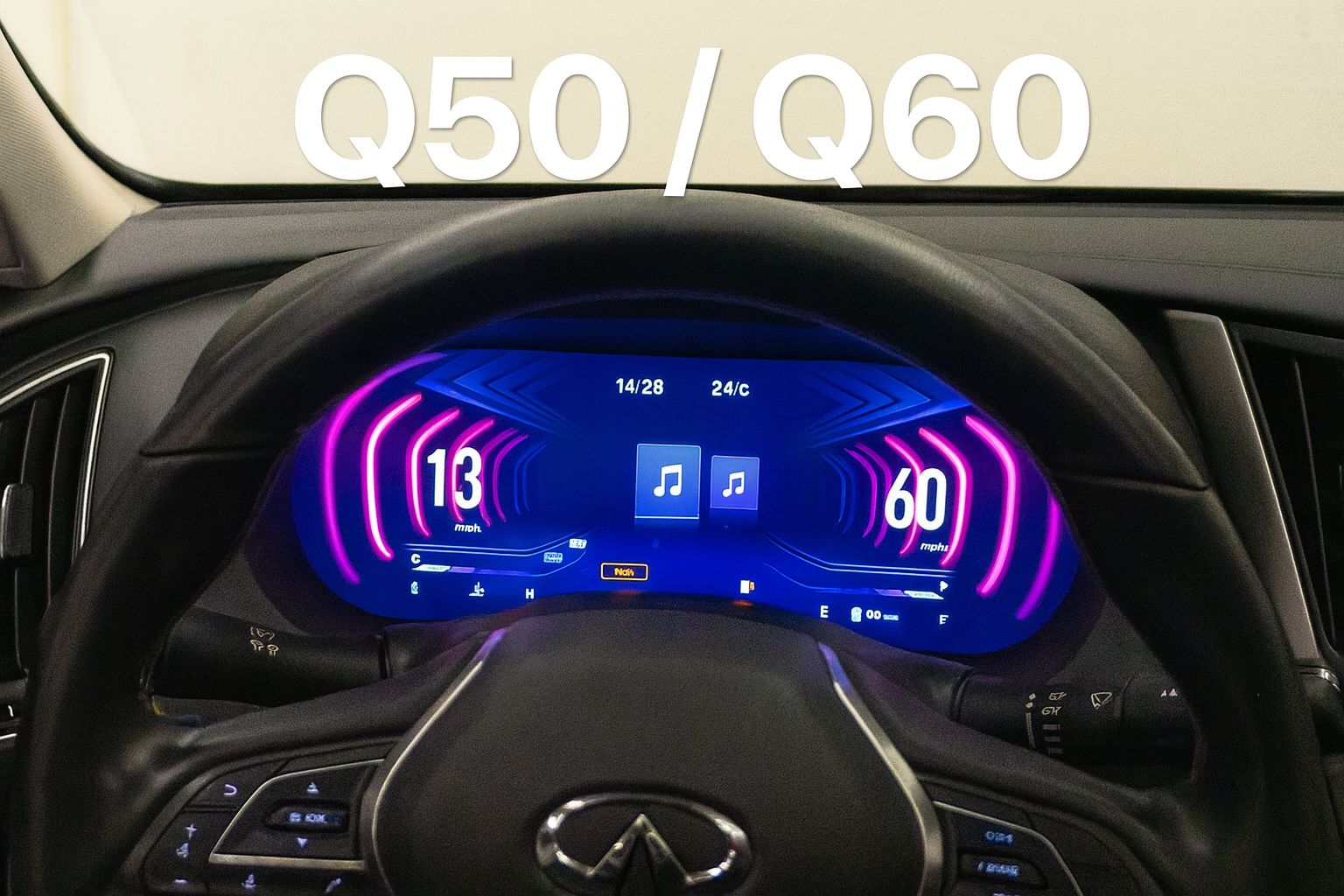
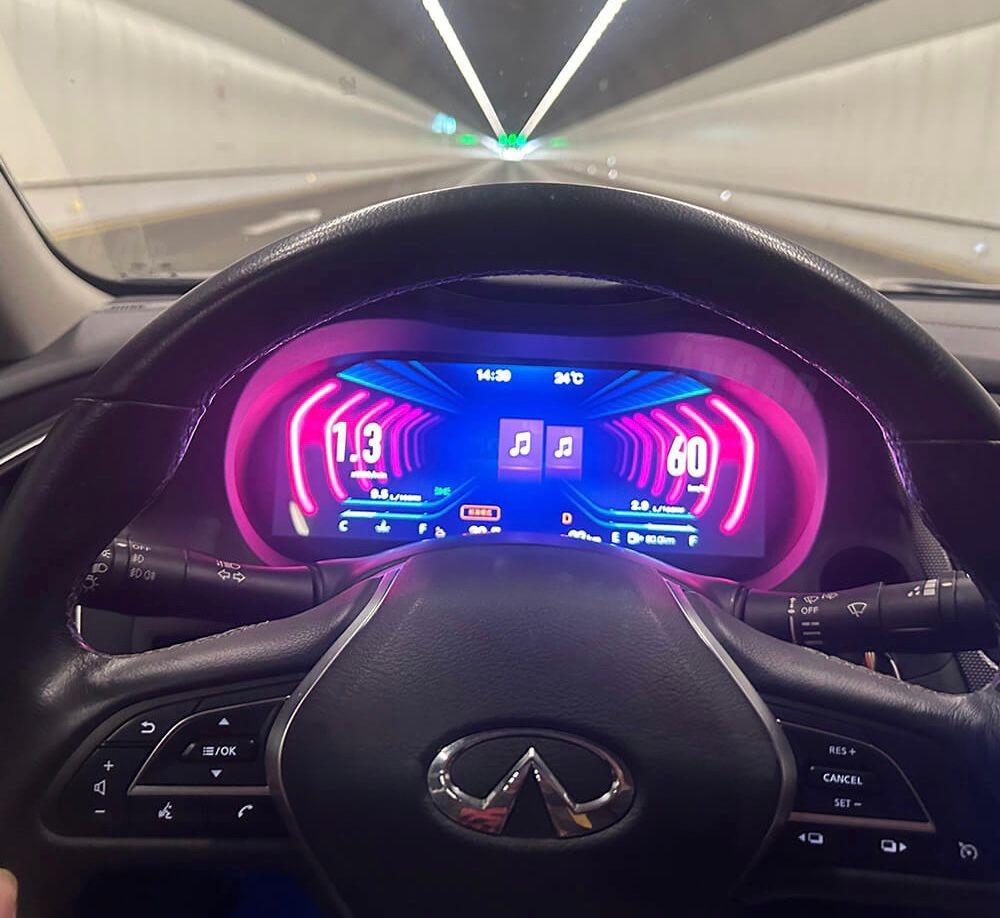
Transform your Q50 or Q60 interior with the MyVQParts Smart Digital Dash Cluster. Say goodbye to outdated analog gauges and upgrade to a modern LCD digital display that blends OEM+ style with cutting-edge functionality. This plug-and-play cluster adds wireless Apple CarPlay, Android Auto, and all your factory readouts in one sleek unit.
Key Features:
• Fully digital LCD instrument cluster
• Built-in wireless & wired Apple CarPlay + Android Auto
• 5 digital themes to match your style
• Plug-and-play OBD sync with odometer reading retention
• Gear selection display & engine temp/pressure readouts
• Battery voltage, RPM, speed, fuel, and full gauge readings
• Supports both automatic & manual transmissions
• KMs or MPH display toggle
• No lag, no delay – real-time feedback
• Multi-language interface
• Bluetooth & Wi-Fi connectivity
• Clean OEM fitment with vehicle-specific harness
Compatible Vehicles:
• Infiniti Q50 (2014–2023)
• Infiniti Q60 (2017–2023)
Whether you’re building a show car or just want to modernize your daily, this cluster gives your cabin a premium, tech-forward look and feel.
Frequently Asked Questions
Is this Q50/Q60 Smart Digital Dash Cluster – Apple CarPlay & Android Auto | MyVQParts compatible with my Q50/Q60?
Compatible with: 2014–2023/2017–2023 Q50, Q60. Contact us at support@myvqparts.com after ordering if you need fitment confirmation.
What is your shipping and return policy?
We offer fast shipping on all orders. Free shipping on all orders — no minimum. Returns accepted within 30 days for unused items in original packaging. Visit MyVQParts for full policy details.
How to Install: Q50/Q60 Smart Digital Dash Cluster – Apple CarPlay & Android Auto | MyVQParts
- Disconnect the negative battery terminal before starting.
- Remove the factory head unit using the appropriate trim tools for your vehicle model.
- Disconnect the factory wiring harnesses.
- Connect the included wiring adapter harnesses to the new unit.
- Slide the new screen into the dash cavity and verify fitment.
- Reconnect the battery and power on the unit to test.
- Follow the on-screen setup wizard to configure Apple CarPlay, Android Auto, and navigation.
- Secure the unit with the included mounting hardware.
- Professional installation recommended for complex wiring configurations.
Questions? Email us at support@myvqparts.com or visit our contact page.