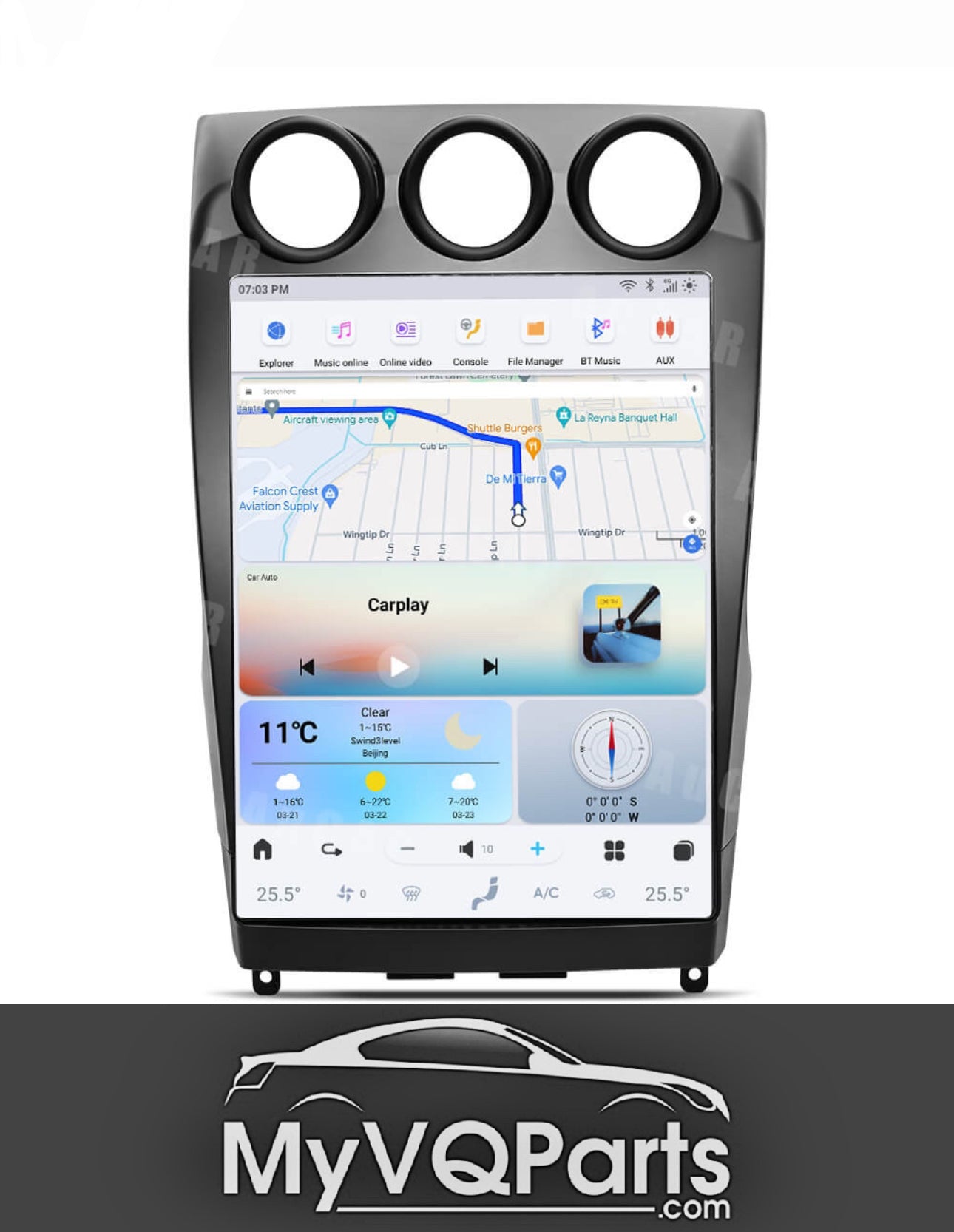
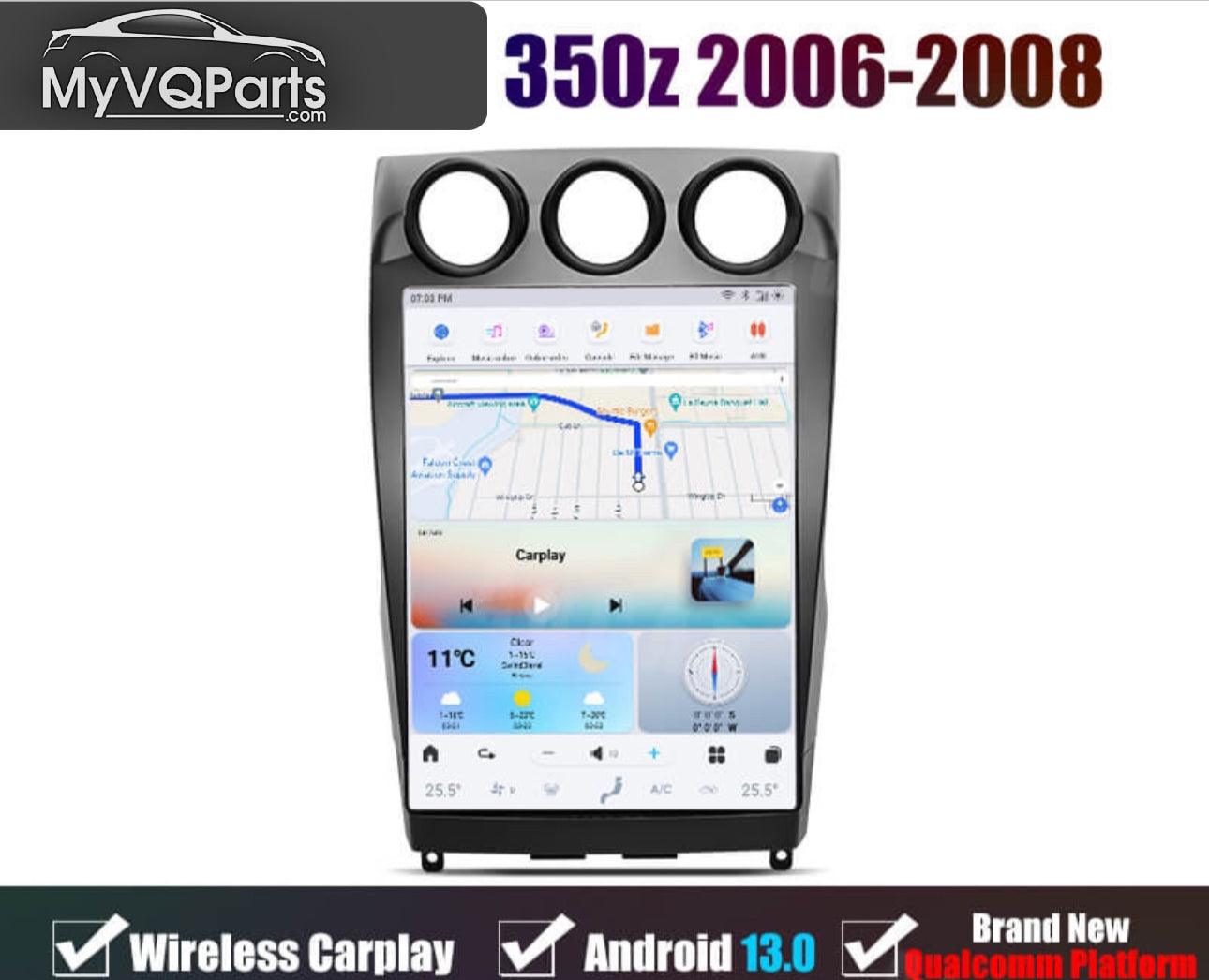
MyVQParts 14 inch Tesla Style Screen for 2003-2008 350z with Apple CarPlay & Android Auto
Customer Reviews
Choose options
Customer Reviews
Customer Reviews
Experience a whole new level of convenience and technology with the MyVQParts 14-Inch Tesla Style Screen, designed specifically for the 2003-2008 Nissan 350Z. This sleek, modern upgrade features built-in Apple CarPlay and Android Auto, allowing you to seamlessly connect your smartphone for navigation, music, calls, and more.
Key Features:
• Apple CarPlay & Android Auto: Easily access your favorite apps, music, and navigation directly on the screen.
• 14-Inch Touchscreen: A large, responsive display for a modern interior look.
• Custom Fit: Specifically designed to integrate perfectly with your 350Z dashboard.
• Enhanced Driving Experience: Upgrade your 350Z with cutting-edge technology and convenience.
Transform your ride with the MyVQParts Tesla Style Screen. Order now at MyVQParts.com!
Frequently Asked Questions
What vehicles is this compatible with?
Compatible with: 2003-2008 350Z. Contact us at support@myvqparts.com after ordering if you need fitment confirmation.
What is your shipping and return policy?
We offer fast shipping on all orders. Free shipping on all orders — no minimum. Returns accepted within 30 days for unused items in original packaging. Visit MyVQParts for full policy details.
How to Install: MyVQParts 14 inch Tesla Style Screen for 2003-2008 350z with Apple CarPlay & Android Auto
- Disconnect the negative battery terminal before starting.
- Remove the factory head unit using the appropriate trim tools for your vehicle model.
- Disconnect the factory wiring harnesses.
- Connect the included wiring adapter harnesses to the new unit.
- Slide the new screen into the dash cavity and verify fitment.
- Reconnect the battery and power on the unit to test.
- Follow the on-screen setup wizard to configure Apple CarPlay, Android Auto, and navigation.
- Secure the unit with the included mounting hardware.
- Professional installation recommended for complex wiring configurations.
Questions? Email us at support@myvqparts.com or visit our contact page.