MyVQParts Apple CarPlay/Android Module for Infiniti G35 Coupe/Sedan (2003-2007)
Customer Reviews
Choose options
Customer Reviews
Customer Reviews
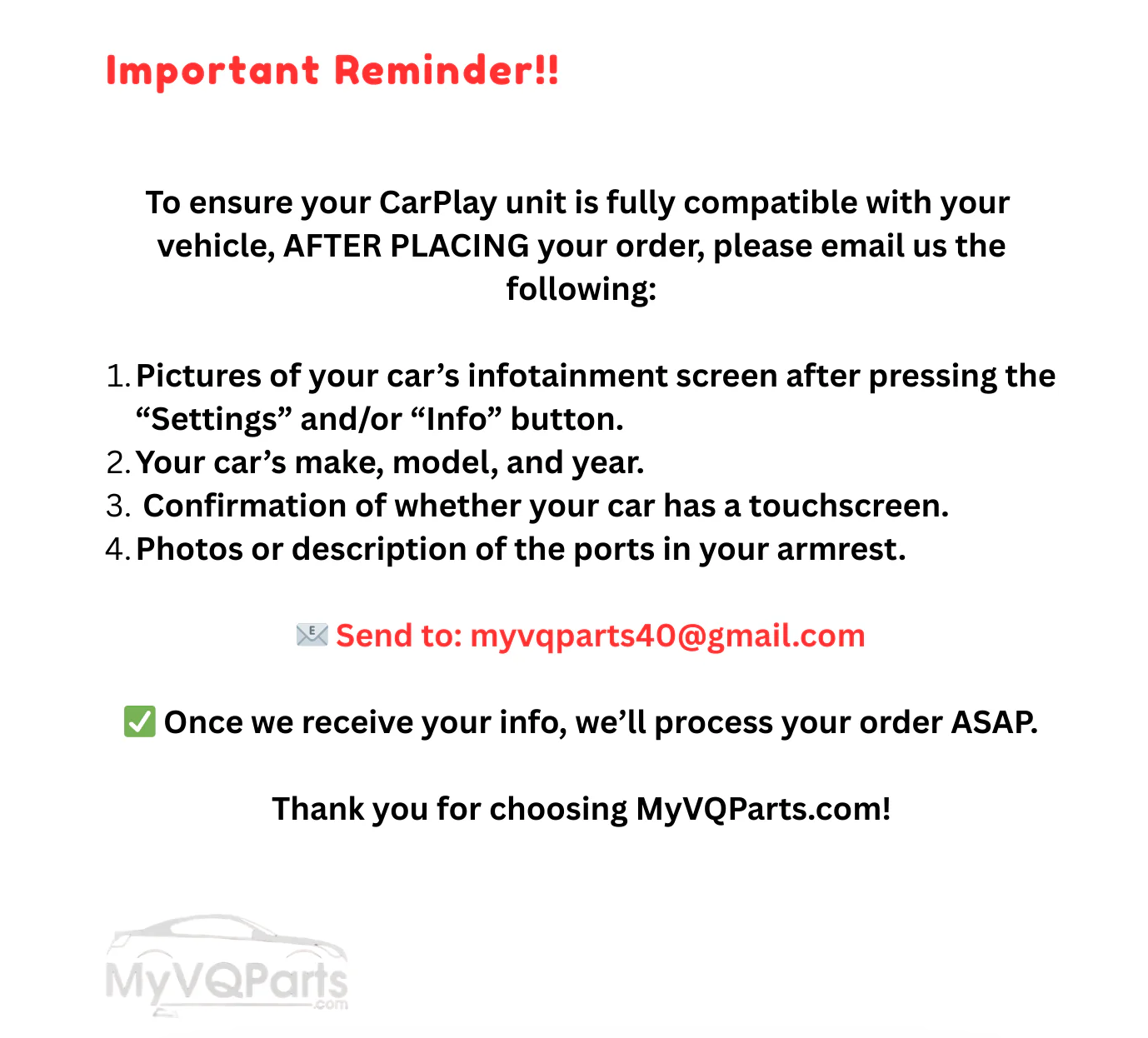
⭐️ Our Guarantee of Compatibility ⭐️
We guarantee 100% compatibility for this Apple CarPlay and Android Auto upgrade with 2003–2004 Infiniti G35 Coupes and Sedans (with upper center console). After placing your order, our team will confirm your vehicle details to ensure the unit fits seamlessly. If we cannot confirm compatibility, we will not ship the product and will work with you to find a solution.
🏎️ Plug-and-Play Apple & Android CarPlay Upgrade for Infiniti G35 (2003–2004)
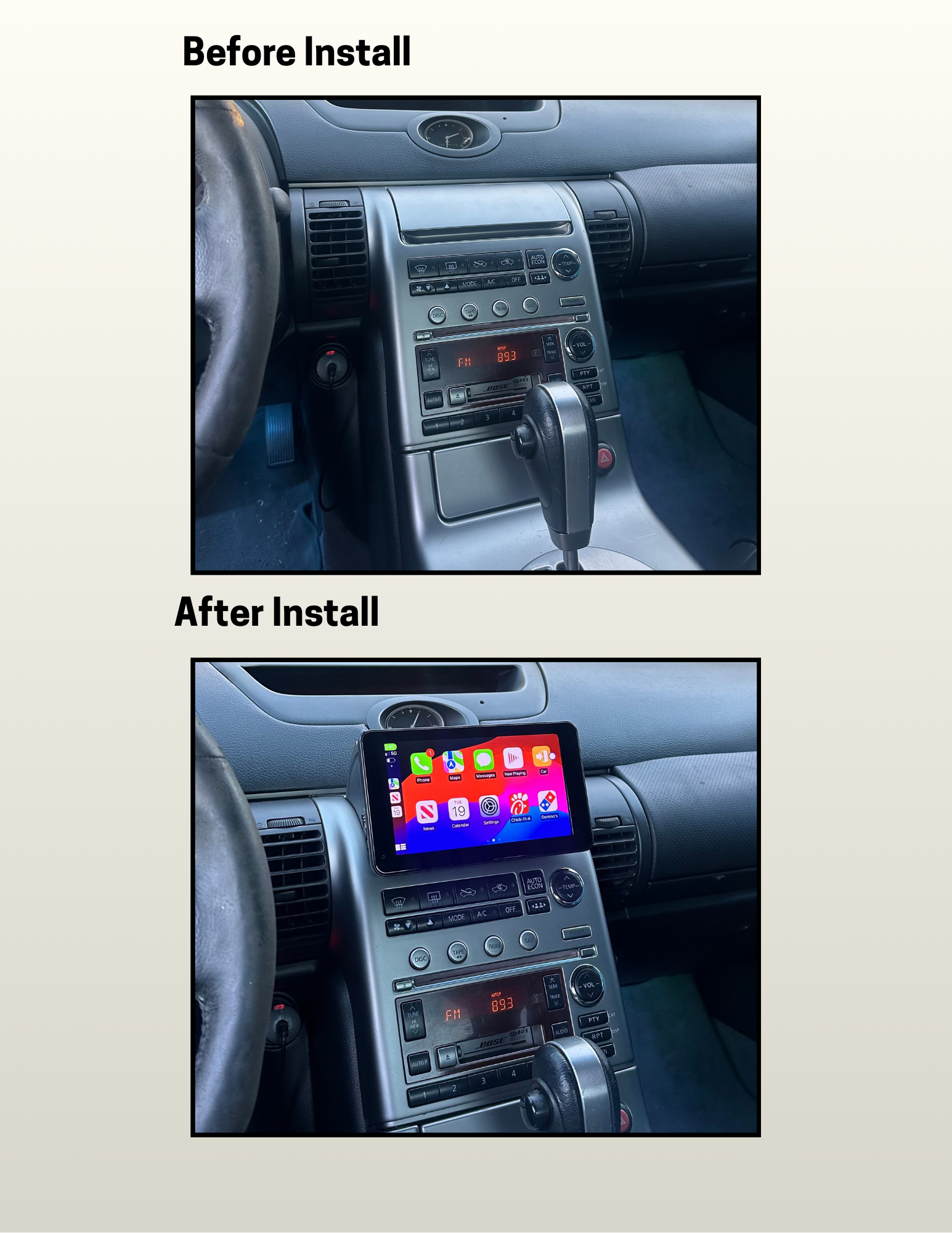
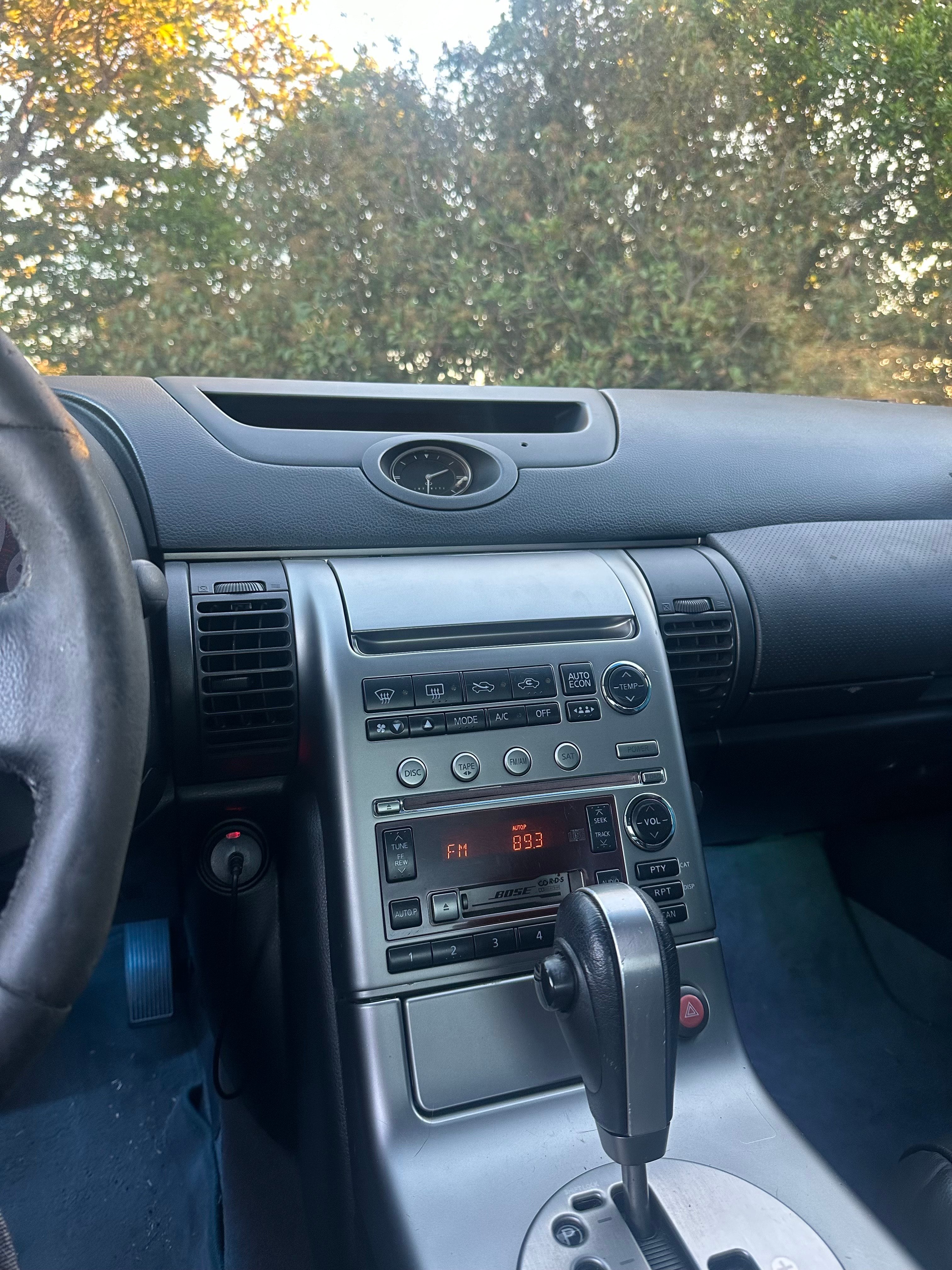
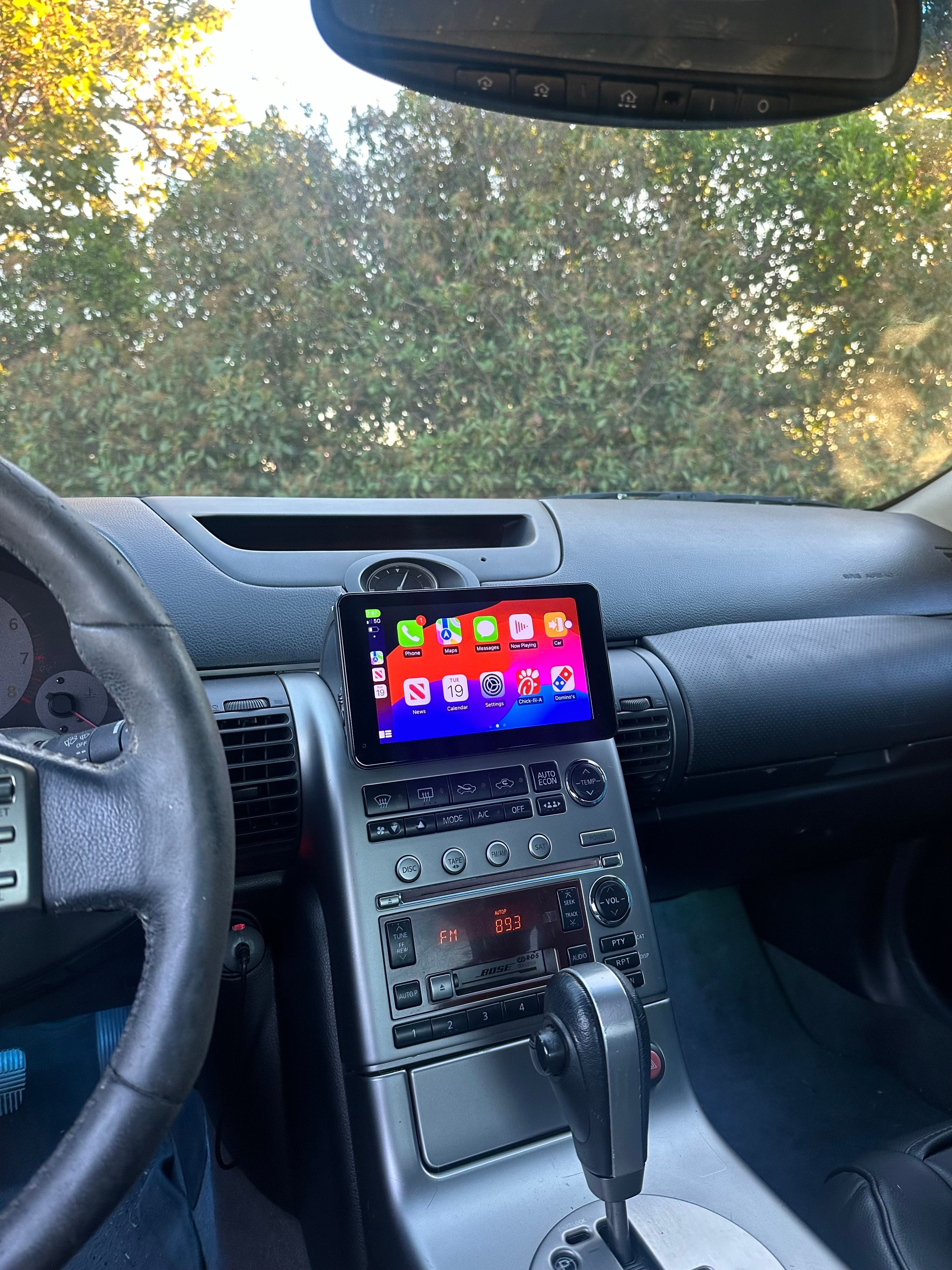
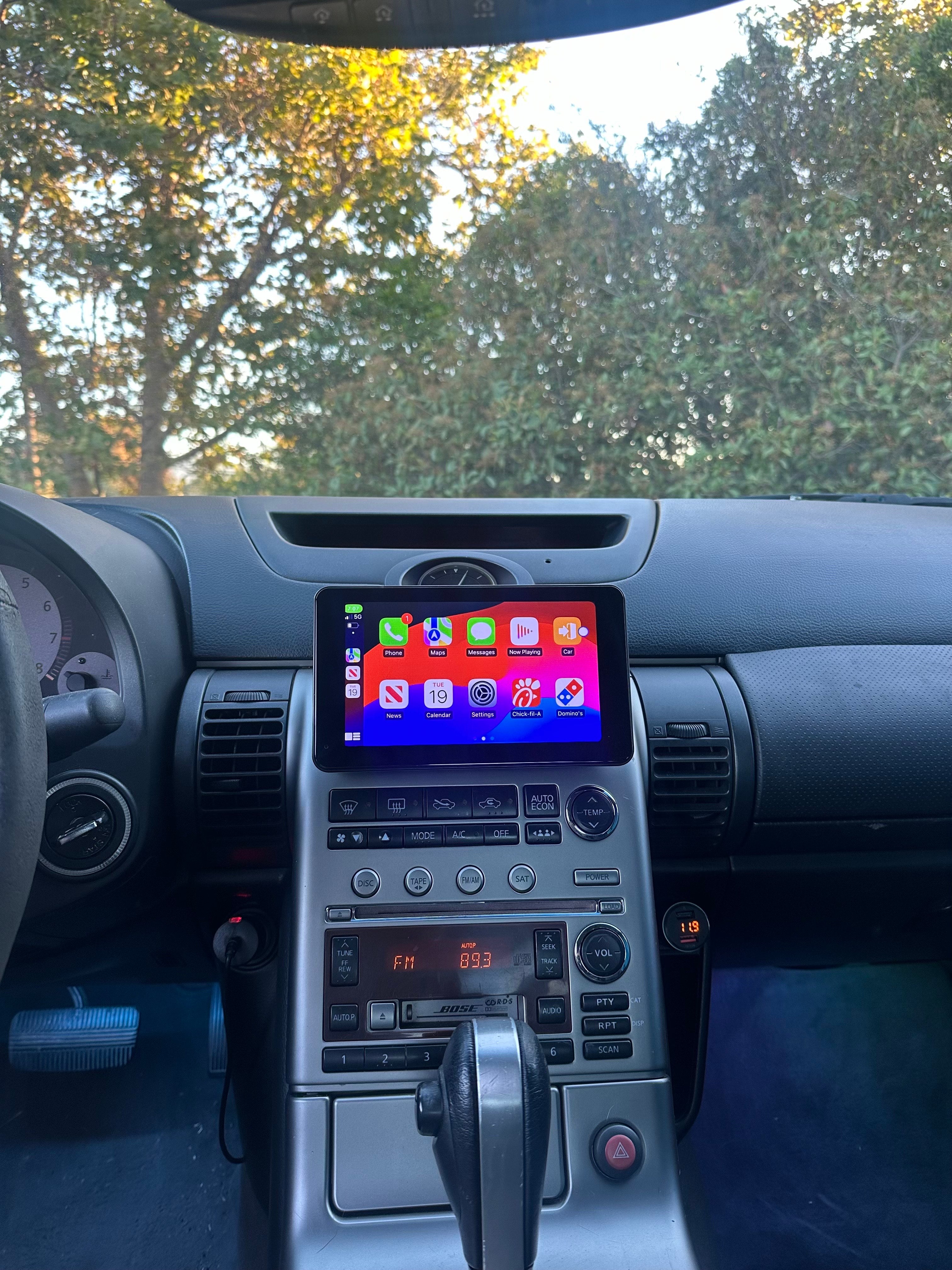
Upgrade your Infiniti G35 with modern CarPlay and Android Auto convenience, all while keeping the OEM-inspired look of your interior. This custom-built unit fits directly into the factory upper center console — no full stereo replacement required.
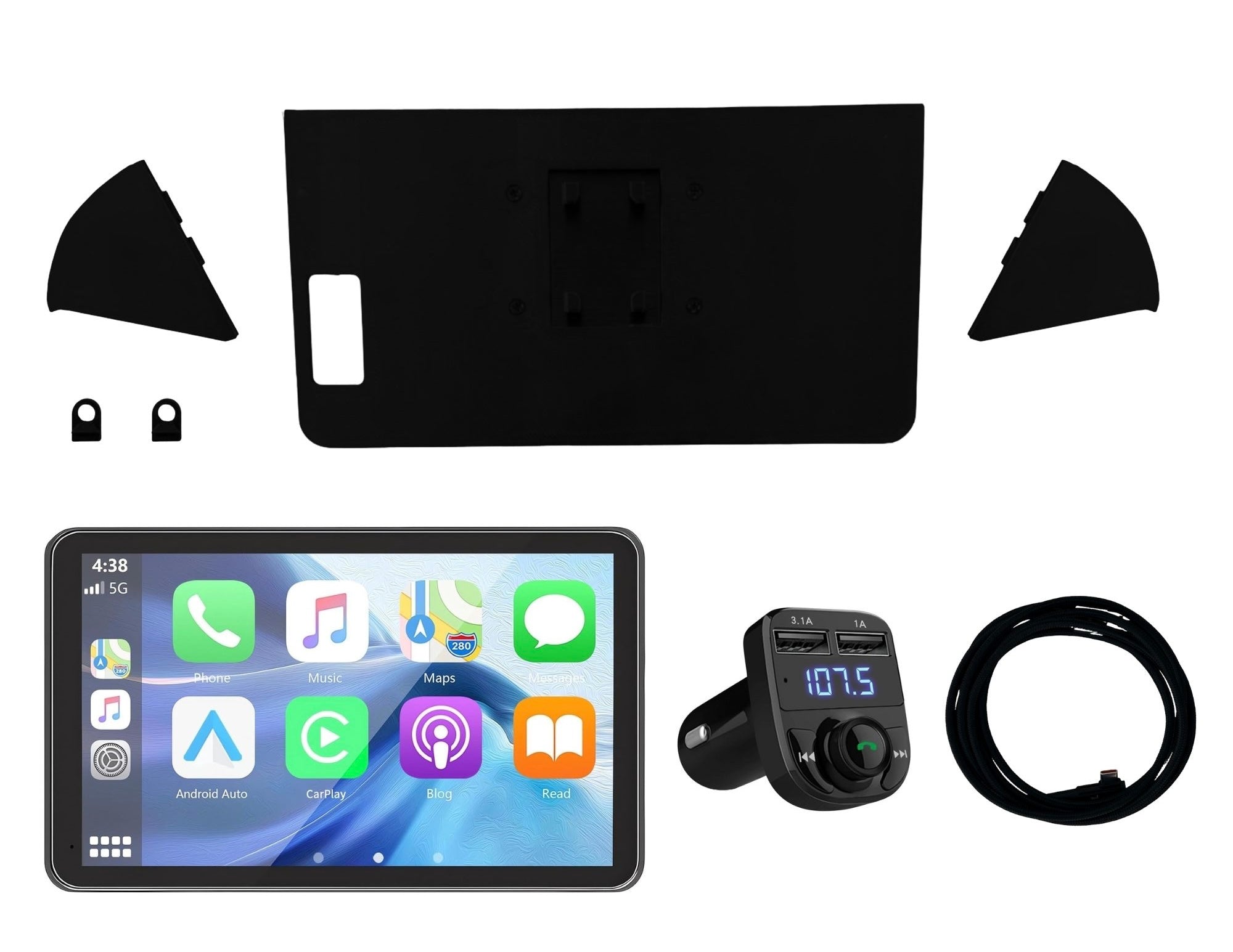
📦 What’s Included:
- Fully assembled CarPlay unit (Hieha 2025 7" Display)
- Custom bezel/housing for the G35 upper center console
- Mounting Bracket
- Hardware for Mounting
- USB-C Power Cable
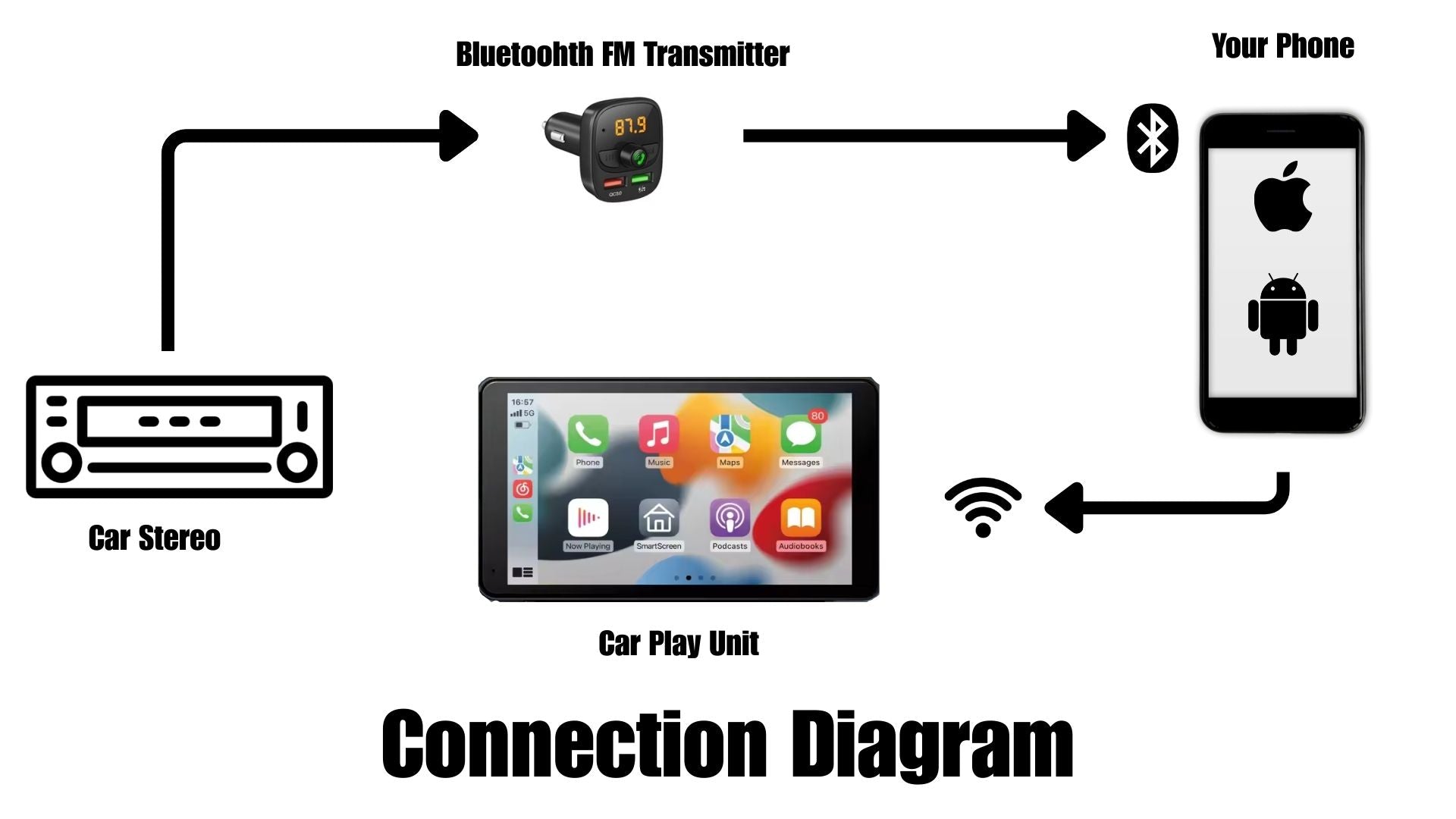
- FM Transmitter
- Installation instructions (PDF or video link)
🔍 Compatibility:
• Infiniti G35 Coupe & Sedan (2003–2004)
• Must have factory upper center console
• ❌ Not compatible with Journey trim packages
🛠️ Step-by-step Installation:
- Digital Instructions: Sent to your email after purchase. Check junk/spam folders if not received.
Drill one simple hole using a Dremel. That's it — just one!
Plug the power cord into the cigarette lighter or USB port
Snap the Car play to the mounting bracket
Slide the finished unit into the upper center console
Double-check fitment, and you're ready to go.
No need to remove the entire stereo system. Simply plug in and play!!
⚠️ Important Notice:
MyVqParts is not responsible for any damage caused during installation.
How to Install: MyVQParts Apple CarPlay/Android Module for Infiniti G35 Coupe/Sedan (2003-2007)
- Disconnect the negative battery terminal before starting.
- Remove the factory head unit using the appropriate trim tools for your vehicle model.
- Disconnect the factory wiring harnesses.
- Connect the included wiring adapter harnesses to the new unit.
- Slide the new screen into the dash cavity and verify fitment.
- Reconnect the battery and power on the unit to test.
- Follow the on-screen setup wizard to configure Apple CarPlay, Android Auto, and navigation.
- Secure the unit with the included mounting hardware.
- Professional installation recommended for complex wiring configurations.
Questions? Email us at support@myvqparts.com or visit our contact page.
Frequently Asked Questions
What vehicles is this compatible with?
Compatible with: 2003-2007/2003–2004 G35. Contact us at support@myvqparts.com after ordering if you need fitment confirmation.
What is your shipping and return policy?
We offer free shipping on all orders — no minimum required. Returns accepted within 30 days for unused items in original packaging. Visit MyVQParts for full policy details.