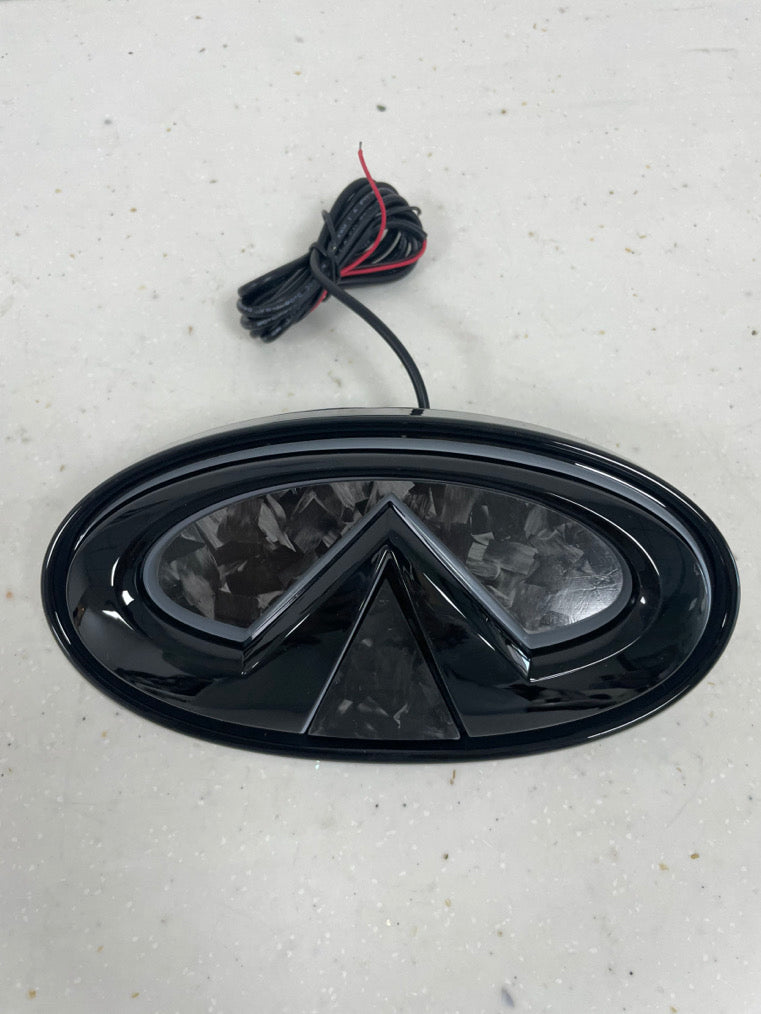
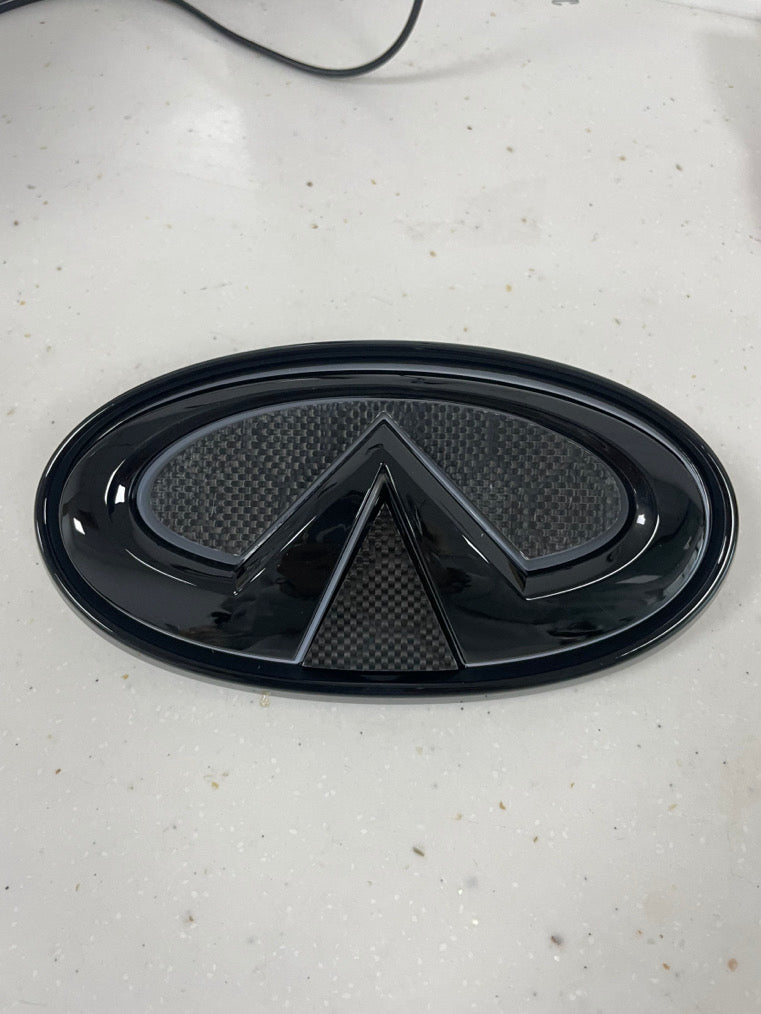
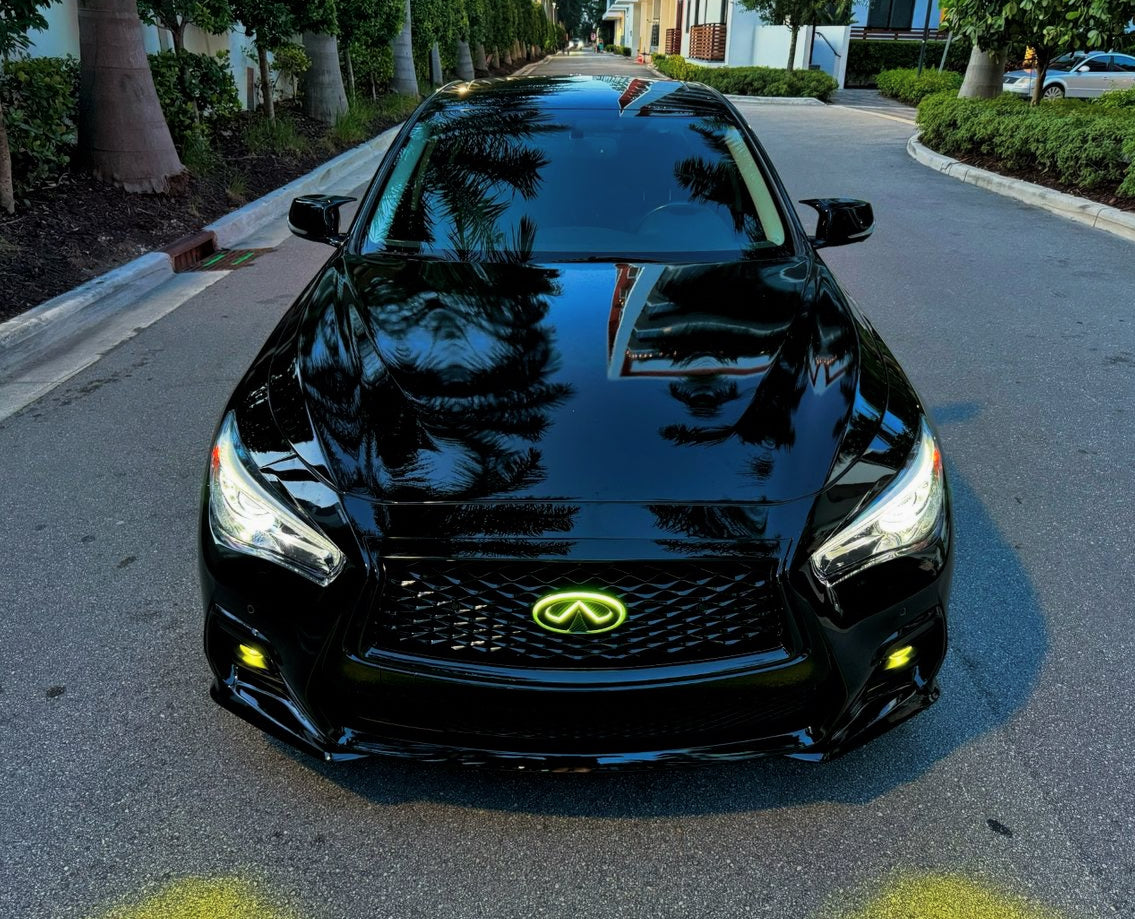
MyVQParts Q50/Q60 LED Emblem - Cool White, RGB, & Carbon Fiber Options
LED color
Emblem color
Years
Customer Reviews
Choose options
LED color
Emblem color
Years
Customer Reviews
LED color
Emblem color
Years
Customer Reviews
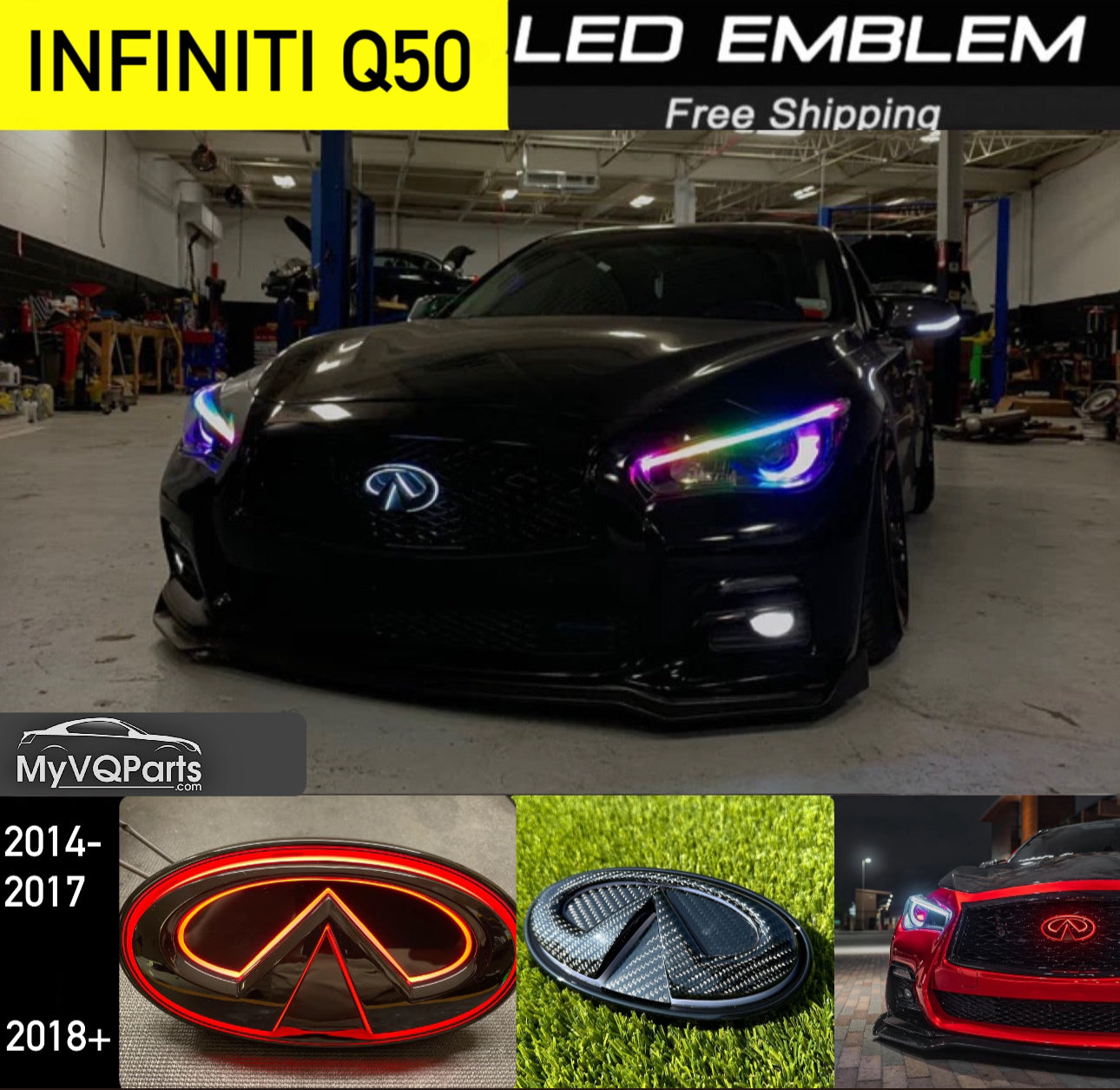
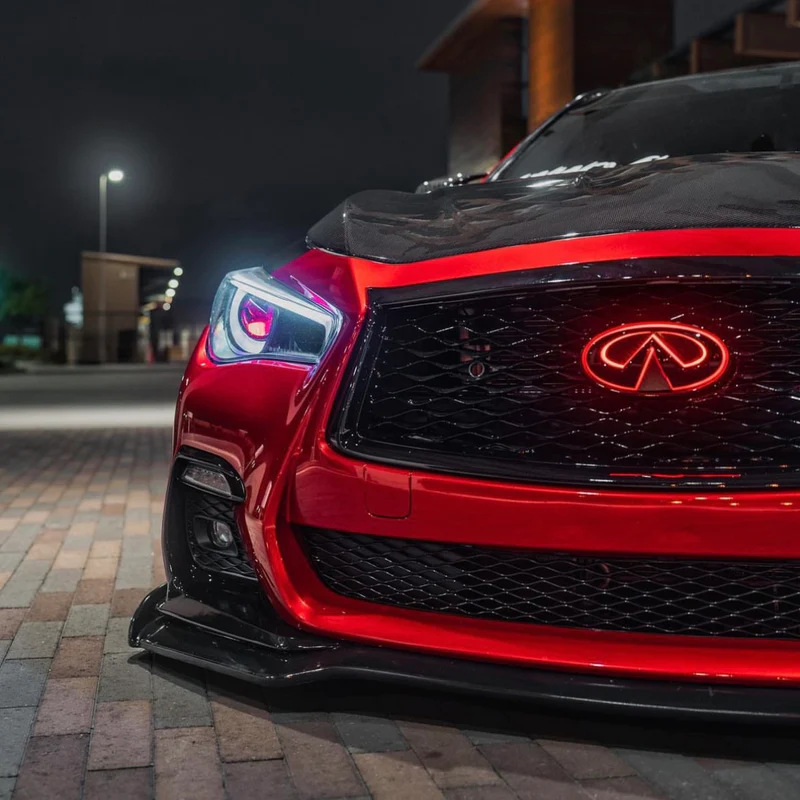
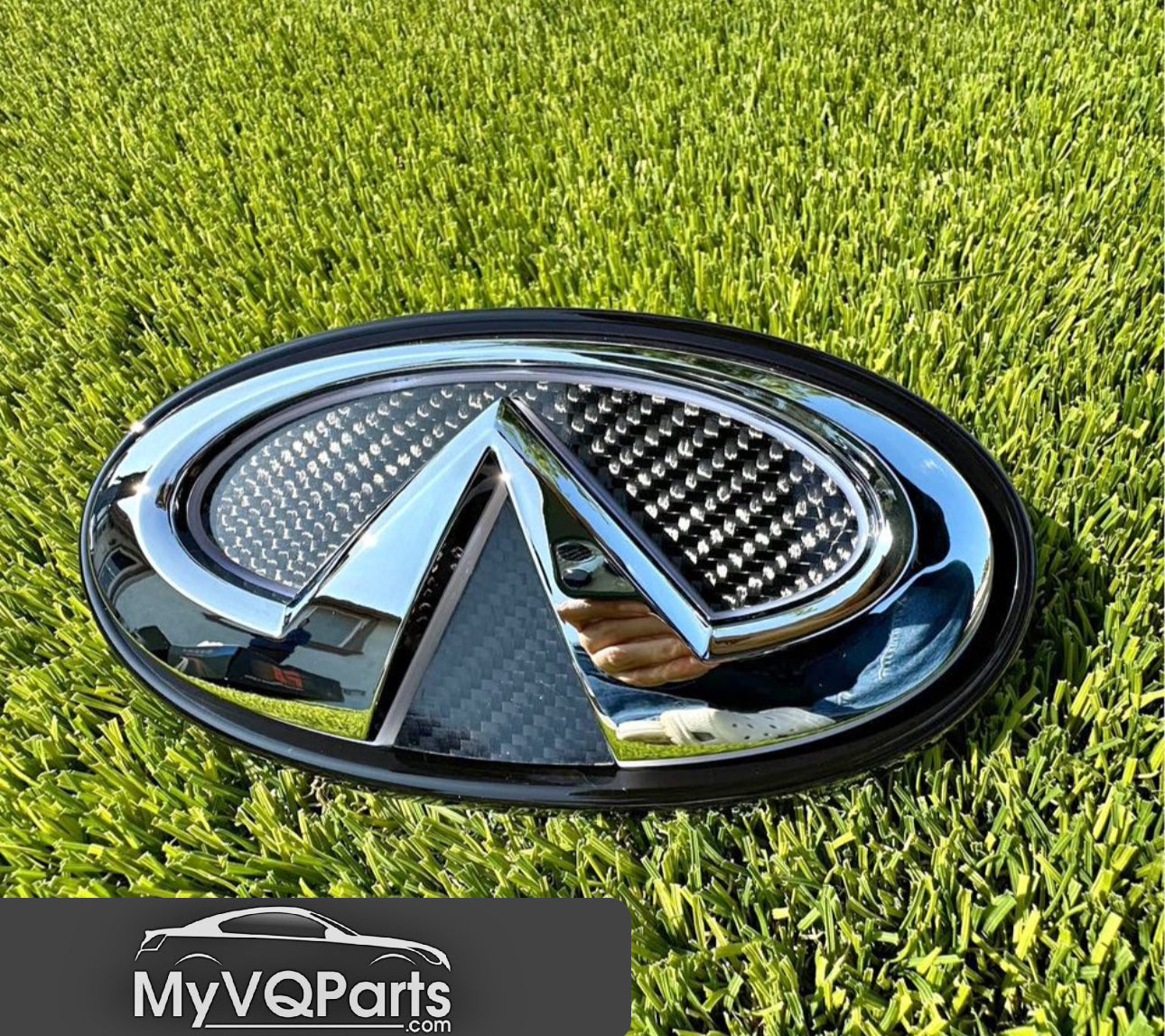
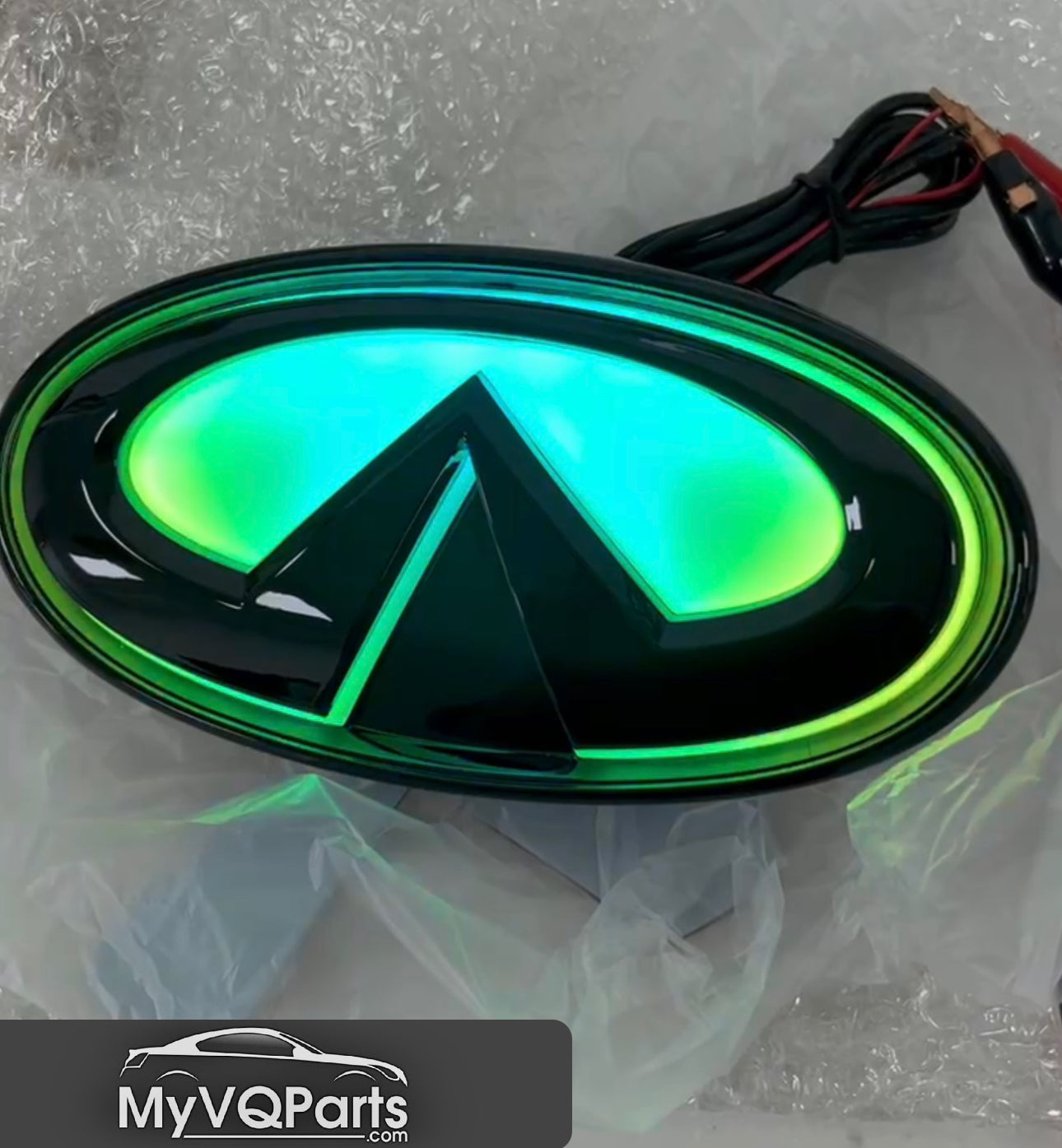
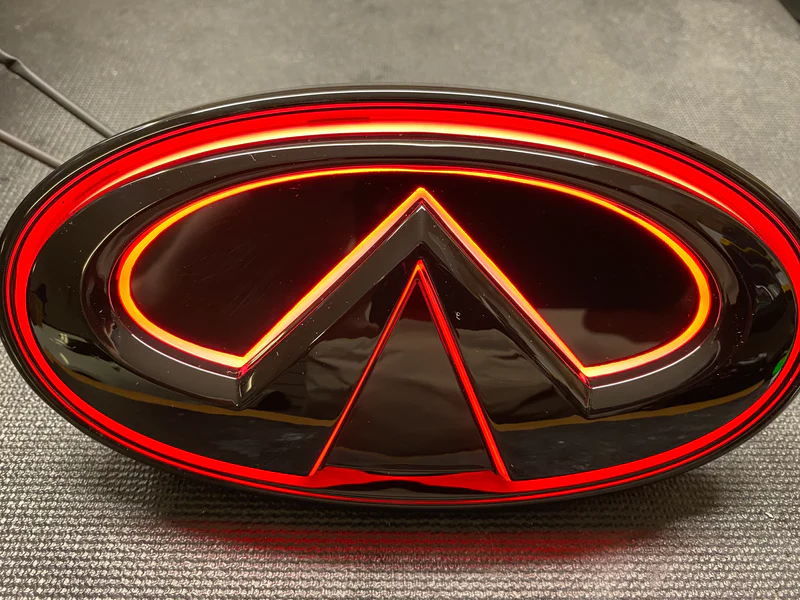
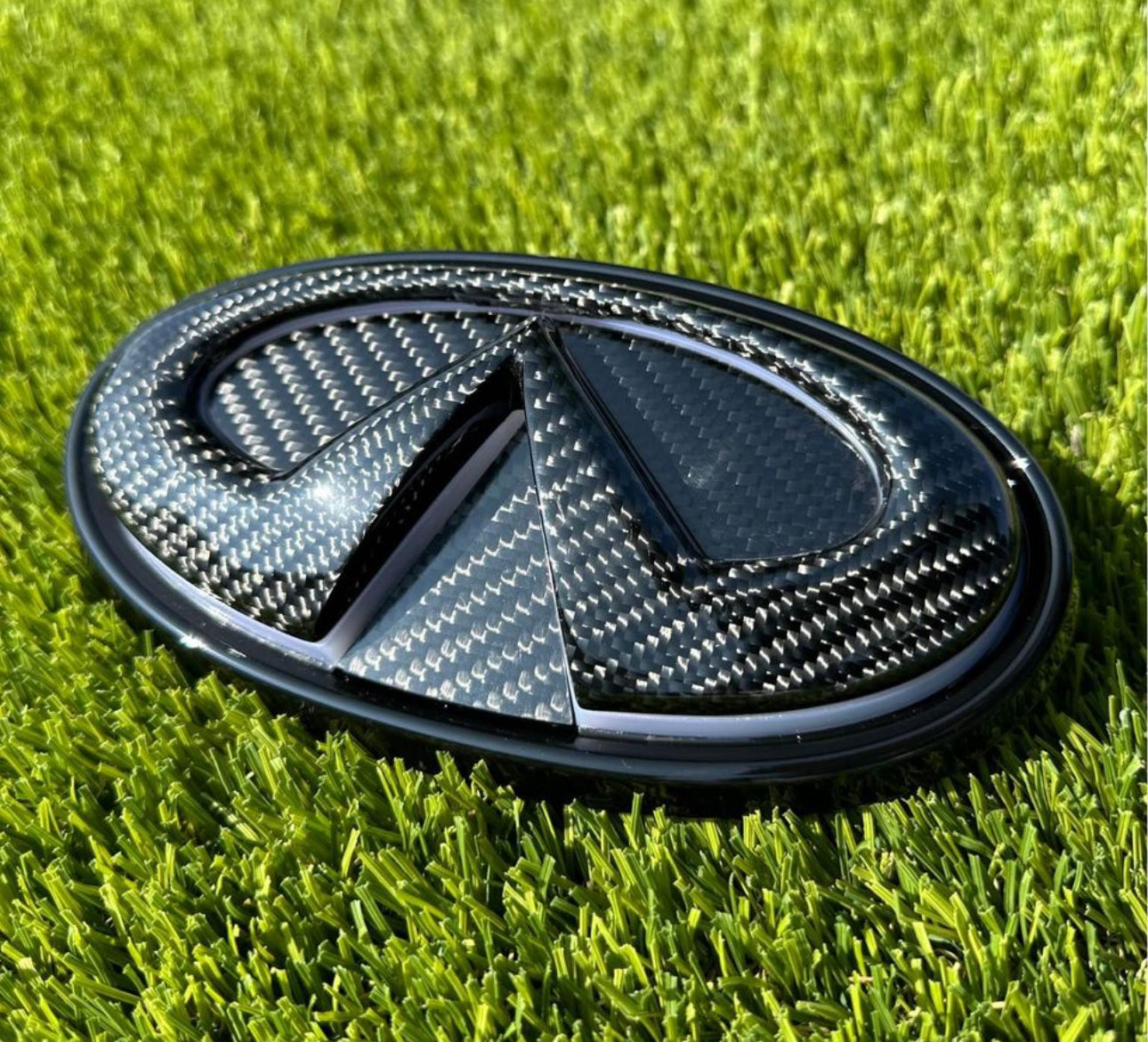
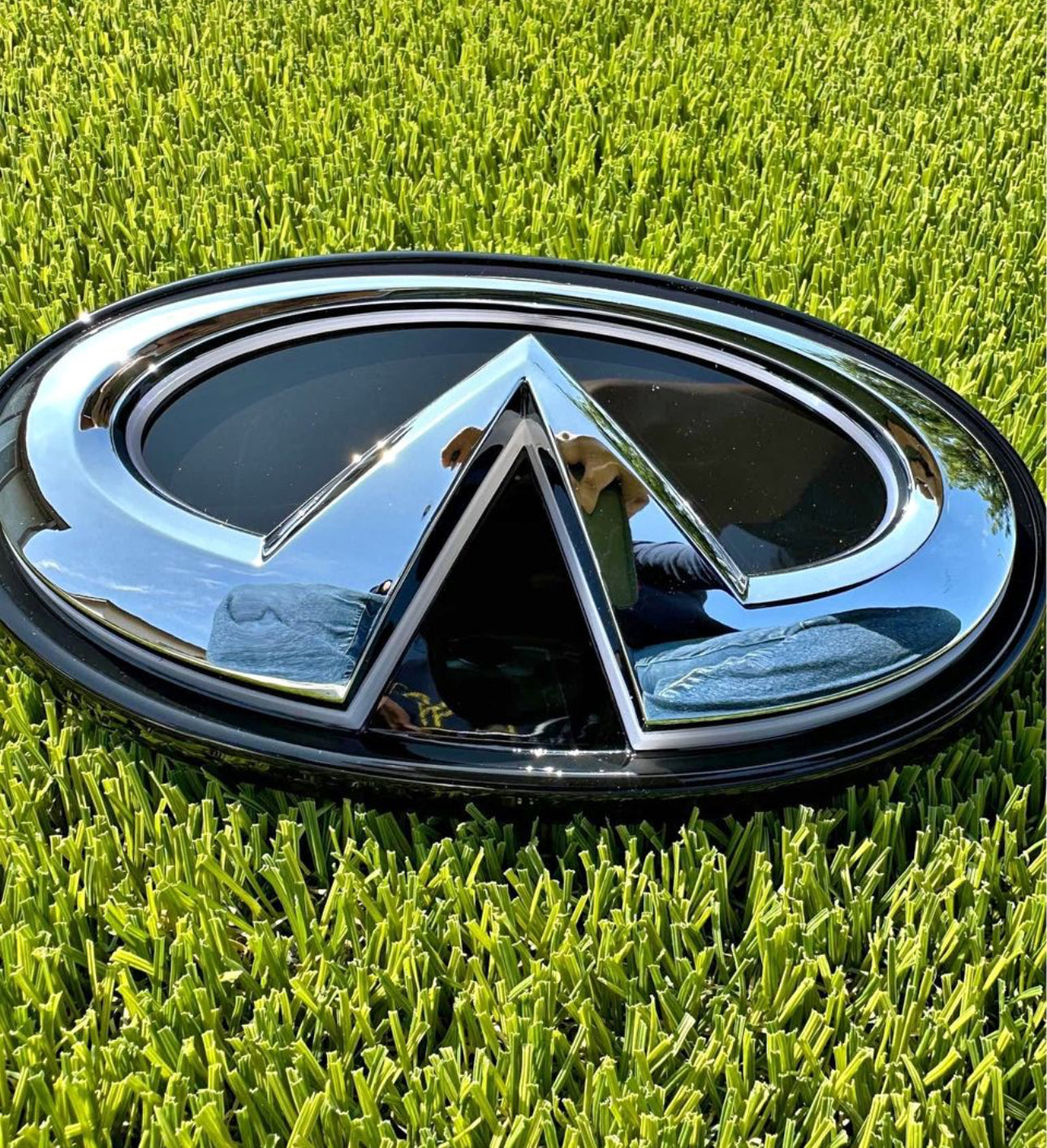
Upgrade your Infiniti Q50, Q60, or Q70 with the MyVQParts LED Emblem, available in a variety of LED options and finishes to complement your vehicle’s style. Designed for perfect fitment and crafted with high-quality LEDs, this emblem adds a unique, modern touch to your front end.
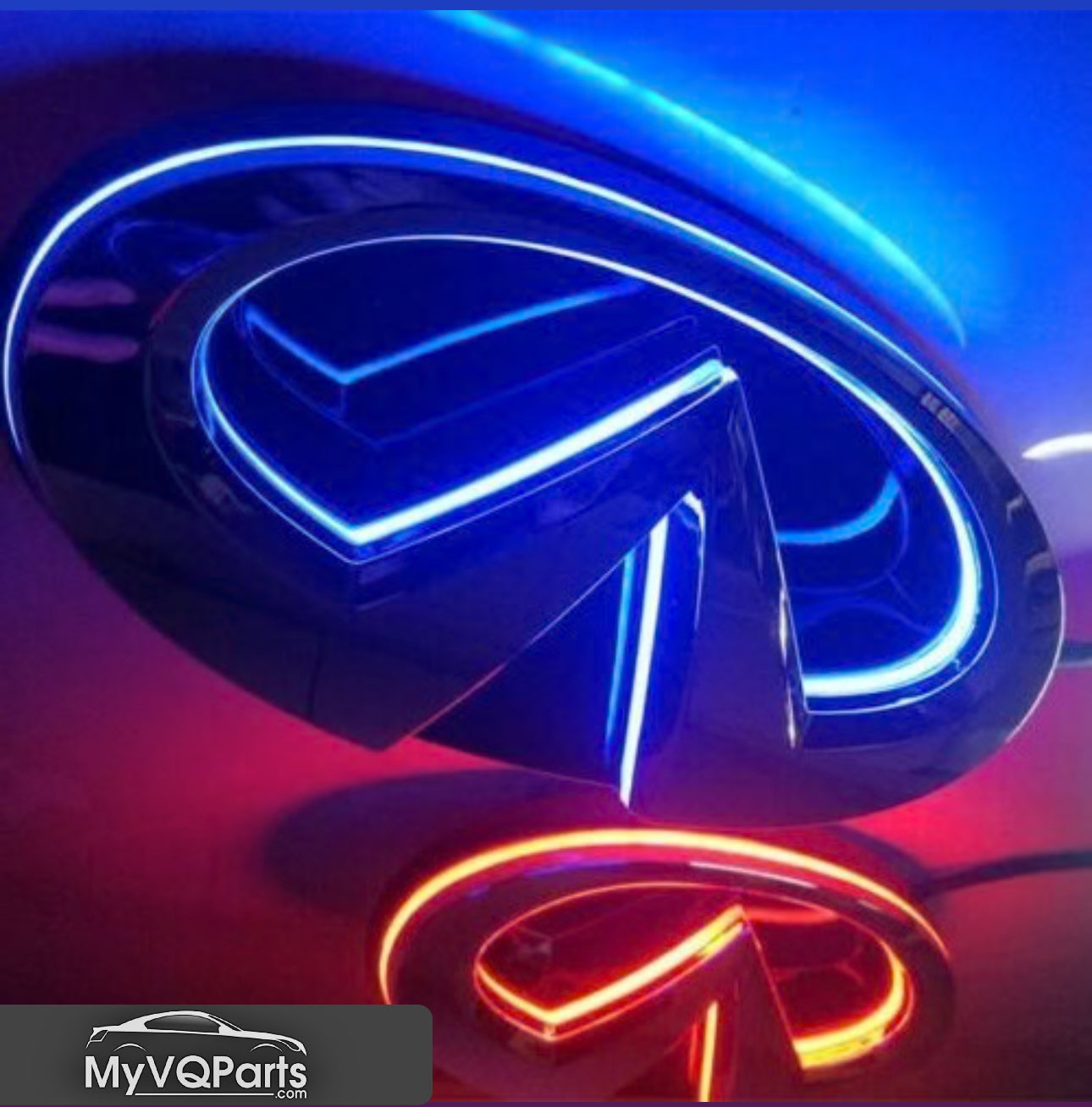
Available LED Options:
• Cool White LED
• RGB LED (color-changing)
Emblem Finishes:
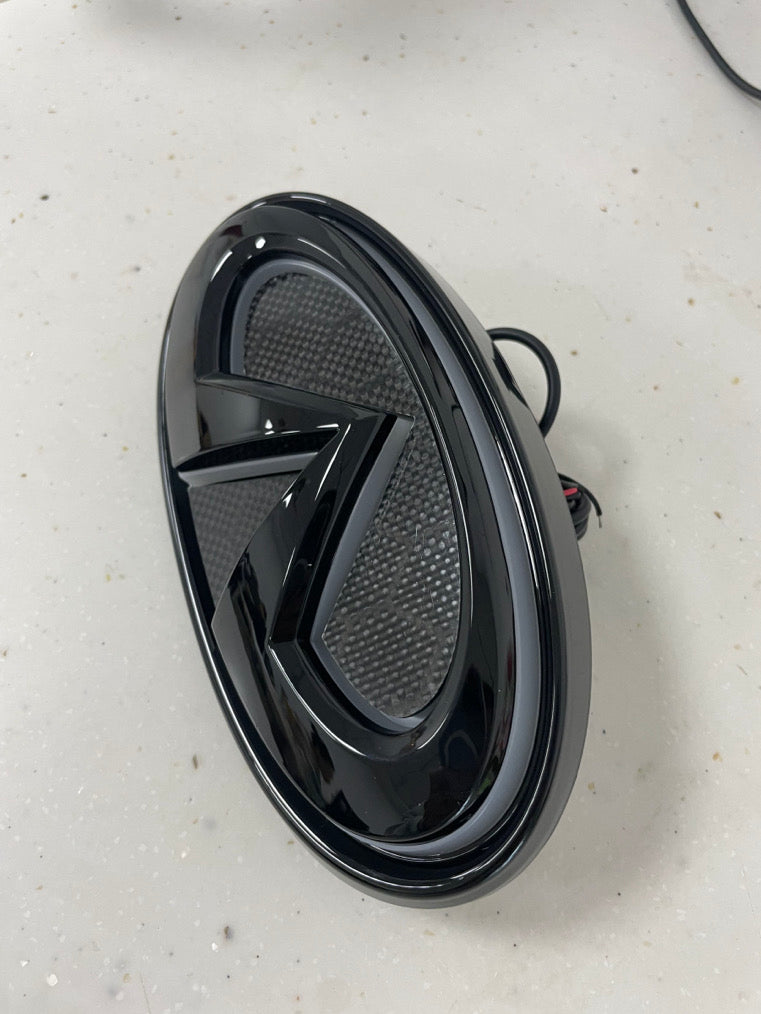
• Black
• Chrome
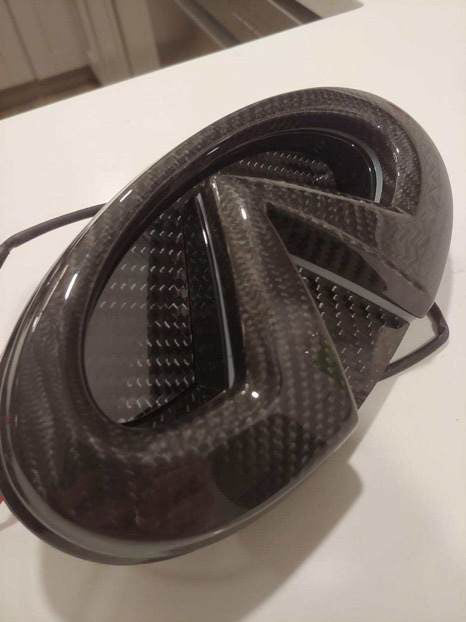
• Black + Carbon Fiber
• Chrome + Carbon Fiber
• Full Carbon Fiber
Compatibility:
• 2014-2017 Infiniti Q50/Q60/Q70
• 2018+ Infiniti Q50/Q60/Q70
Important Note:
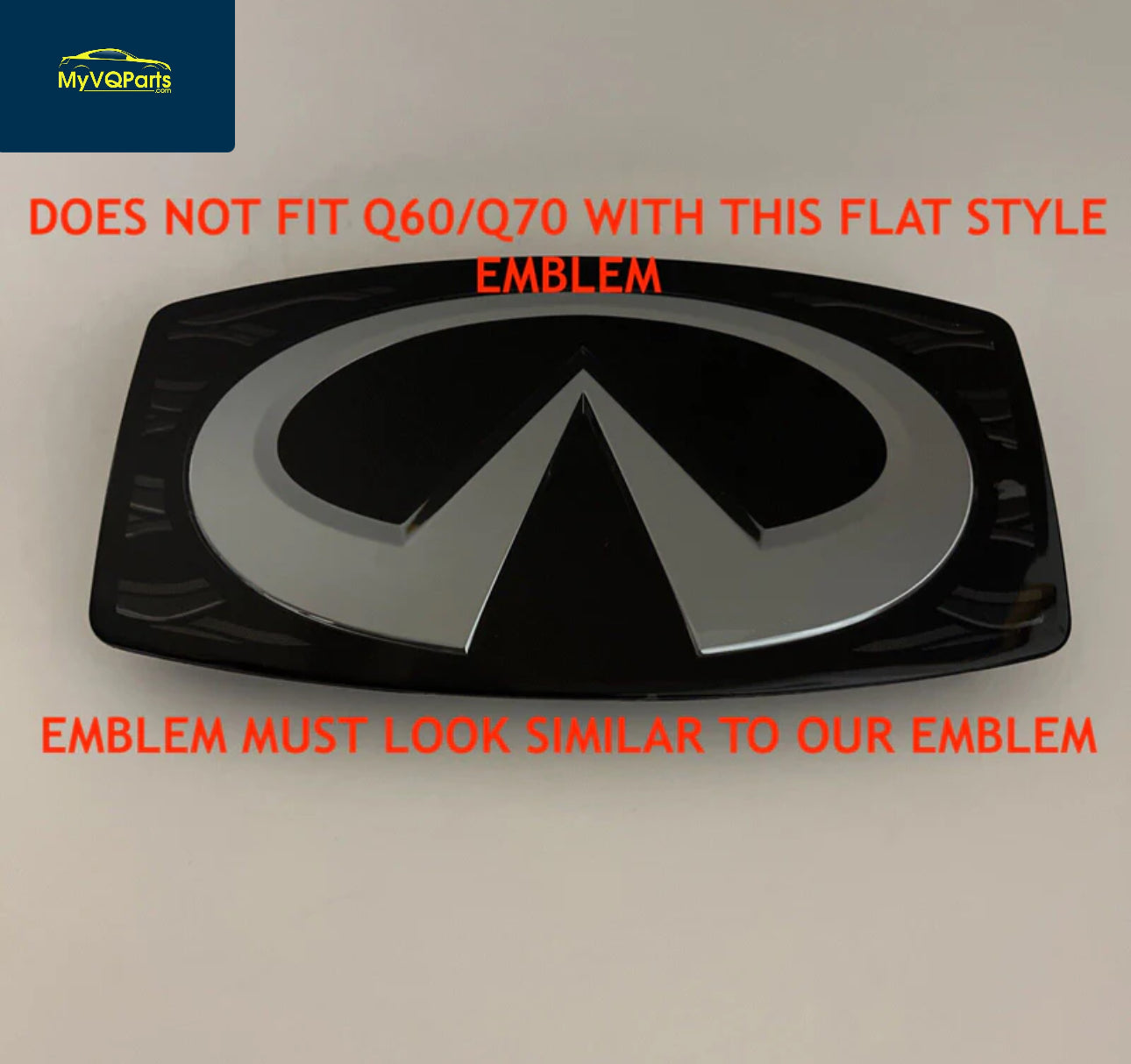
• Does not fit Q models with flat-style emblems. A replacement grille is required for installation (see pictures for reference).
Features:
• Seamless fitment for supported models.
• Vibrant LED lighting for enhanced visibility and style.
• Customizable options to match your vehicle’s design.
Installation Tip:
Route the positive wire to the parking light for easy and clean wiring.
Upgrade your Infiniti today with the MyVQParts LED Emblem and enjoy a sleek, modern look. Shop now at MyVQParts.com!
How to Install: MyVQParts Q50/Q60 LED Emblem - Cool White, RGB, & Carbon Fiber Options
- Clean the emblem mounting area thoroughly with isopropyl alcohol.
- Remove the factory emblem using a heat gun or hair dryer (60–90 seconds on low heat) to soften the adhesive, then use a plastic trim tool or dental floss to carefully release it.
- Clean off any remaining adhesive residue.
- Connect the LED emblem wiring harness — most plug directly into the factory emblem connector or a nearby 12V source (see included instructions for your specific model).
- Test the emblem function before final installation.
- Peel the backing from the 3M tape and press the emblem firmly into position.
- Hold for 60 seconds. Avoid washing the area for 24 hours.
Questions? Email us at support@myvqparts.com or visit our contact page.
Frequently Asked Questions
What vehicles is this compatible with?
Compatible with: 2014-2017 Q50, Q60, Q70. Contact us at support@myvqparts.com after ordering if you need fitment confirmation.
Is this real carbon fiber or carbon fiber look?
This is real 100% carbon fiber construction with a high-gloss UV-protective clear coat finish. Not a vinyl wrap or plastic imitation.
Does this require professional installation?
Most of our carbon fiber parts are direct bolt-on replacements. Basic hand tools are required. We recommend professional installation for body panels to ensure proper fitment and finish.
Is this a plug-and-play LED installation?
Yes, most of our LED products are plug-and-play with no splicing required. They use your vehicle's existing connectors for easy installation.
Will this LED cause a hyper flash issue?
Some LED turn signal replacements may cause hyper flash. A load resistor or LED-compatible flasher relay (sold separately) may be needed. Check the product description for details.
What is your shipping and return policy?
We offer free shipping on all orders — no minimum required. Returns accepted within 30 days for unused items in original packaging. Visit MyVQParts for full policy details.